158
4 Adjusting knitting machine
Basic settings
Control comb take-down
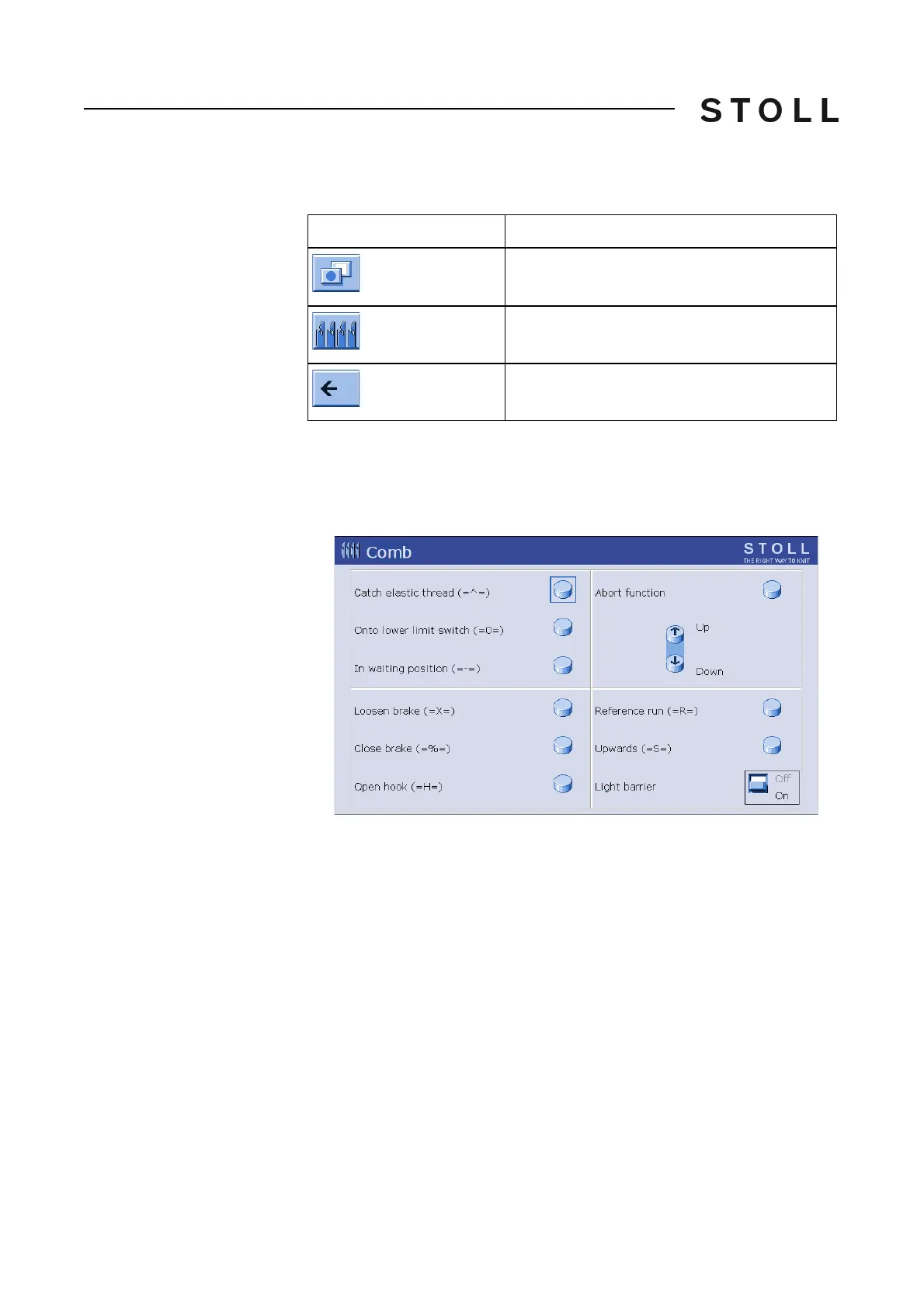
Control comb take-down It is always only possible to carry out one comb function.
Keys for controlling comb ta ke-down
Keys for controlling comb take-down
Control comb take-down:
1. Call up the "additional function keys" in the "Take-down" w
indow.
2. Call up the "Comb" window.
Comb window
"Comb" window
3. To activate a function, touch a key.
4. Return to the "Take-down" window.
Key
Function
Call up "Additional function keys"
Call up "Comb" window
Return to "Take-down" window



 To Next Page