160
4 Adjusting knitting machine
Basic settings
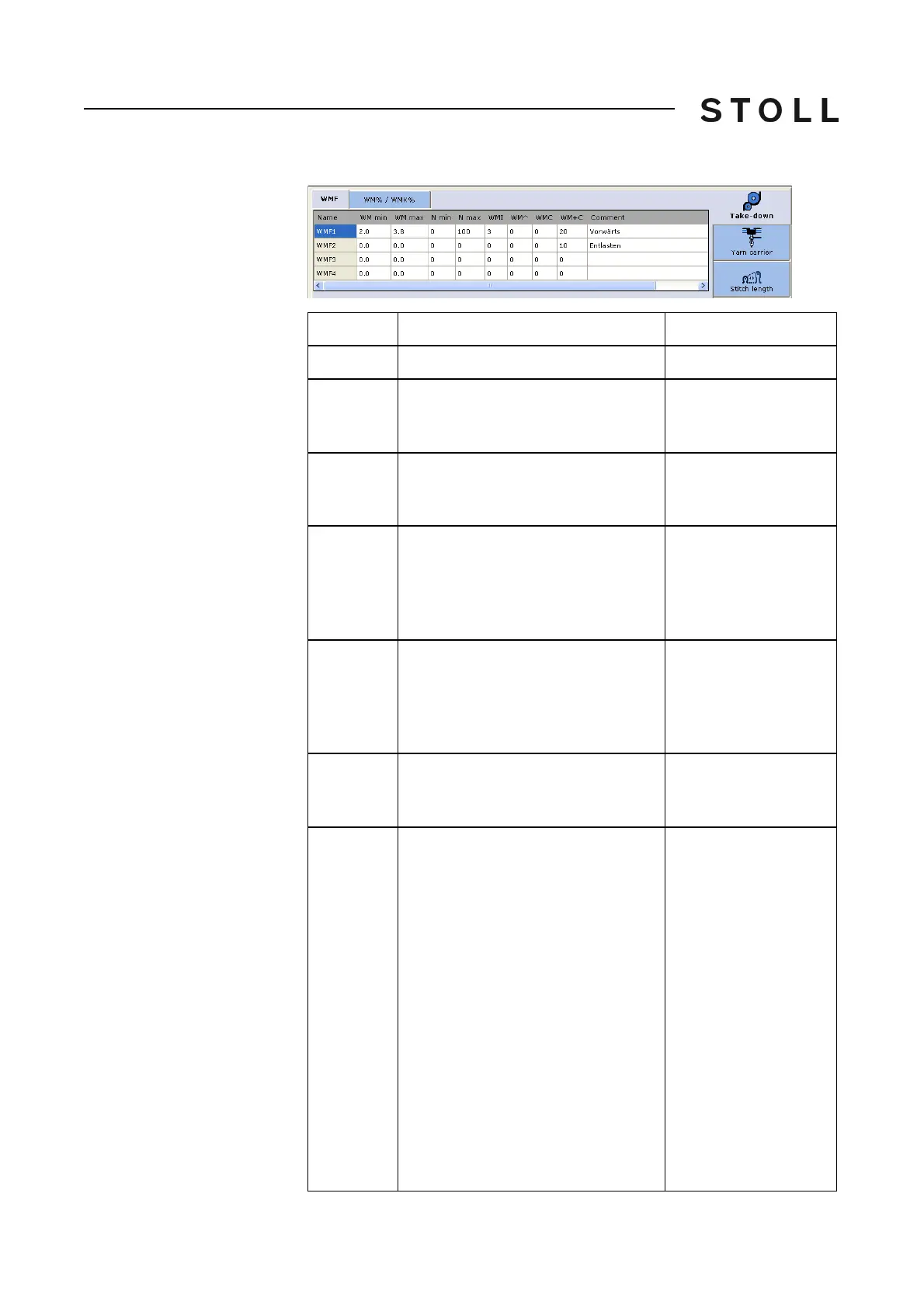
Fabric take-down menu (Setup2)
Fabric take-down menu
(Setup2)
WMF (Setup 2)
Explanation
Value range
WMF…
Fabric take-down function
WMF1 to WMF50
WM min
Minimum fabric take-down value
(with Fully Fashion)
Minimum value: 0
Maximum value: 31.5
Step width: 0.1
WM max
Maximum fabric take-down value
(value must always be specified)
Minimum value: 0
Maximum value: 31.5
Step width: 0.1
N min
Minimum quantity of needles
(with Fully Fashion)
Minimum value: 0
Maximum value:
Needle num
ber of the
CMS
Step width: 1
N max
Maximum quantity of needles
(with Fully Fashion)
Minimum value: 0
Maximum value:
Needle num
ber of the
CMS
Step width: 1
WMI
Fabric take-down impulse
Minimum value: 0
Maximum value: 15
Step width: 1
WM^
Open the brake of the active take-
down system (main take-down or
comb take-down) for a maximum of
2.5 seconds, take-down roller or comb
take-down turn back by a maximum
number of the indicated degrees
(depending on the fabric tension and
the fabric take-down value).
CMS 5xx, 7xx, 8xx, CMS ADF-3: 9-60
de
grees
CMS 9xx: 9-120
degrees
If either of both the conditions is
fulfilled, then the brake is
closed
again
.
Fabric take-down value (n=0-31.5)
becomes active again at the
reversion.
No turning back: 0
Minimum value: 9
Maximum value: 120
Step width: 1



 To Next Page