178
4 Adjusting knitting machine
Basic settings
Changing a value The values are changed by means of a virtual keyboard. If a value can be
changed, a keyboard bar which allows a value to be entered, is displayed in
the title bar of the menu.
Numerical keyboa rd
Numerical keyboard
Input elemen ts
Input elements
Changing a value:
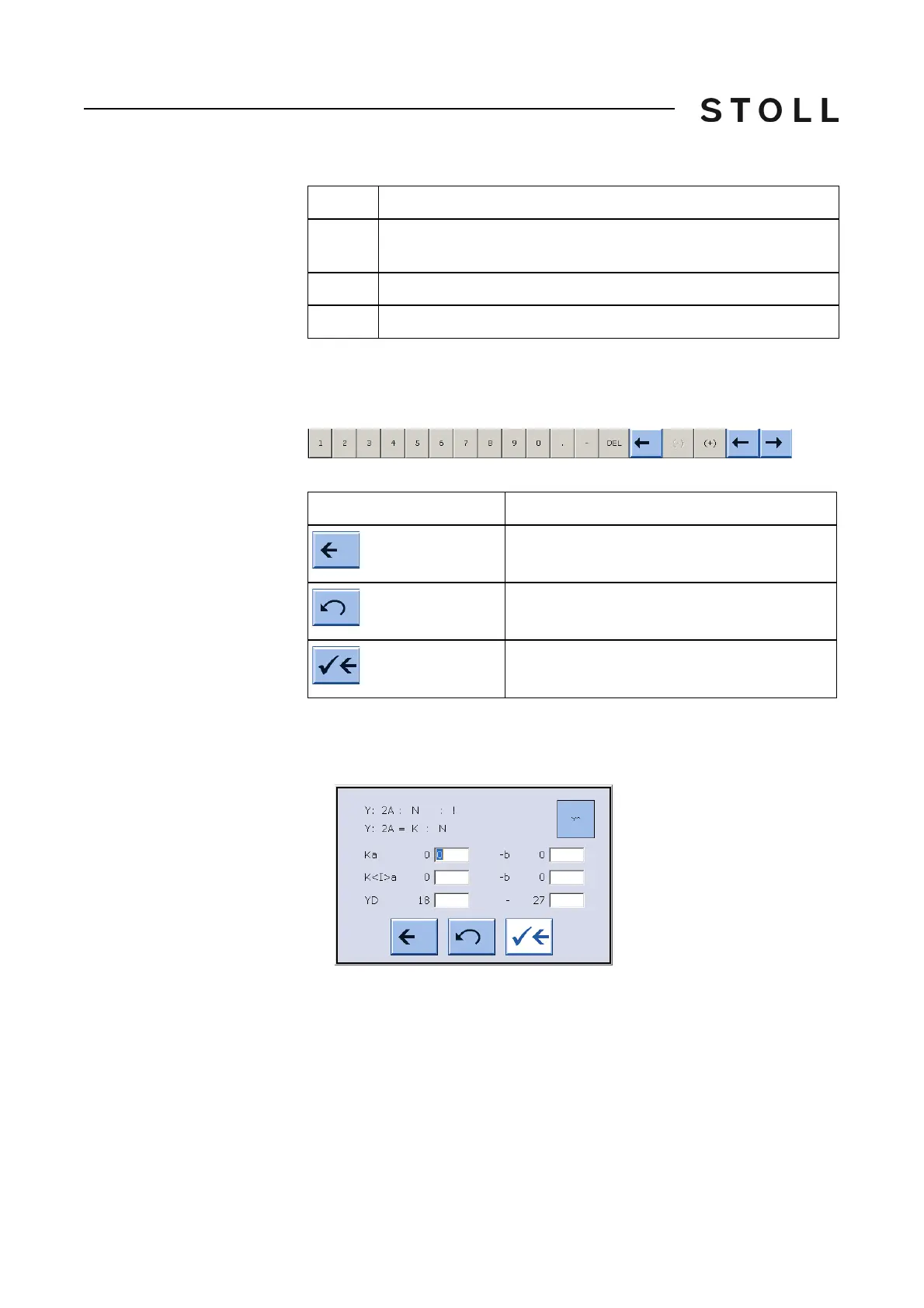
1. Tap the corresponding field. The setting window a
ppears, for example:
Yarn carrier window
"Yarn carrier" window
2. The keyboard bar appears in the title bar. Use it to carry out the changes.
3. Confirm input.
6
Actions for yarn carrier plunger, fabric take-down, comb take-down
and auxiliary take-down
7
Call up "Stitch length" window
8
Additional yarn carrier distance for fully fashion knitting
Area
Explanation
Element
Function
End setting process without saving changes
Undo a change, the previous value is displayed
again
End setting process and save changes



 To Next Page