187
Adjusting knitting machine 4
Basic settings
Racking correction (Setup1)
Racking correction (Setup1)
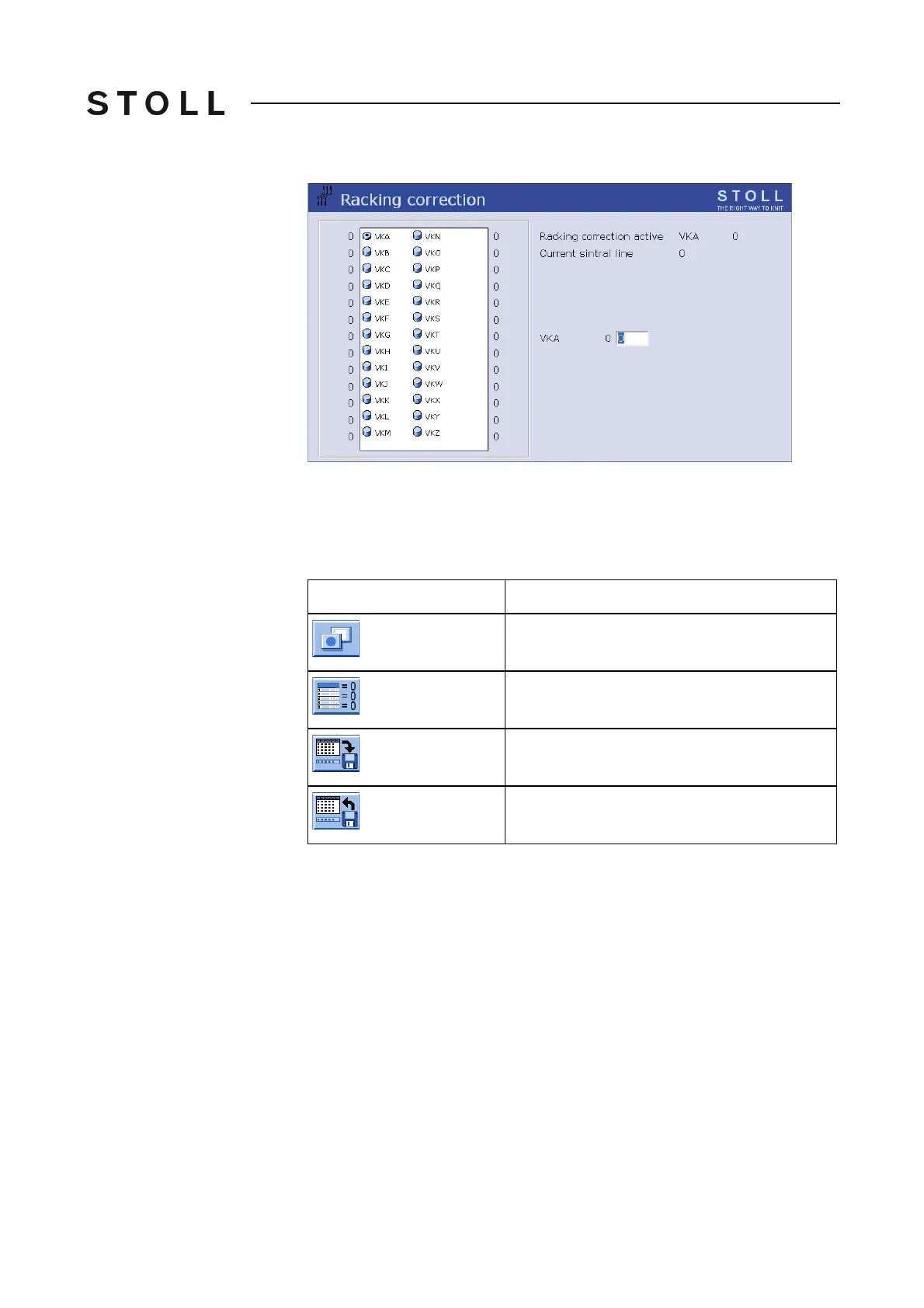
Racking co rrection window
"Racking correction" window
Saving/loading racking
corrections (Setup1)
The racking corrections are not only pattern-dependent, but also machine-
dependent. As a result, these settings can be saved on the hard disk or copied
back from it.
Buttons for sa ving/loading racking correc tions
Buttons for saving/loading racking corrections
1. Call up the "Additional function keys" in the "Racking correction" window.
2. Tap the desired button.
Key
Function
Call up "Additional function keys"
Delete all racking corrections
Save racking corrections on hard disk
Copy back racking corrections from hard disk to
machine memory



 To Next Page