219
Adjusting knitting machine 4
Advanced adjustments
9. Lay the cable harness into the retainer. This prevents the cables at the
support (3) from rubbing and being damaged.
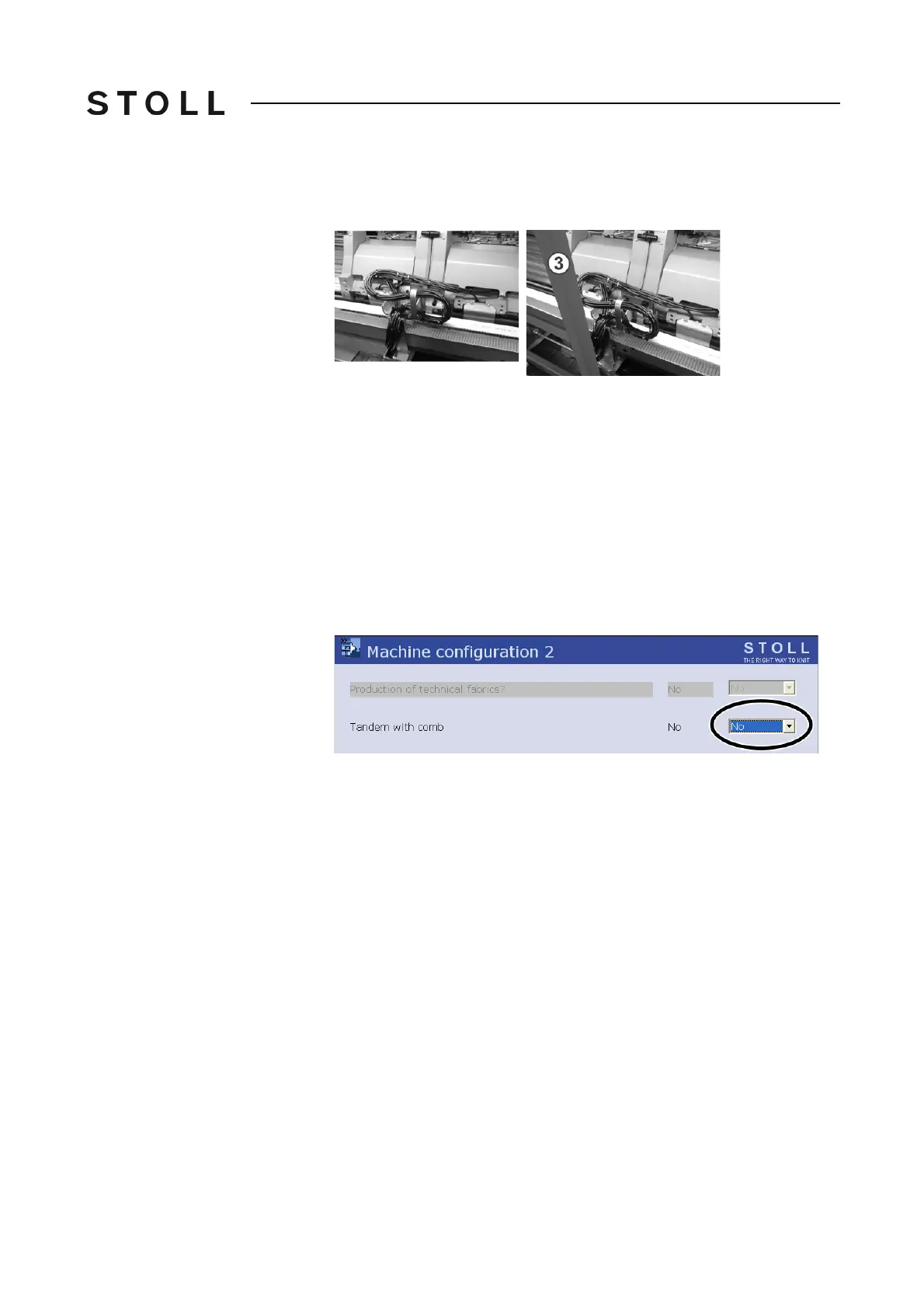
Lay loom o f cables in to retainer
Lay loom of cables into retainer
10. Close the rear panel.
11. Switch on 40 V power supply.
12. Call up the "Main menu".
13. Call up the "Service" menu.
14. Call up the "Basic settings" menu.
15. Call up the "Machine configura
tion 2" menu. Ch
eck the setting in the
"Tandem with comb" field and change if necessary.
"Yes" - Machine works with the comb take-d
own
"No" - Machine is working without comb take-down
Tandem without comb setting
"Tandem without comb" setting
16. Confirm input.
17. Call up the "Reference runs" menu f
rom the "Service" menu.
18. Press the "SR!>" key and start the
machine with the engaging rod.
The carriage assembly runs in t
he creep speed until it automatically
stops and the message "Reconfiguration" appears on the display. The
control adjusts to the new coupling width. After a short time the
message disappears again.
19. Move carriage to the left. Thereby in the window "Reference runs" tap on
th
e key "S<" and start machine with the engaging rod.
20. If the carriage is located outside the needle bed, stop the machine.
21. I
n the window "Reference runs" tap on the key "S>". Pull up the engag
ing
rod for short. The carriage may run only a few centimeters towards right.
The reference run is completed.
22. Loa
d the knitting program.
Further information:
Calling up yarn carrier assignment and allocation [82]



 To Next Page