229
Adjusting knitting machine 4
Advanced adjustments
Which yarn carriers are located on the machine.
Which yarn carriers are
located on the machine.
Carry out this section:
with machi
nes without clamping and cutting bed
if the clamping a
nd cutting bed is switched off
Check the yarn carrier equipment before the production s
tarts.
It is possible that the number of the yarn car
riers has changed:
several yarn carriers were removed for the previous pattern
more (or less) yarn carr
iers are needed for the new pattern
The computer has to know about the new
yarn carrier equipment to be able to
allocate its specific braking value to every yarn carrier and also to a new yarn
carrier.
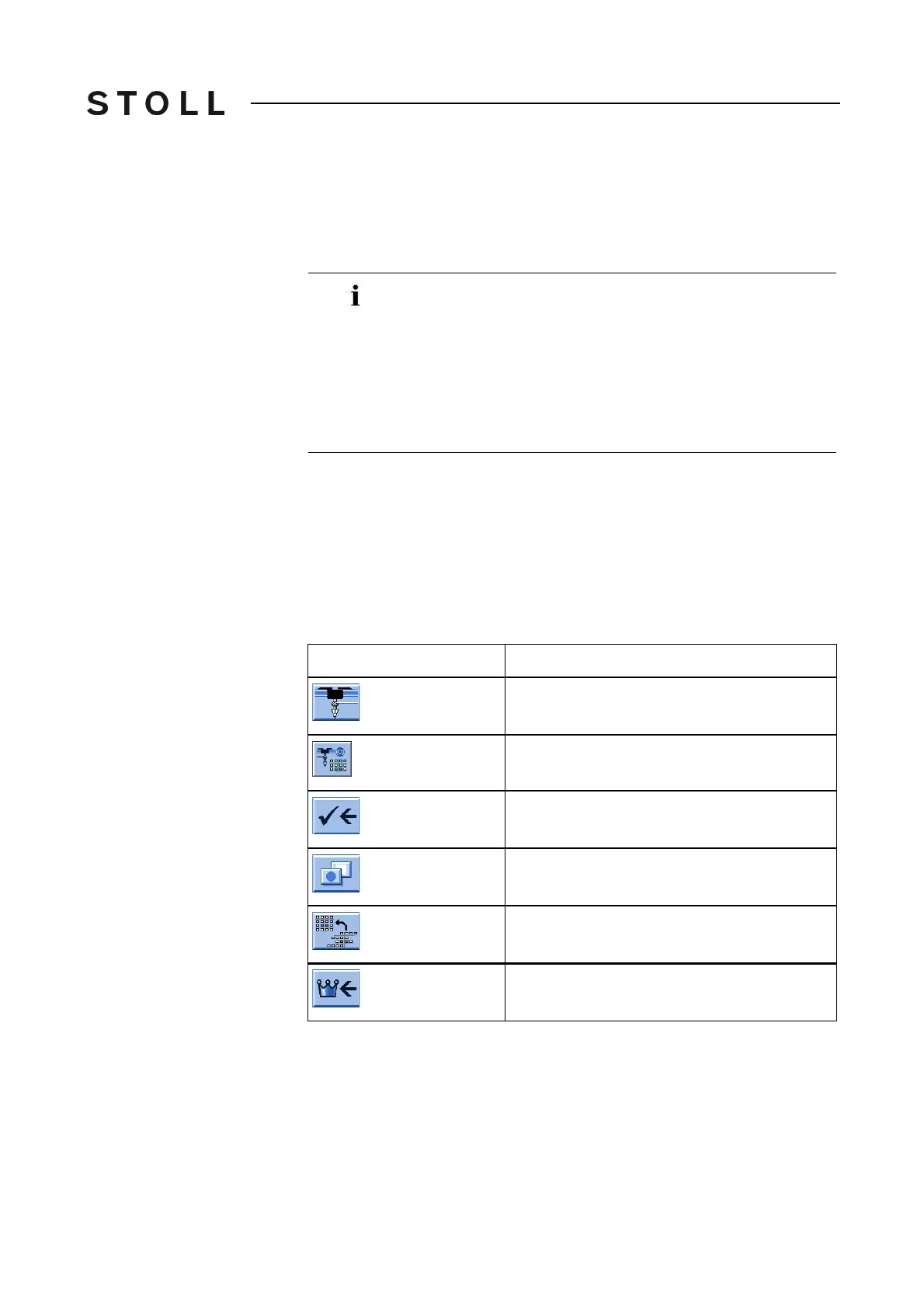
Keys for calling up the yarn carrier braking values
Keys for calling up the yarn carrier braking values
Only with these machines you can change the yarn carrier
equipment.
With all the other machines there is predefined a permanent
ya
rn carri
er equipment that cannot be changed.
The functions "Move", "Delete", "Activate" are dea
ctivated
(grayed out).
-> Skip this section. It continues on Page [232].
Key
Function
Call up the "Yarn carrier" window
Call up the "Yarn carrier braking values"
window
Save changes and end setting process
Call up "Additional function keys"
Reset the default setting of yarn carrier
arrangement
Call up "Main menu"



 To Next Page