231
Adjusting knitting machine 4
Advanced adjustments
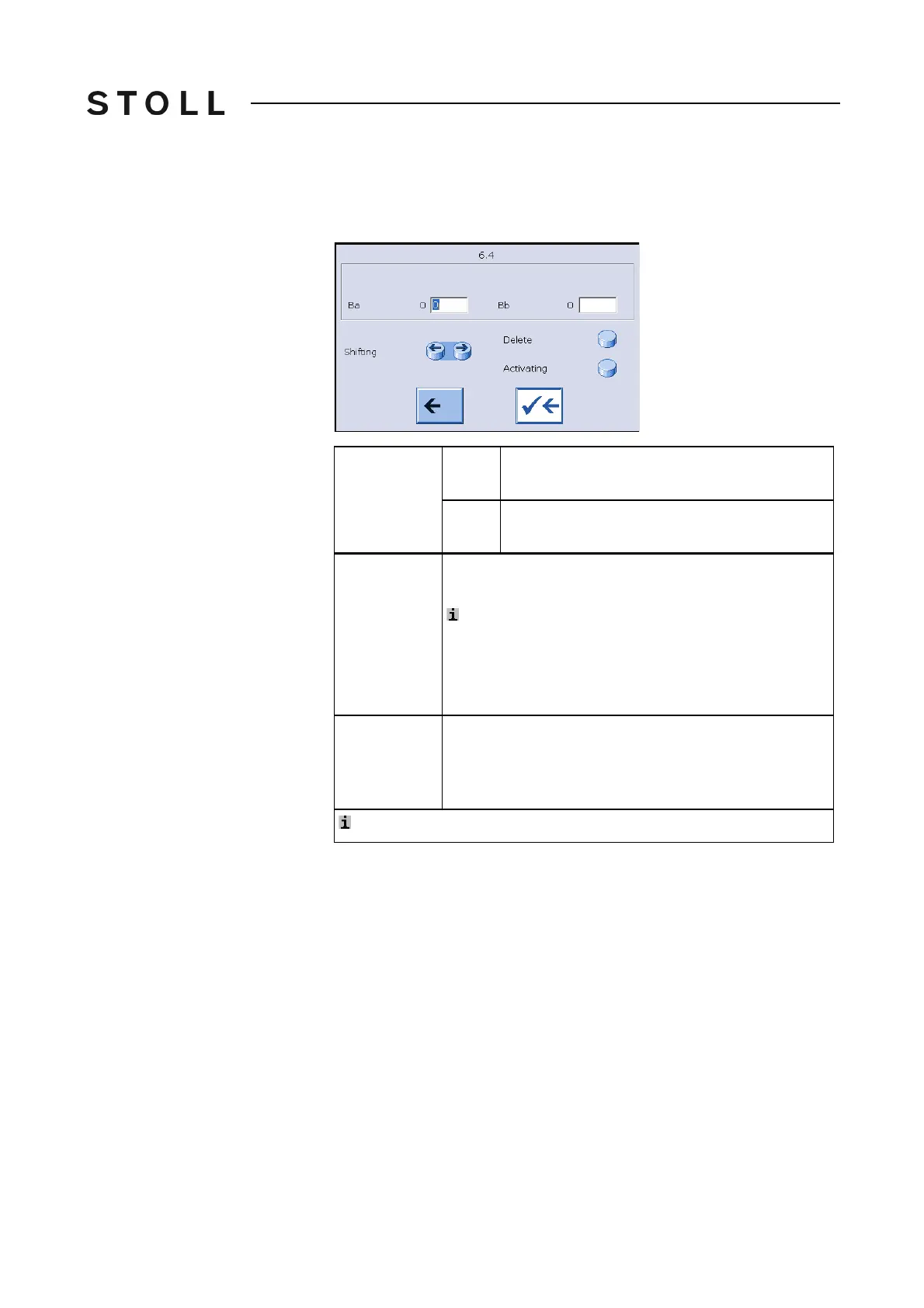
5. Click the required yarn carrier.
The setting window appears.
6. Save ch
anges and end setting proce
ss for this yarn carrier.
7. Repeat the steps 5 to 6 until all the yarn
carriers are located on their
correct positions (yarn carrier home position).
8. Call up "Main menu".
Further information:
Checking the braking values with the adjusting program [232]
Moving yarn
carriers
to the
Left
Only possible if no other yarn carrier is located
on the left hand-side.
to the
Right
Only possible if no other yarn carrier is located
on the right hand-side.
Delete yarn
carrier
Only the rightmost yarn carrier can be deleted.
Delete from the right to the left.
: Delete the yarn carrier only if you really are going to
remove
it from the machine. Its braking va
lues are
deleted.
If you reassembly the yarn carrier, then the braking
values must be redetermined.
Activate yarn
carrier
Reactivate a deleted yarn carrier.
Activate from the left to the right.
If two or more yarn carriers are to be activated, then
activate the yarn carrier furthest to the left first.
: If an action is not possible, the key is inactive (gray)



 To Next Page