257
Adjusting knitting machine 4
Working with files
Marking text A word or a text block is marked for being copied, moved or deleted.
1. To mark a word, tap the word twice.
2. To mark a line, tap the line th
ree times.
3. To mark a text block, drag your finger from the starting position to
the end
position.
- or -
On the 1st level of the SINTRAL editor, use both keys "Set begin
ning
of a
marking" and "Set end of a marking".
Deactivating marking ➜ To cancel a marking, touch any spot.
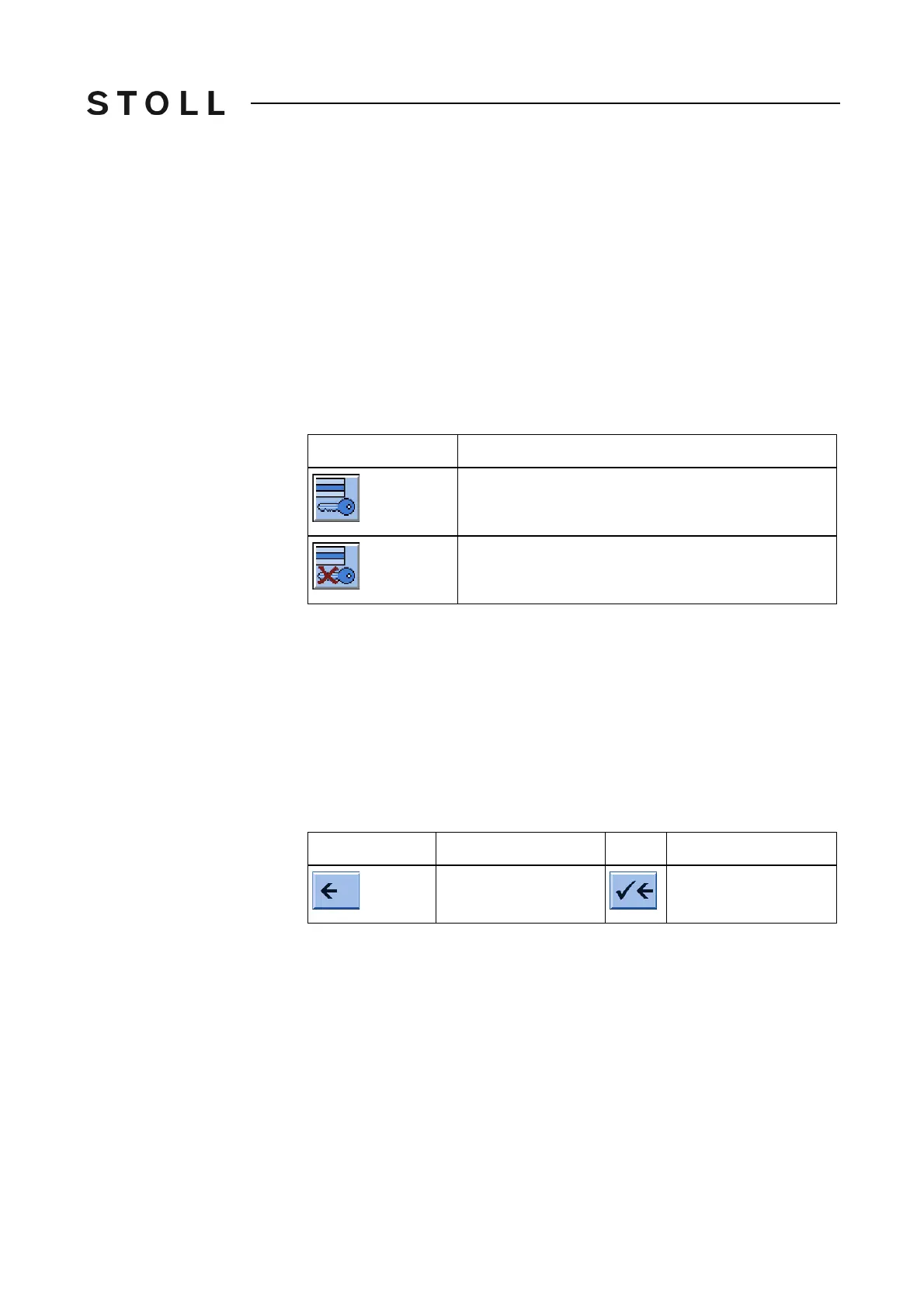
Setting/deactivating write
protection
Activate write prot ection and Deactiv ate write protectio n key
"Activate write protection" and "Deactivate write protection" key
➜ If a write-protected file is loaded, the information "Write protection"
appears in the status line of the SINTRAL editor.
Entries in selection window Selection windows are open when some keys are selected.
The following
entry is possible:
a text can be entered with the virtual keyboard
a selection occurs manually by tapping a key
The entri
es must be confirmed by the "Confirm entry" ke
y.
Function keys in th e select ion window s
Function keys in the selection windows
Key
Function
"Set Write Protection": Set write protection of the
selected file
"Deactivate Write Protection": Deactivate write
protection of the selected file
Key
Function
Key
Function
Return to the 1st level
in the SINTRAL editor
Confirm input and run
in the SINTRAL editor



 To Next Page