267
Adjusting knitting machine 4
Working with files
Work with files and folders:
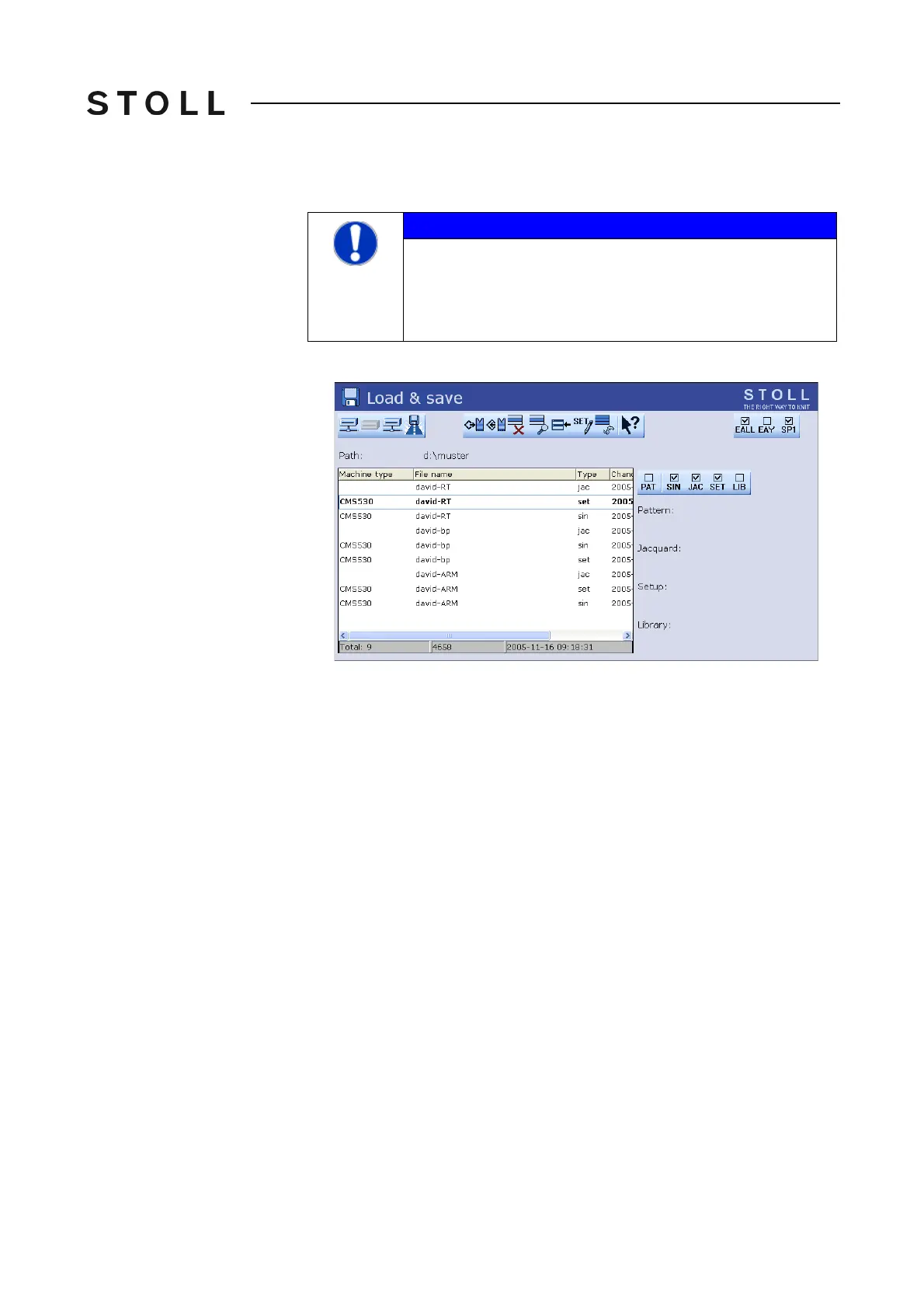
1. From the "Main menu" call up the "Load & Save" window.
Load & sa ve window
"Load & save" window
2. Set the desired path with one of the "Direct pattern folder selection" keys.
3. Use the PAT/SIN/JAC/SET/LIB keys to select whethe
r the entire pattern
of the current machine (PAT) or individual file types are to be listed.
4. Select file.
5. Select action.
6. If an additional prompt appears
, tap the "1" k
ey to confirm,
- or -
➜ Press the key "0" to cancel.
7. Ca
ll up "Main menu".
NOTICE
Data loss!
Files and folders might be deleted accidentally if you do not
proc
eed carefully!
➜ Create a back-up copy of each folder!



 To Next Page