268
4 Adjusting knitting machine
Working with files
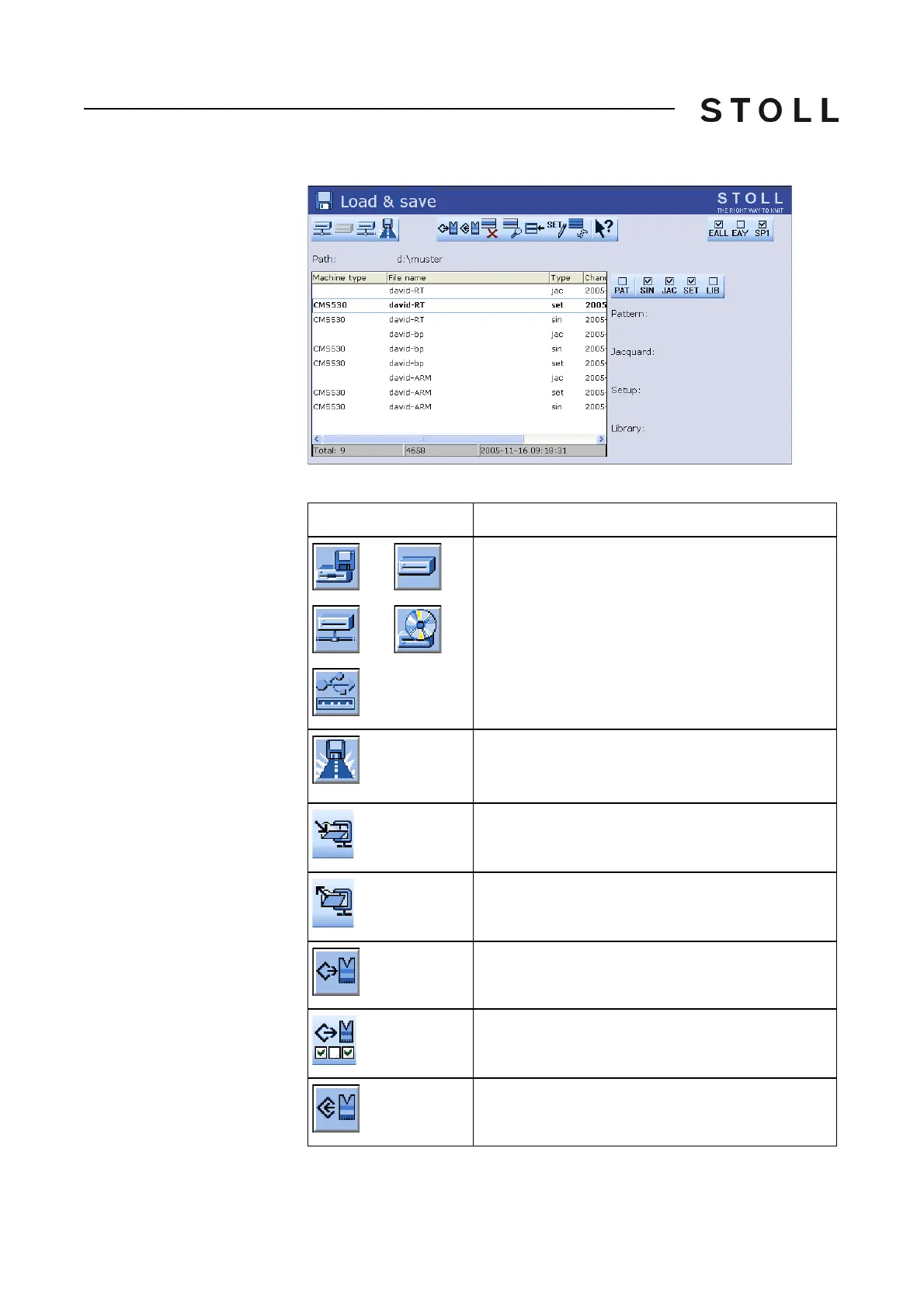
Actions in "Load & save"
window
"Load & save" window
Keys in Load & save window
Key
Function
"Direct folder selection":
predefined folder selection
"Current folder selection":
Open the dialog box for definition of the current
folder
Display the content of the Zip file (for Setup2)
Close the zip file (for Setup2)
Load selected file and accompanying pattern
elements
Load pattern with selected setup data (for Setup2)
Save selected pattern parts in the current folder



 To Next Page