292
4 Adjusting knitting machine
KnitLAN connection
Working on the M1:
1. The access to the KnitLAN directories ("D:\\Stoll\\M1\\KnitLAN\\Bootfiles"
and "Mc-ReadWrite") must be open to run the online connection from the
M1 to the OKC machines.
Select the directory, call up the Context Menu, Properties, Share
tab,
Sh
are Folder
2. In the Windows firewall you have to call up the firew
all settings and allow
the Stoll FTP service as an exception. (Start -> Control panel -> Windows
firewall -> Exceptions tab).
The program "Stoll FTP service" ca
n be found u
nder the installation path
of the M1 (e.g. "C:\Program Files\Stoll\M1\Bin\ftpservice.exe")
Further information:
Selecting the current folder [278]
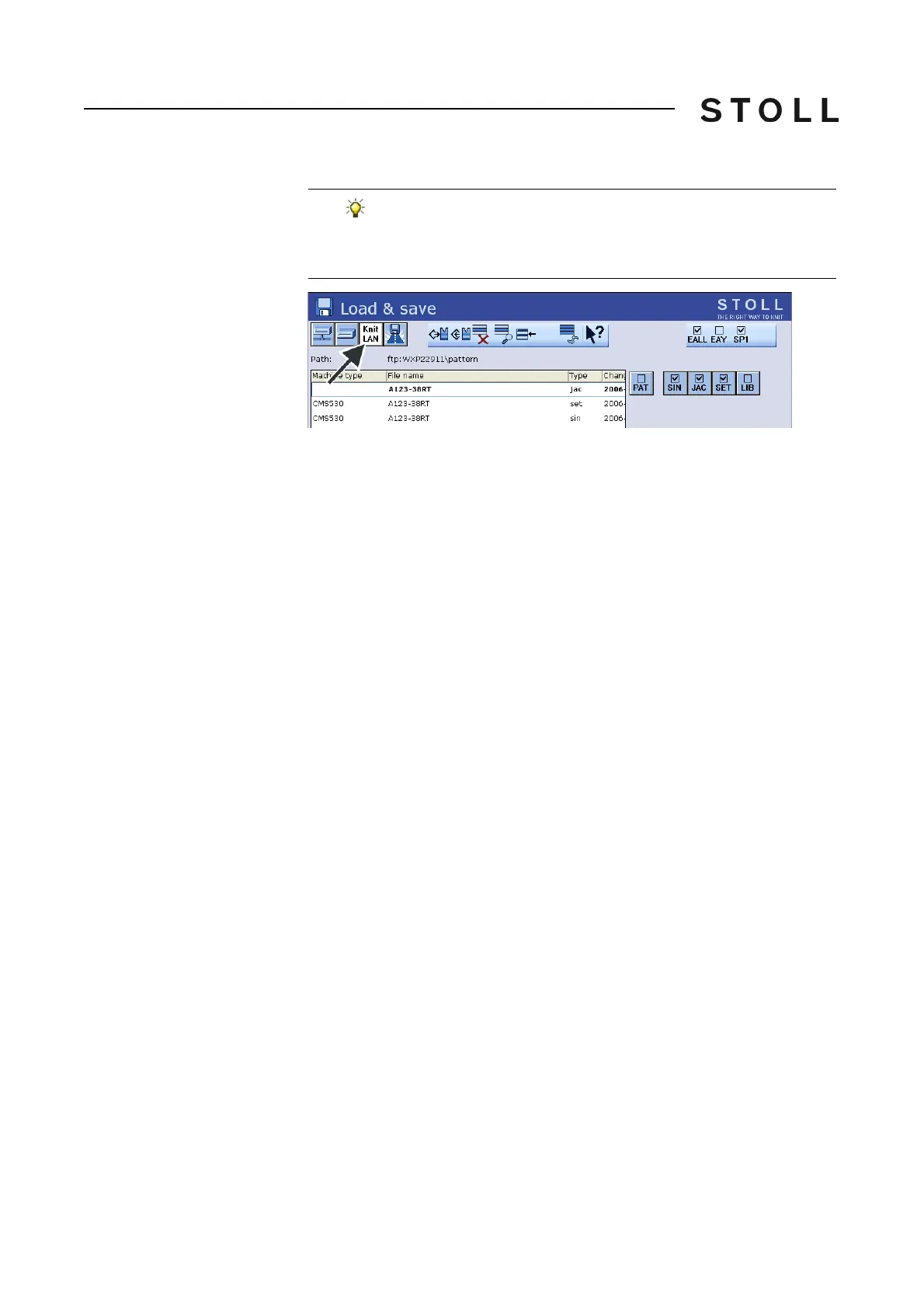
You can apply the KnitLAN connection to one of the "Direct
folder selection" keys. The key is indicated with the symbol
"KnitLAN". You can see the contents of the folder on the M1 in
the selection field.



 To Next Page