300
4 Adjusting knitting machine
Defining user profile
Examples of how a user
profile can be specified
Example 1:
The machine settings are to be blocked. To do this, block the four windows in
the selec
tion list.
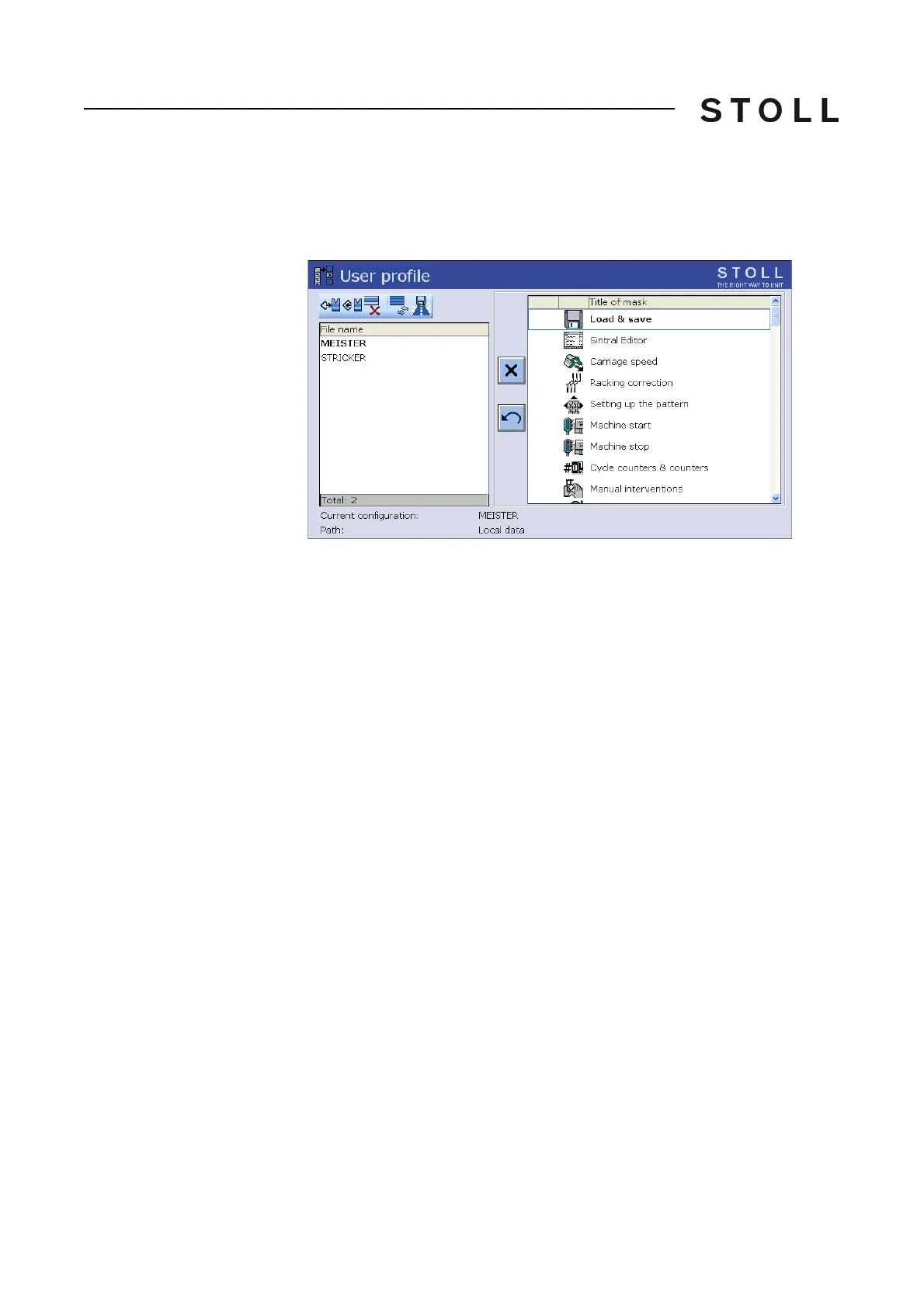
User profil e window
"User profile" window
Example 2:
When beginning work with user profiles, there is
an uncertainty as to which
windows are required for daily work and which are not. We suggest using the
following procedure:
1. First block all windows.
2. The knitter begins working with the machine.
3. If something needs to be changed in a window, the knitter repor
ts this
and
the window is enabled in the user profile.
4. Save the user profile.
5. Continue this stepwise determination of the user profile for a
certa
in period
of time. This may, for example, be for a working day or a week.



 To Next Page