317
Setup Data 5
Setup2 Editor
File tools
File tools
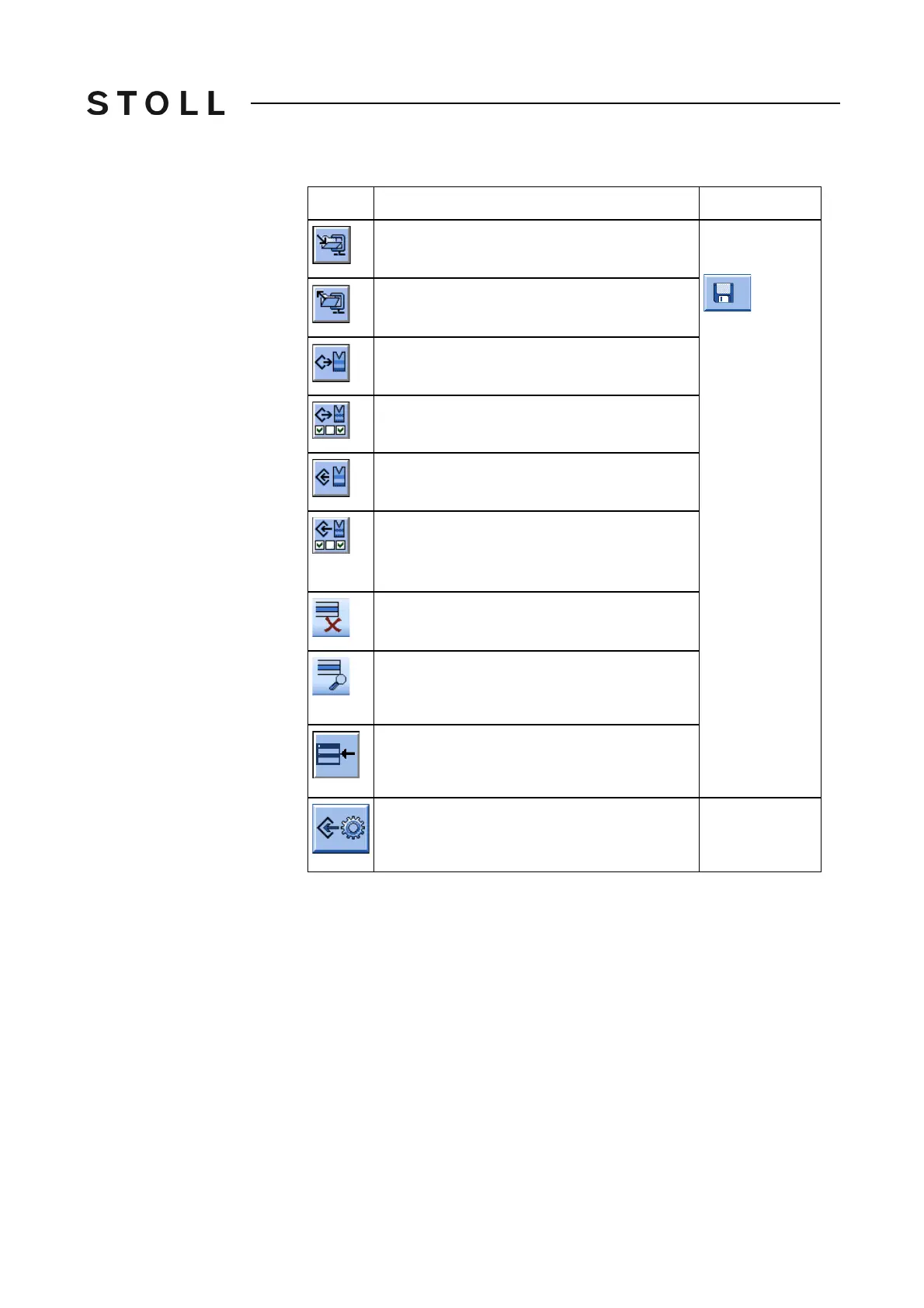
Explanation
Display the content of the Zip file
In the "Load &
save" window
Close the zip file
Load pattern
Load the pattern with selected Setup data
Save Pattern
Save the pattern with selected Setup data.
➜ Select the desired Setup data in the "Save
with configuration" dialog box
Deleting file
Delete selected file
Display selected file
With a Setup2 file (.setx) the Setup2
Editor
appears in the file mode
Add
Add selected file and corresponding pattern
elements to pattern already loaded.
Save the setup file
In the file mode
of the "Setup2
Editor" only



 To Next Page