316
5 Setup Data
Setup2 Editor
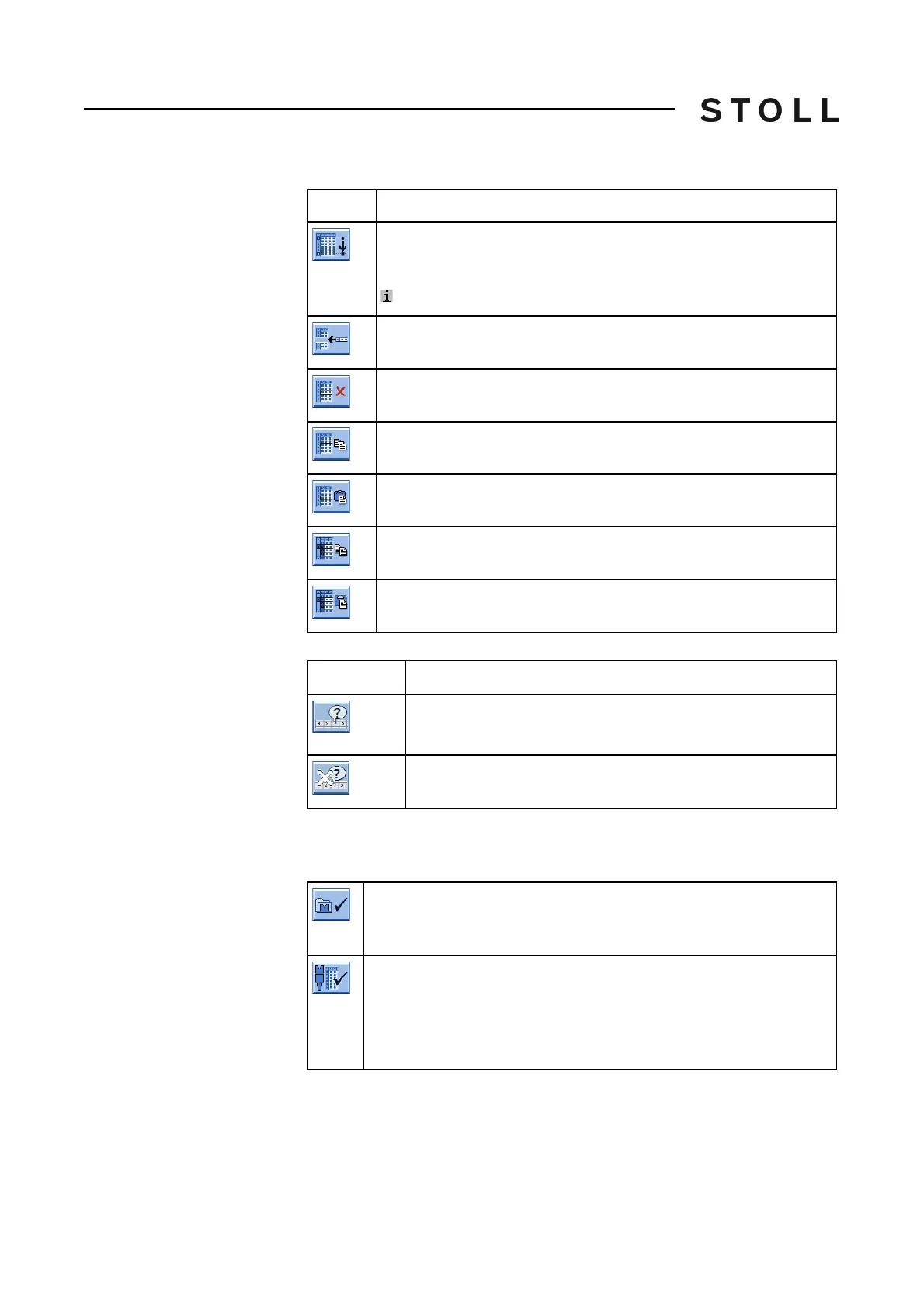
Table Tools
Table Tools
Activate/deactivate the display of the active "Don't Care" values
Activate/deactivate the
display of the active "Don't
Care" values
Apply a change to further patterns
Apply a change to further
patterns
If you made a change, you can apply it additionally to the setup files of the
other patterns or sequence elements.
Explanation
Go to row.
Select the desired line in the selection list
The cu
rsor jumps to the desired line of the table.
: Active with more than 21 lines.
Adding a table row
Delete the selected line
Copying the values (of a line)
Inserting the copied values
Copying several lines ("Yarn Carrier", "YD/YDI" and "YC/YCI" tab)
Pasting the copied lines ("Yarn Carrier", "YD/YDI" and "YC/YCI"
tab)
Explanation
Activate the display of the active "Don't Care" values
Only with the tab: WMF, W+F, YDI, YCI, VCI
Deactivate the display of the active "Don't Care" values
A dialog box appears.
After confirming with "Yes", the change is saved in the current
pattern and in all patterns of the current folder.
With a sequence, the icon changes its appearance.
A dialog box appears.
If you confirm with "Yes", the change is sa
ved in the current
sequence element and in all the sequence elements of the
sequence.



 To Next Page