315
Setup Data 5
Setup2 Editor
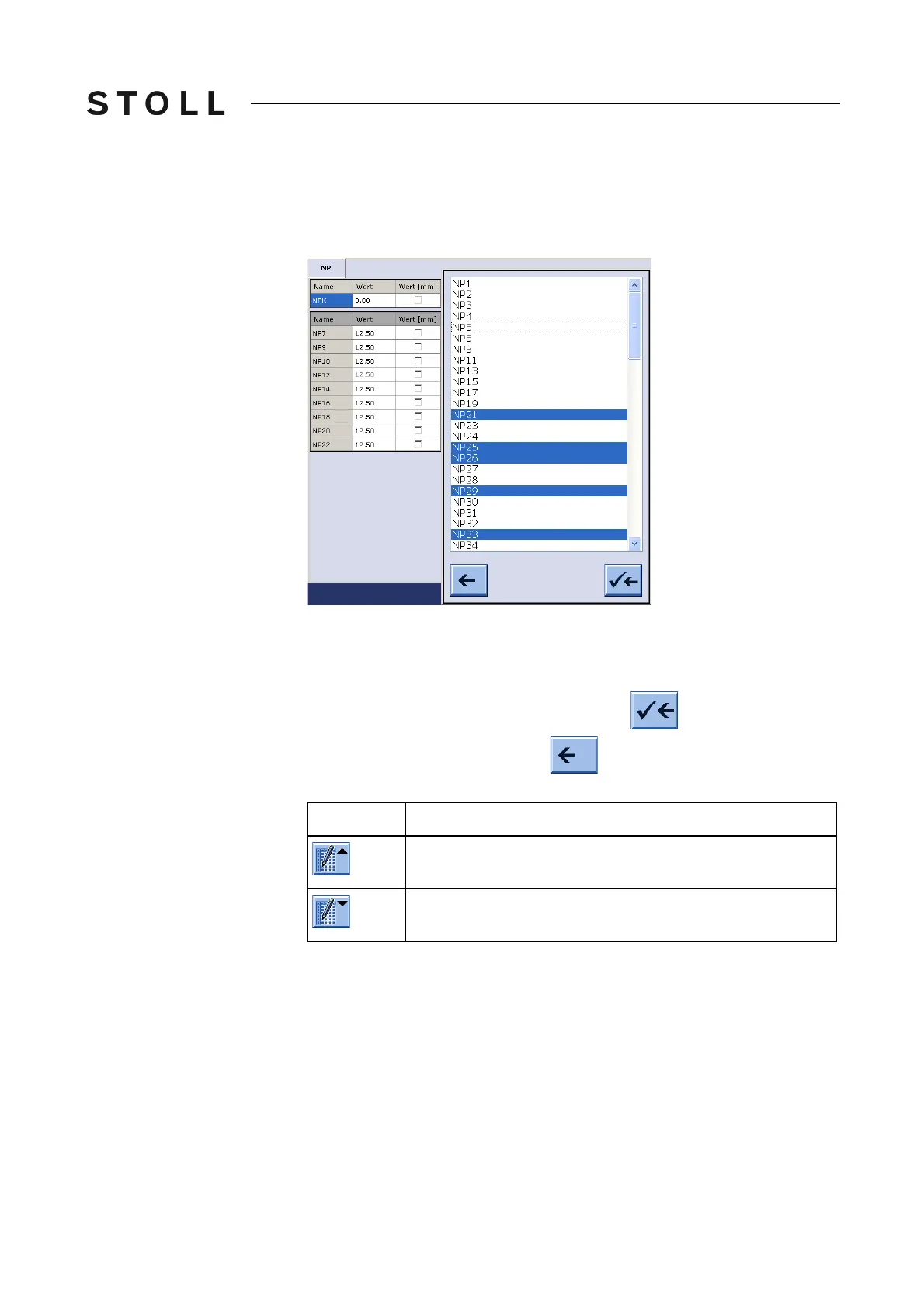
Adding a table row
Adding a table row You will find only those entries in the selection list which are not yet part of the
table.
Example:
Some NP are part of the table.
Select NP indices in the "Add Rows" dialog box from those not yet
listed in t
he
table.
Multiple selections are possible.
Apply the selected NP indices to the table with .
You can cancel the procedure with .
Switching on or off the table t ools
Switching on or off the table
tools
Further information:
Table Tools [316]
Explanation
Switch on the table tools
Switch off the table tools



 To Next Page