366
6 Maintenance of the knitting machine
Lubricate knitting machine
Error messages If an error occurs in the area of the central lubrication, it is displayed on the
touch screen.
Error me ssages for central lubricati on
Error messages for central lubrication
Switching off Central Lubrication
Switching off Central
Lubrication
The central lubrication can be switched on and off. If it is switched off, observe
the following points:
monitoring of the lubrication interval is
automatically activated.
Set lubricating interval [362]
(path: "Central lubrication" window -> addition
al function keys ->
"Lubricating" window)
Central lubri cation switche d off: Manual lubricati ng tasks 5xx, 5inches
The following lubrication tasks must be performed manually:
– Oil needle bed [367]
– Oil jack bed [368]
Error Message
Explanation
Central lubrication oil
reservoir almost empty
If a certain level is undershot, this message
appears. It is always displayed until the oil is
filled up or the oil level reaches the "Min" mark.
The machine then stops and the "Oil reservoir
empty" error message appears.
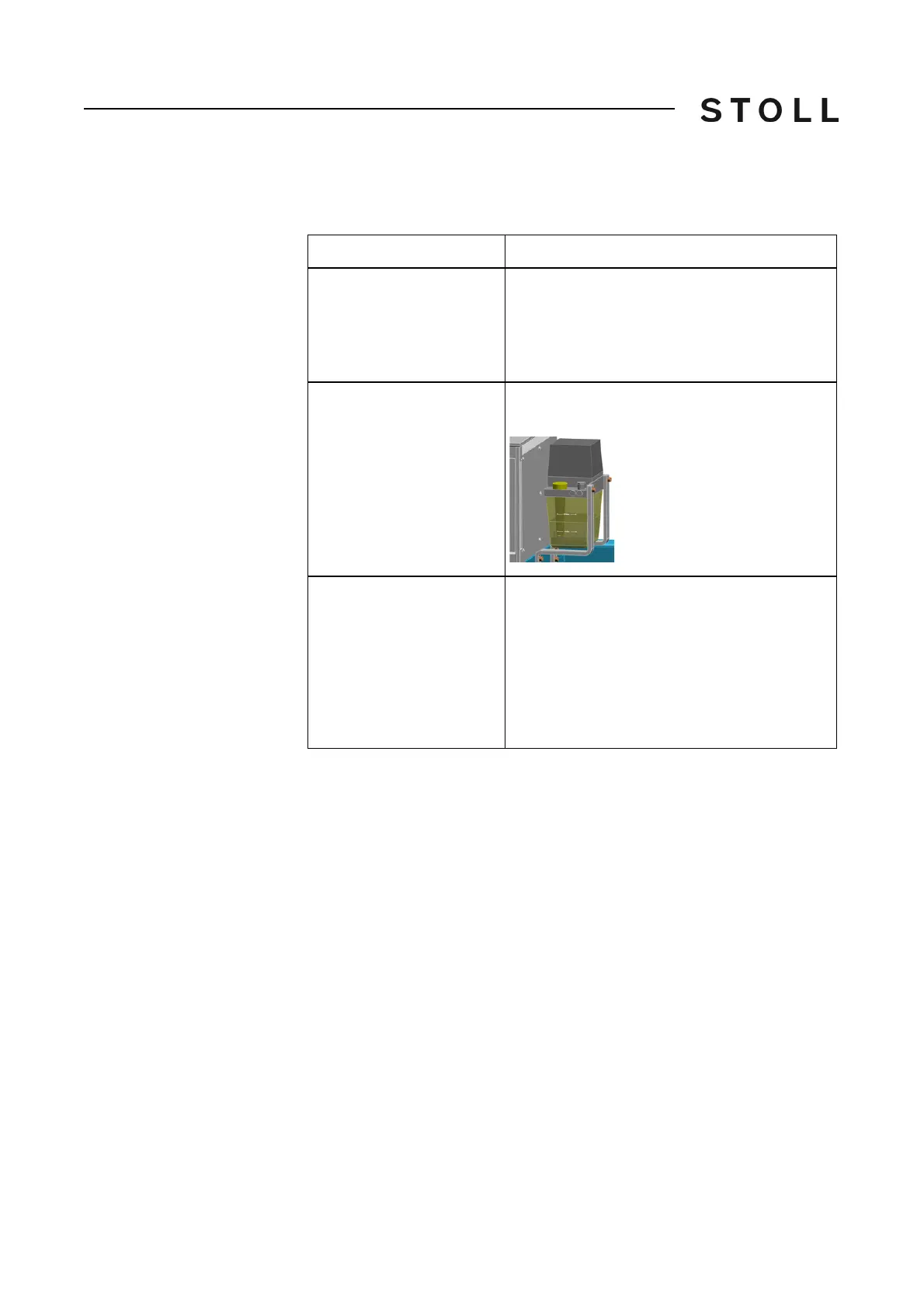
Central lubrication oil
reservoir empty
Fill oil reservoir with oil until the "Max" mark has
been reached.
Central lubrication pressure
switch
The oil pressure is monitored. If it is too low, this
error message appears. Check oil line.
If the oil line is OK, set the "Ventilation" switch
to "On"
and then to "Off" again. This switches
the oil pump on again.
If the error occurs again, th
e oil line must be
d
eaerated, see [433].



 To Next Page