466
7 Repairing the knitting machine
Entering the data of the needle selection displacement manually
3. Tap repeatedly on the "Continue on to the next window" key until the
"Machine parameters" window is displayed. ("Language" -> "Machine
configuration" -> "Machine configuration 2" -> "Machine options" ->
"Machine parameters" -> "Needle bed parameters")
4. In the "Needle bed parameters" window tap on the "Additional function
keys" key.
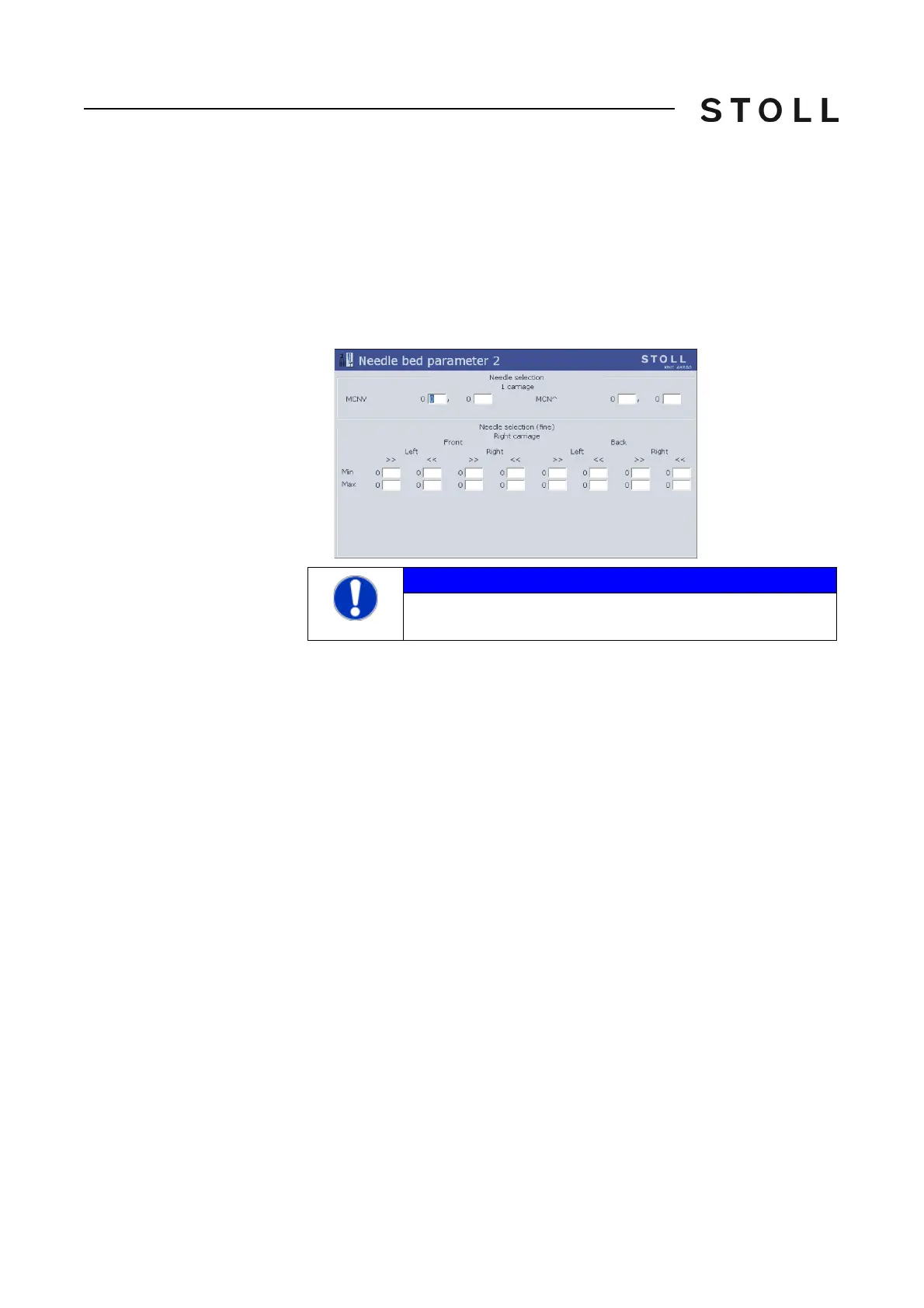
5. Open the "Needle bed parameters 2" window.
6. Enter the values of the machine data sheet in the "Needle bed parame
ters
2" window.
7. Confirm entries.
8. Return to the "Needle bed parameters" window.
9. Advance till the Main menu appears.
10. Save the change in the machine
adjustm
ents on the USB memory stick.
Further information:
Saving all machine data on the
USB-Memory-Stick [483]
NOTICE
If you enter wrong values it will lead to a faulty selection of the
needles.



 To Next Page