490
8 Software - Installation and basic settings
Installing the Stoll operating system
4. To confirm the installation, tap on the "YES" key.
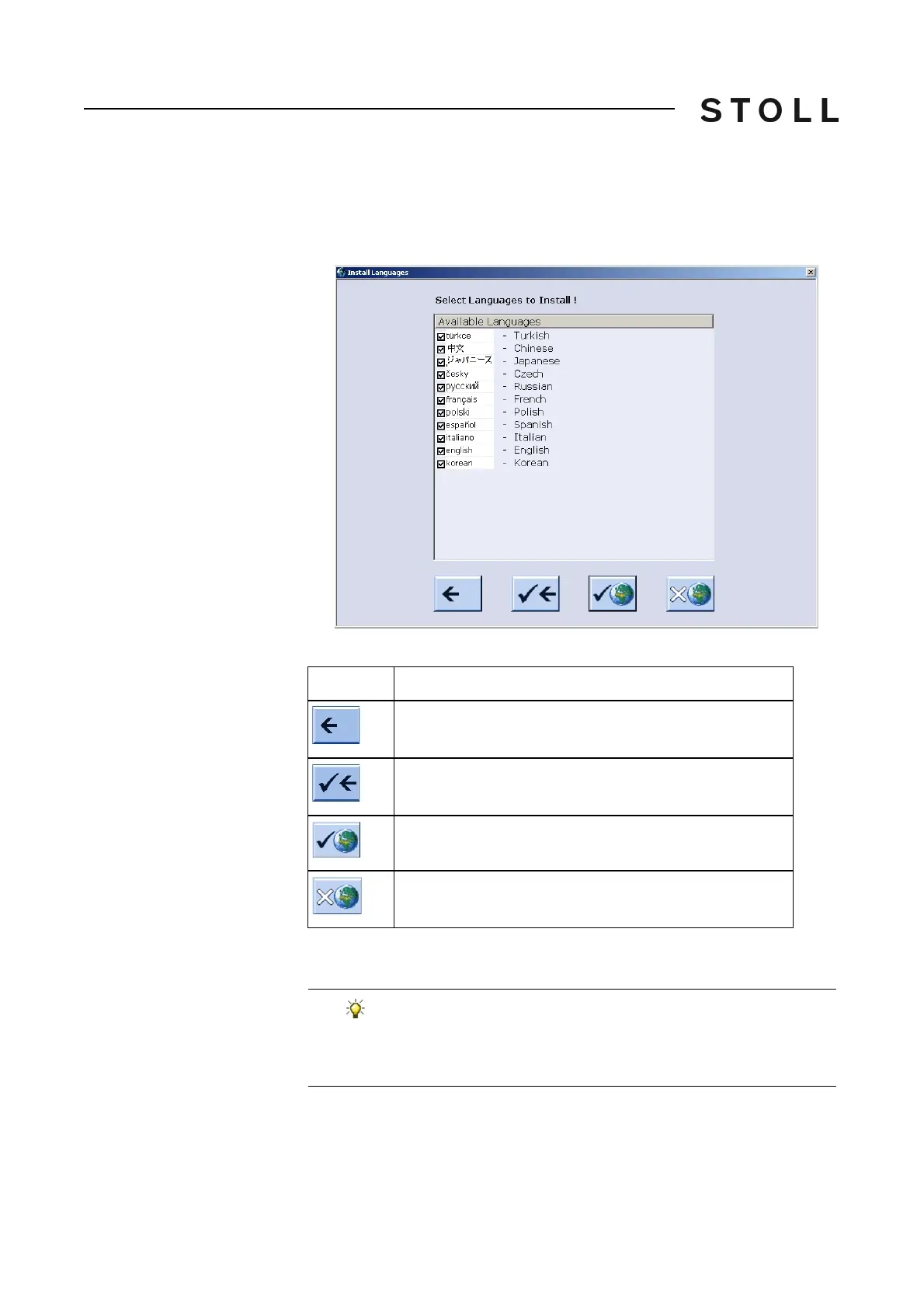
When the installation file of the Stoll operating system has several
languages, the "Install Languages" window is open.
Install La nguages w indow
"Install Languages" window
Keys for language selection
Keys for language selection
5. Select the desired language(s).
Key
Function
End selection process without saving modifications
Confirm selection
Key "All languages"
Key "No language"
If you want to have all languages available simultaneously, tap
the "All languages" key.
If you only want
to carry on working in German, en
d selection proce
ss.



 To Next Page