502
8 Software - Installation and basic settings
Installing the Stoll operating system
Select type of installation:
1. If the new Stoll operating system is to be installed after a waiting time of
10 seconds automatically, set the swit
ch "Automatic Installation" (2) to
"On".
- or -
➜ If the new Stoll operating system is to be installed manually, set
the switch
"Automatic Installation" (2) to "off".
More data on a network drive
or USB-Memory
-Stick
In addition to the operating system, other data can be present on the network
drive and the USB Memory Stick. Which data is available can be displayed by
activating the key "Carry out updating".
Selection of individual installation types
Selection of individual installation types
Further information:
Indirect installation [493]
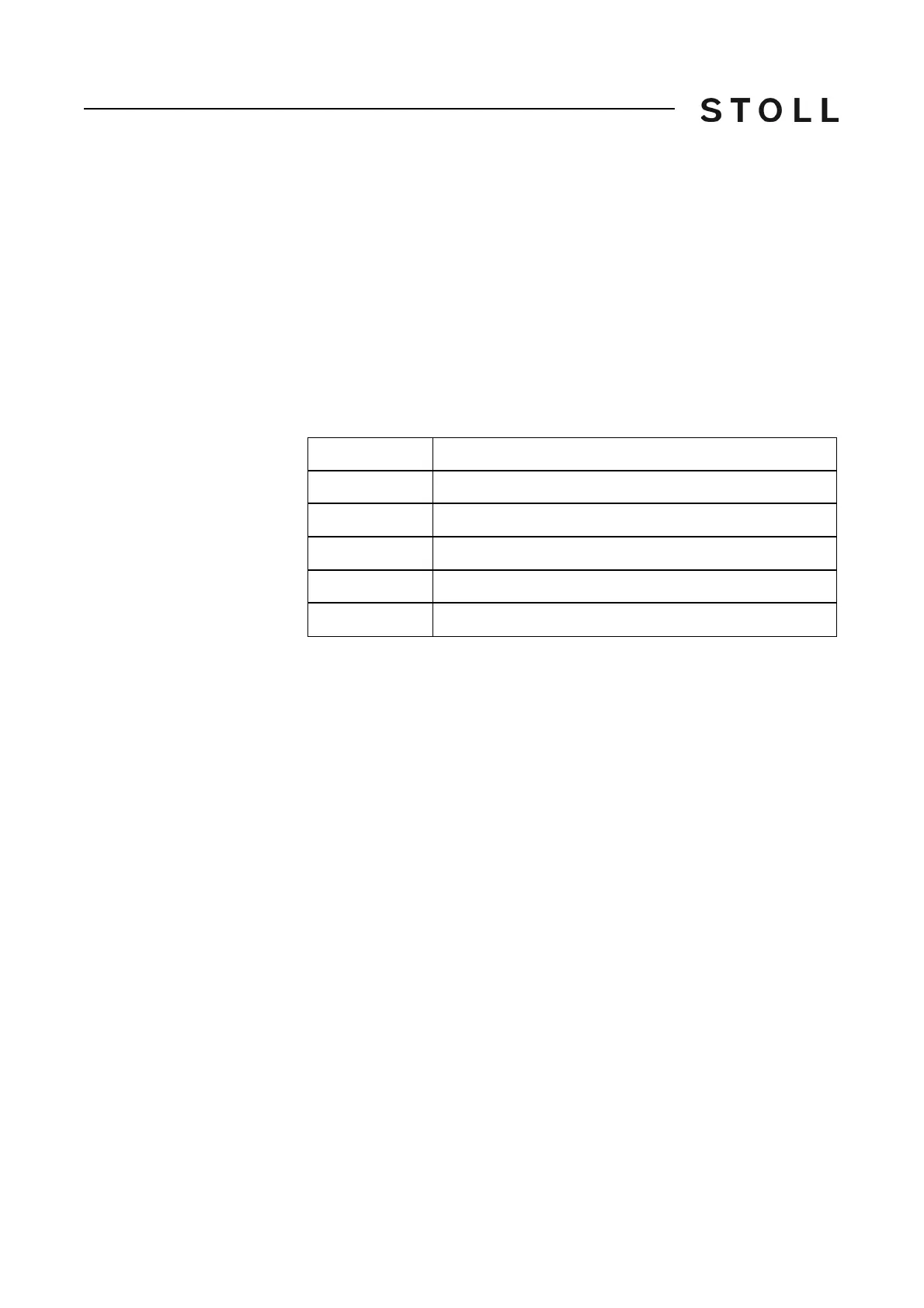
Type
Meaning
OS
Operating system (OS)
IMG
Hard disk image
HDA
HD Analyst
UPT
Update of Windows XP Embedded (OPTION)
REP
Update of repair image



 To Next Page