546
11 Machine Management Tools
Send email directly from the machine
Entries in the "Send email" window
Write email
1. Enter a sender address in the "from" f
ield.
2. In the "To" field, enter the ema
il address of the receiver.
Several addressee names are to be separated b
y a semicolon (;).
3. In the "Subject" field, enter the su
bject of the message.
4. In the field below the "Subject" field, enter the content of the
message.
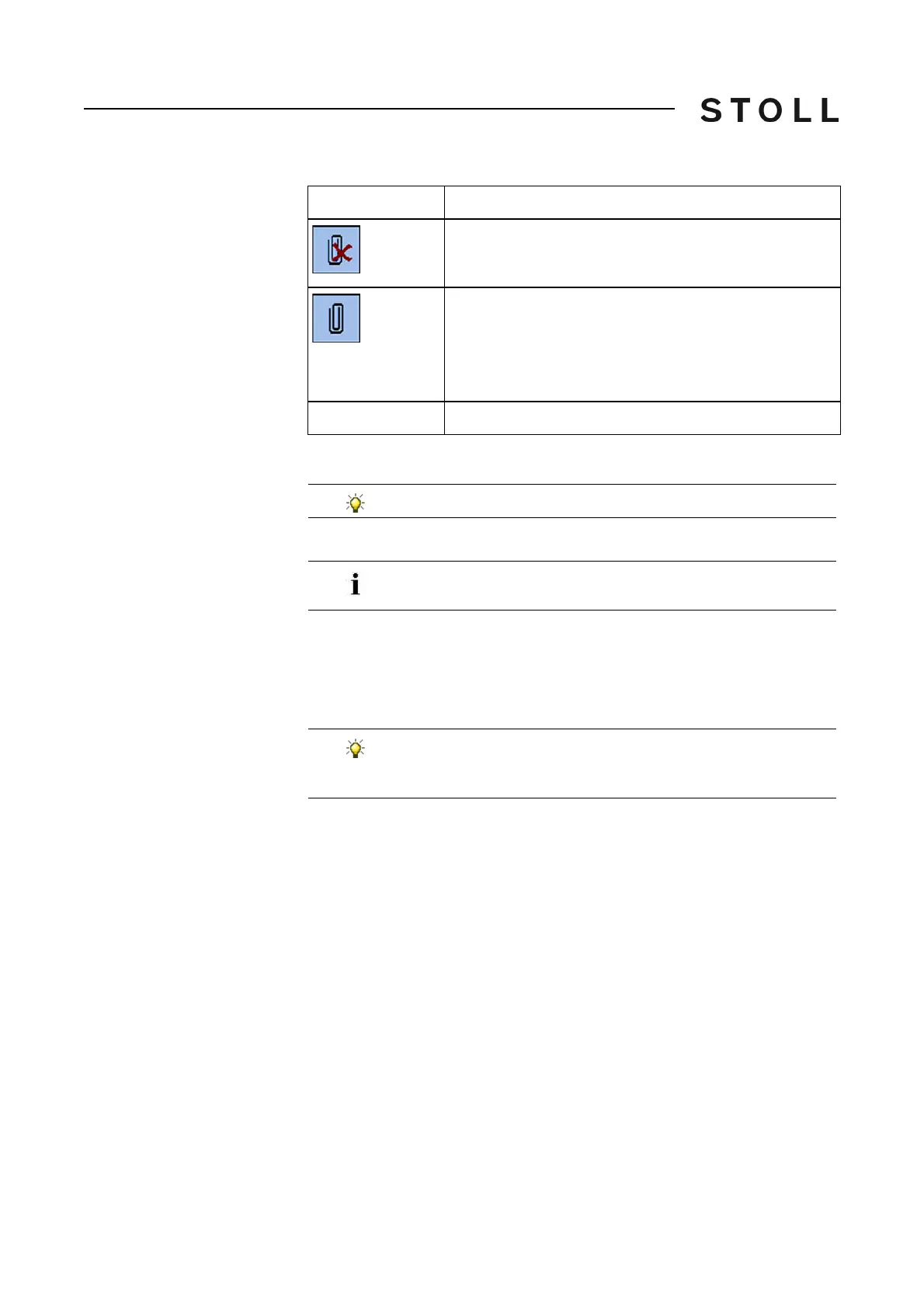
"Delete marked entry" key (in the "File name " field).
"Mail attachment" key:
Opens the "Mail attachment" window for selection of files
(for example bitmaps, log files, zip files) that can be
attached to the message. The file names are displayed in
the "File name" field subsequently.
File name
Display of file (s) which are attached to the message.
Inputs
Explanation
Use the virtual keyboard for input.
If you are expecting an answer to the email, enter a valid email
address here as the machine cannot receive any emails.
With the "Delete all inputs" key, you can delete the inputs in all
the fields of the "Send email" window (except the entry in the
"from" field).



 To Next Page