68
2 Description of knitting machine
Display and operating elements
Additiona l function keys
Additional function keys
The additional function keys can be called up
from any window with the
"Additional function keys" key.
These additional function keys are de
scribed in the corresponding chapters.
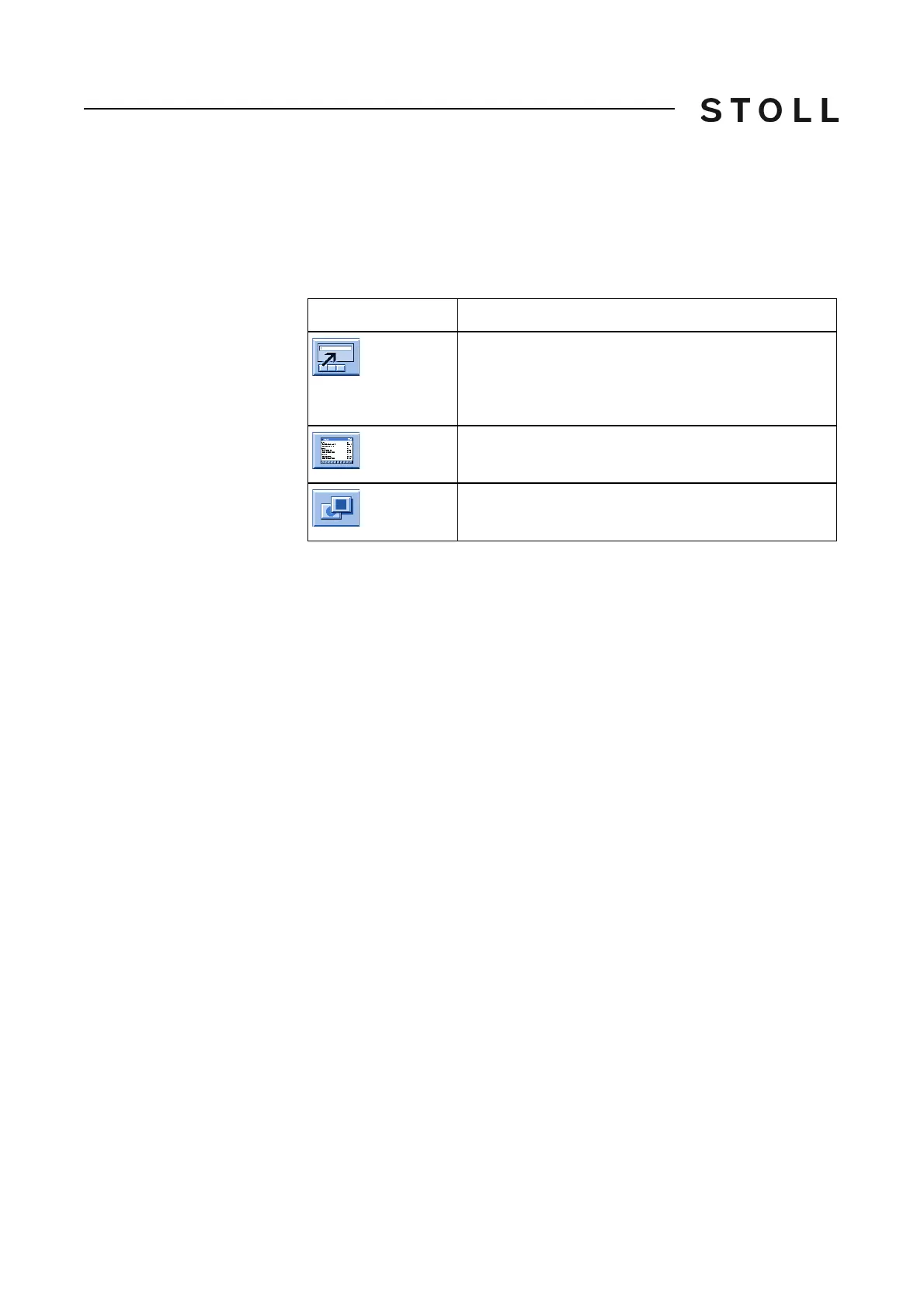
The following additional function keys are displayed in all windows.
Additional function keys in all windows
Additional function keys in all windows
Key
Function
Call up input window for a direct Sintral command. This
is carried out within a menu or window, i.e. you do not
need to leave the menu or call up the "Direct
command" window.
Editing the knitting program
Switch over to standard function keys



 To Next Page