71
Description of knitting machine 2
Display and operating elements
Virtual keyboard
Virtual keyboard
To input letters and numbers, the virtual keyboard can be displayed. Either a
number block appears f
or inputting numbers or an alphanumeric keyboard
appears for entering letters and numbers.
The virtual keyboard co
ntains thr
ee switchover keys:
SHIFT key
CPS LCK key
CTRL key
To u
se a shift key, e.g. to enter a s
pecial character, first press the shift key and
then the key with the special character. To return to normal characters, press
the switchover key again.
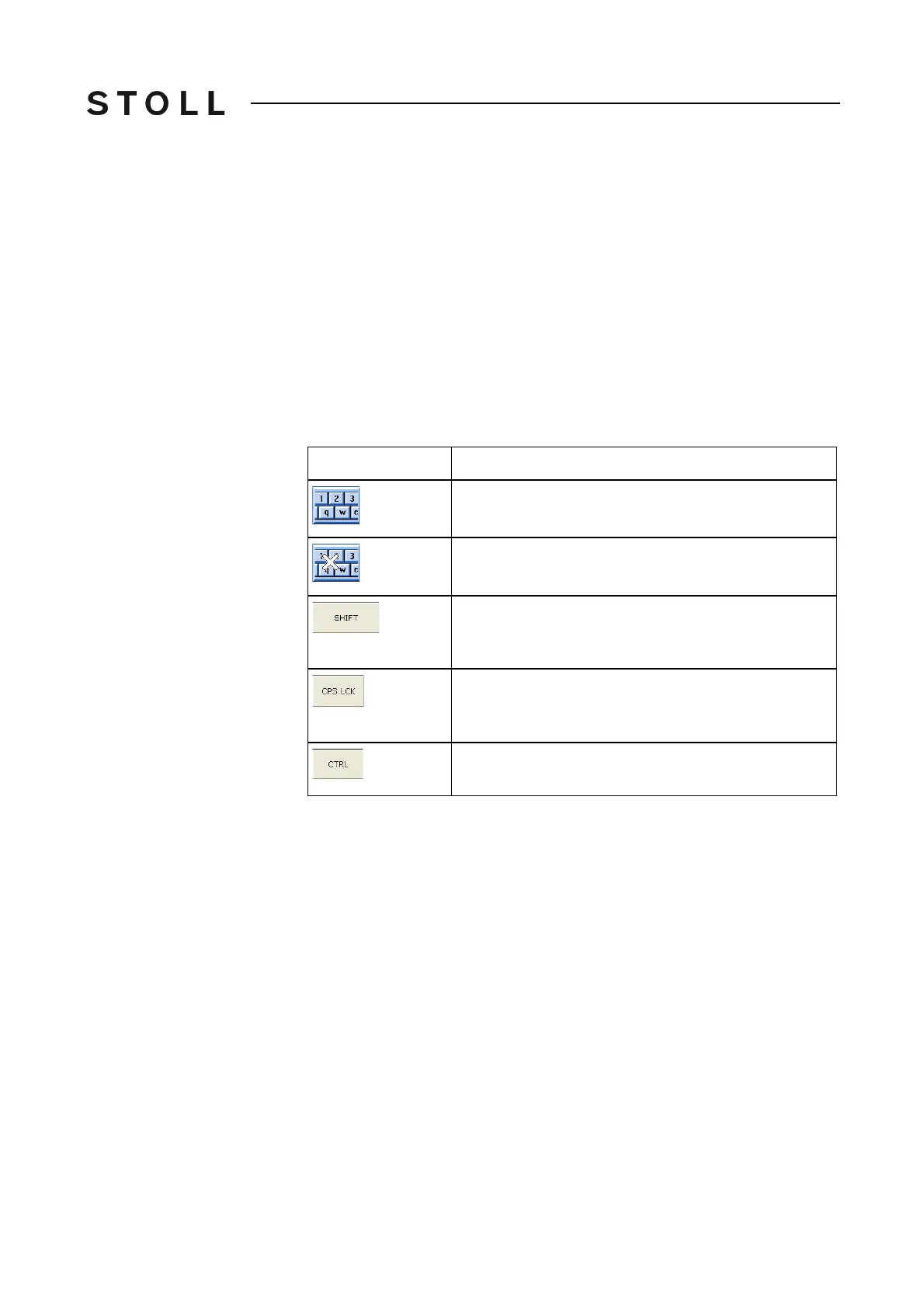
Switchover keys
Switchover keys
Key
Function
Switch on virtual keyboard
Switch off virtual keyboard
SHIFT key: switch over between uppercase and
lowercase letters and between numbers and special
characters
CPS LCK key: switch over between uppercase and
lowercase letters; the setting of numbers or special
characters is maintained
CTRL key: switch over to function keys F1 to F10 and
keyboard codes (short cuts)



 To Next Page