95
Producing with the knitting machine 3
Production
Data in "Report" window
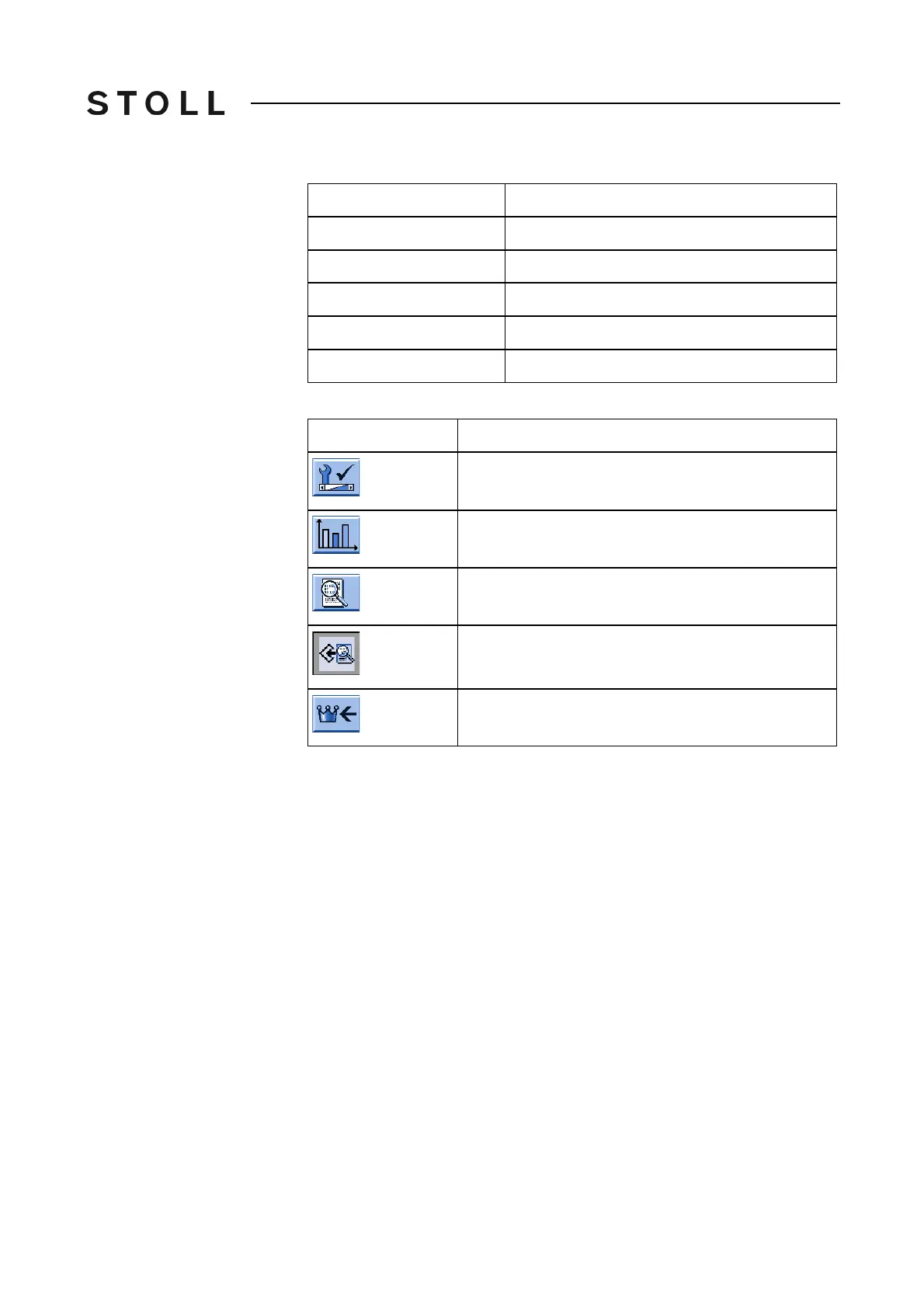
Keys for calling up the re port
Keys for calling up the report
Calling up or saving report:
1. Call up the "Service" menu from the "Main menu".
2. Call up "Statistics" menu.
3. Call up the "Report" window.
4. To delete the operating data in th
e report, tap
the "Report0" key.
- or -
➜ To save the operating da
ta, tap the "Save Report" key.
The data will be saved on the selected data carrier. It will be saved
on
the data carrier that is set in the "Copy service data" window.
File name: STOLL machine number and the file name extension ".rep"
(e. g. "53
20081234.rep").
5. Call up "Main menu".
Further information:
Copying service data [201]
"->/"
Stop by shock stop motion
"V[ ]"
Stop by racking error
"#<>"
Total number of strokes
"#ML"
Number of strokes at reduced speed
"ST"
Number of produced fabric pieces
Key
Function
Call up the "Service" menu
Call up "Statistics" menu
Call up "Report" window
Save report
Call up "Main menu"
Label
Data shown



 To Next Page