96
3 Producing with the knitting machine
Production
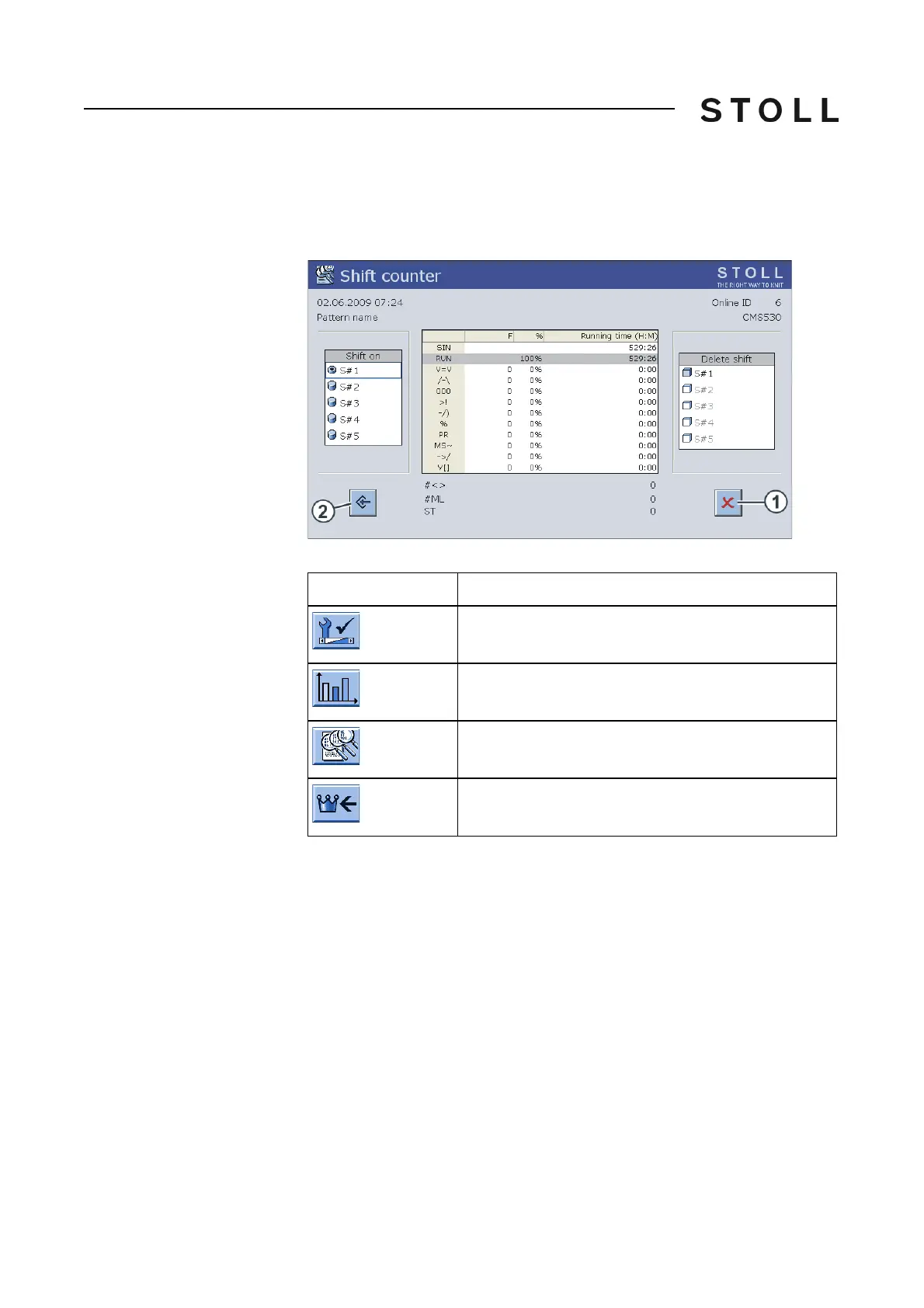
Shift counter
Shift counter
A total of five shift counters are available. A com
plete report is generated for
each shift. The table has the same structure as the report. Column "F" shows
the number of stop motions during the shift.
Shift counter win dow
"Shift counter" window
Keys for calling up the shift counter
Keys for calling up the shift counter
Calling up or saving shift counter:
1. Call up the "Service" menu from the "Main menu".
2. Call up "Statistics" menu.
3. Call up "Shift counter" window.
4. To activate a shift, tap the corr
esponding
key in the "Shift On" field.
5. If data of an earlier shift are displayed, tap the corresponding ke
y in the
"Delete shift" field (reset shift counter).
- or -
➜ To delete all shift counters at once, tap the key (1).
Key
Function
Call up the "Service" menu
Call up "Statistics" menu
Call up "Shift counter" window
Call up "Main menu"



 To Next Page