97
Producing with the knitting machine 3
Production
6. To save the shift data, tap the key (2).
The data will be saved on the selected data carrier. It will be saved on
the data carrier that is set in the "Copy service data" window.
File name: STOLL machine number, date
, time and the file name
extension ".sft" (e. g. "56600101234_31_10_08_1105.sft").
7. Call up "Main menu".
Further information:
Copying service data [201]
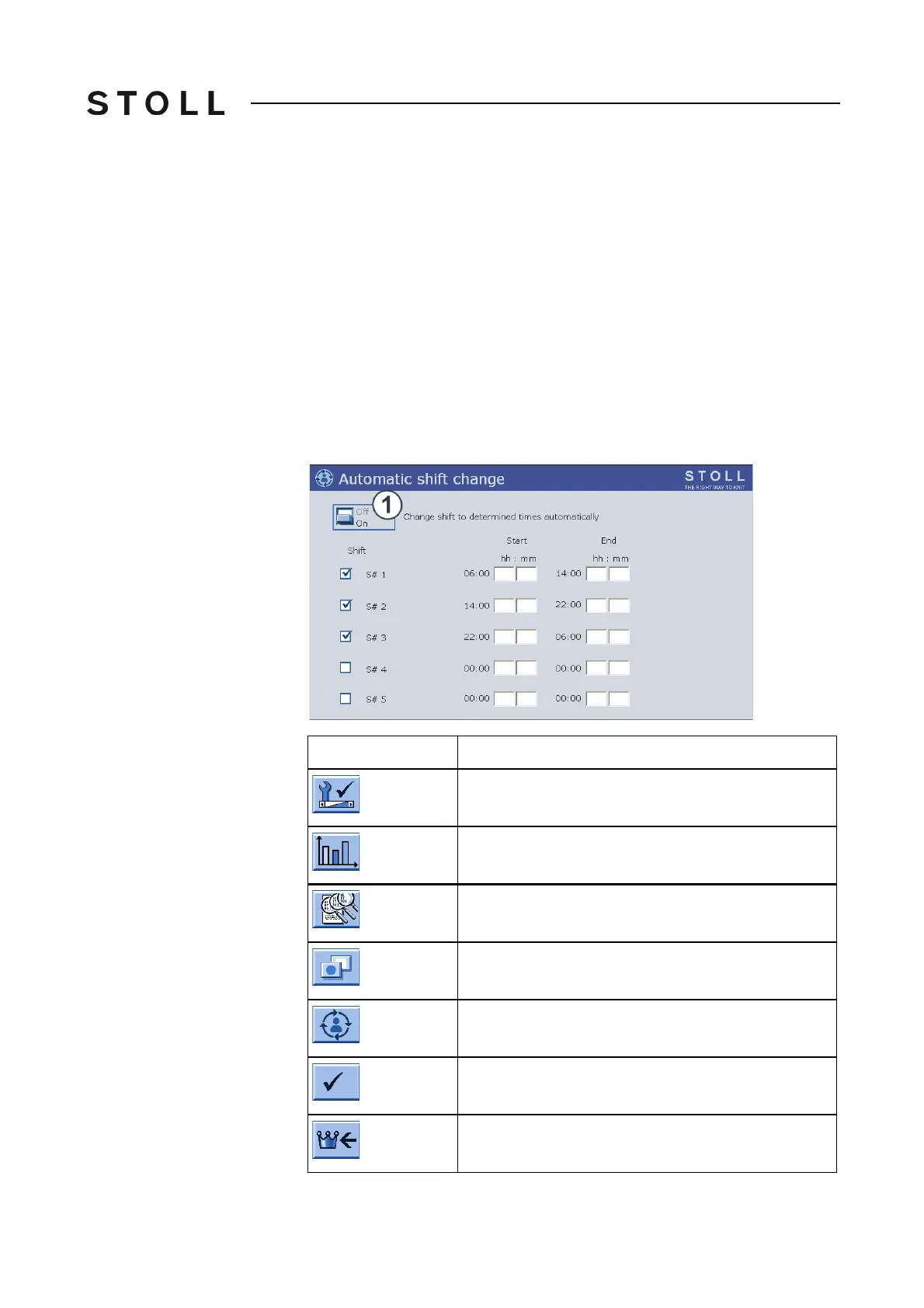
Automatic shift changeover
Automatic shift changeover
Once the start time and the ending time of each shift have been enter
ed, the
shift changeover automatically occurs after the entered time.
Keys for setti ng the automatic shift change
Keys for setting the automatic shift change
Key
Function
Call up the "Service" menu
Call up "Statistics" menu
Call up "Shift counter" window
Call up "Additional function keys"
Call up the "Automatic shift change" window
Confirm entries
Call up "Main menu"



 To Next Page