X35 Monitor Air Seeder Setup
6.6
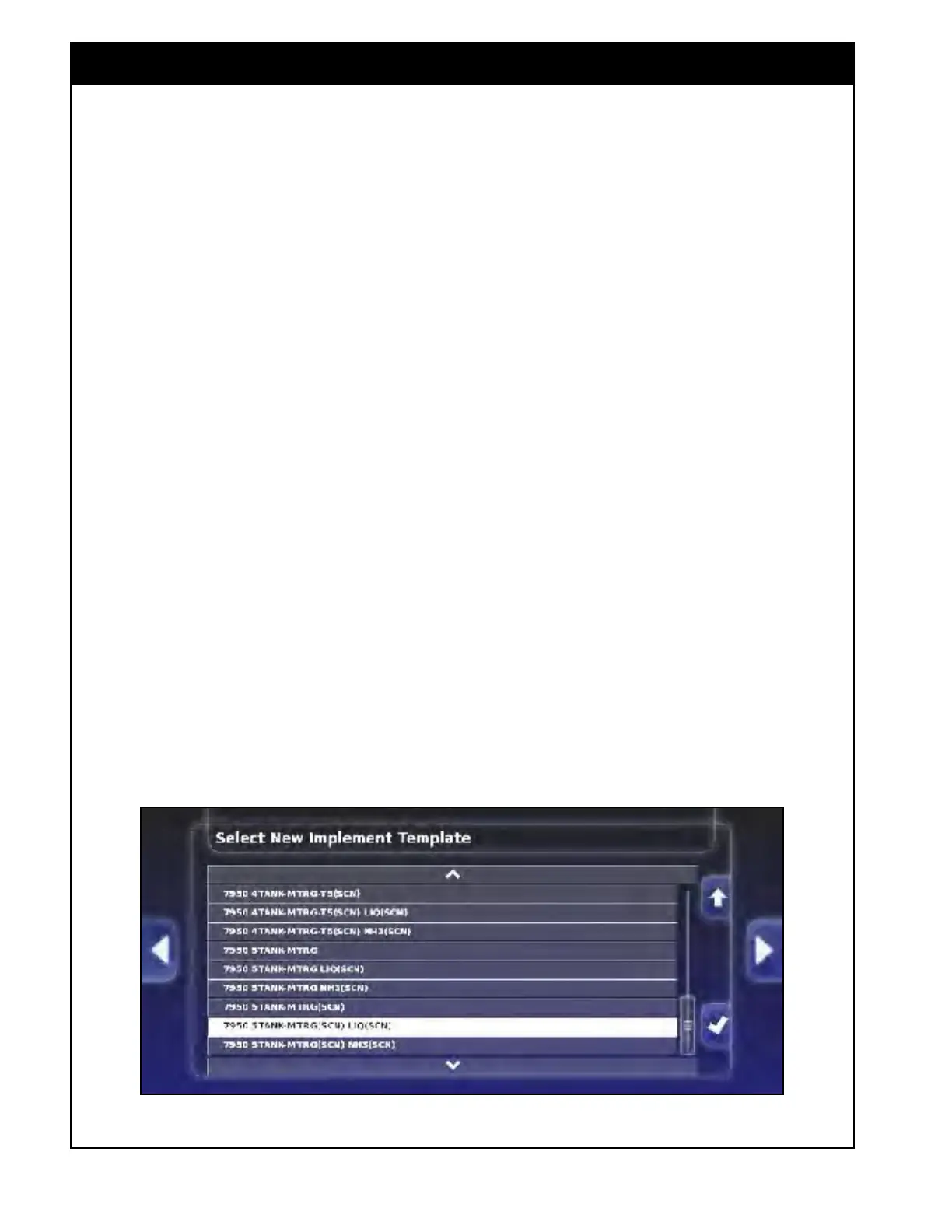
3. Select a specific tank configuration from the
list. A naming convention is used to help
easily identify the required configuration.
The following examples explain the naming
conventions:
a. 7950
4 TANK-MTRG-T3 LIQ(SCN) - is
for a Model 7950 with 4 tank metering
with an optional auger in tank #3, plus the
liquid sectional control system.
b. 7950 3 TANK-MTRG NH3(SCN) - is a
Model 7950 with 3 tank metering plus an
NH3 sectional control system.
c. 7700 3 TANK-MTRG(SCN) - is a Model
7700 with 3 tank metering plus granular
sectional control system.
d. 7700 4 TANK-MTRG-T3(SCN) LIQ(SCN)
- is a Model 7700 with 4 tank metering
with an optional auger in tank #3, plus
granular section control system and a
liquid sectional control system.
e. 7950 5 TANK-MTRG - is a Model 7950
with 5 tank metering without granular,
liquid or NH3 sectional control systems.
Figure 6.5 - Selecting Tank Configuration
f. 6450 3 TANK-MTRG-T2 NH3(SCN)
2 FAN - is a Model 6450 with 3 tank
metering with an optional auger in tank #2,
plus NH3 sectional control and 2 fans
g. 6450 3 TANK-MTRG-T3 1 FAN - is a
Model 6450 with 3 tank metering with an
optional auger in tank #3 and 1 fan
If the configuration you require does not appear
on the list, you will need to create custom settings
of the implement profile, refer to Section 6.3.2
-
Custom
Implement Profile.
Note
The text (SCN) behind a tank description
(examples c & d) identifies granular ASC system,
and (SCN) behind LIQ or NH3 (examples a, b,
d & f) identifies liquid or NH3 sectional control
system.



 To Next Page