X35 Monitor Air Seeder Setup
6.20
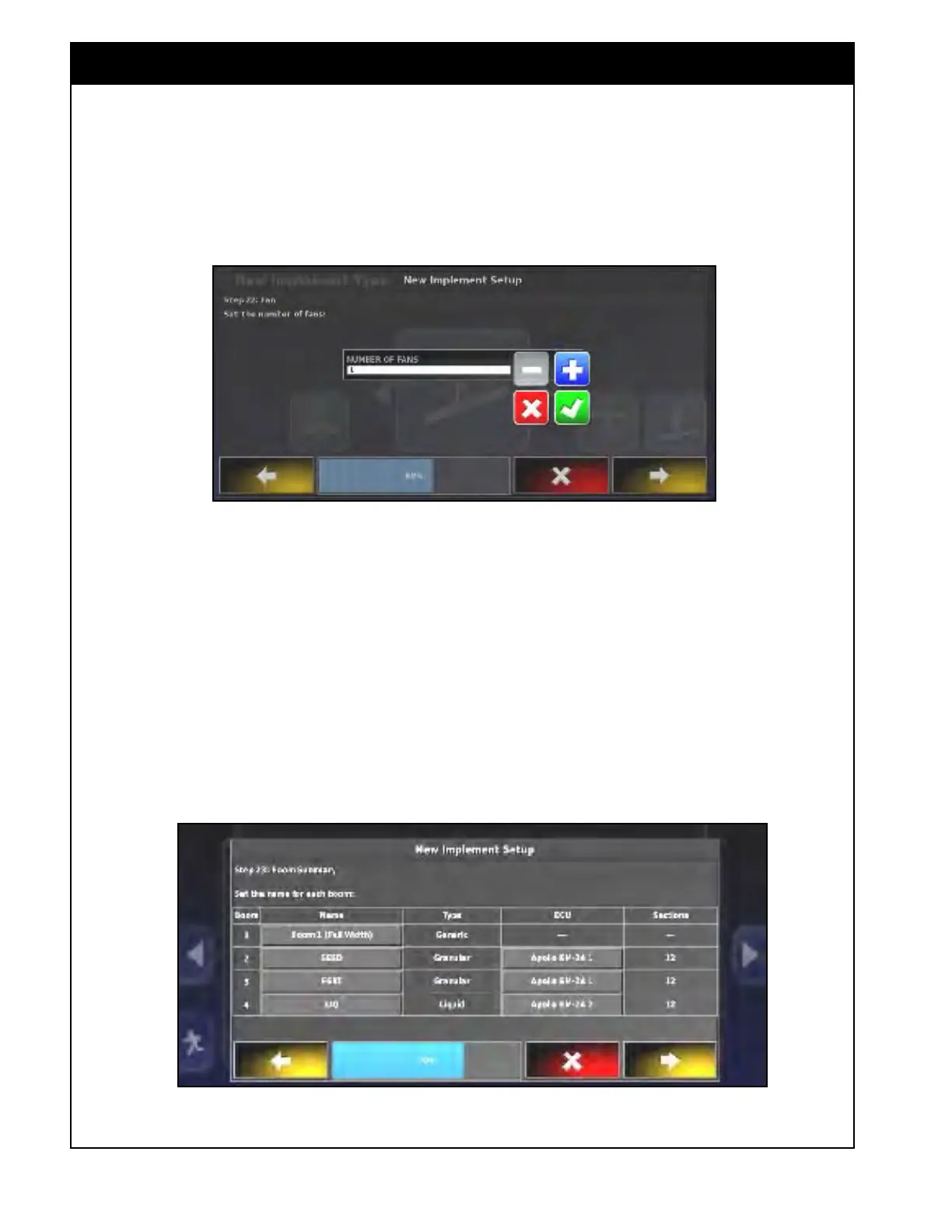
9. Number of Fans - enter the number of fans
installed on your air seeder tank.
a. If "1" is entered, the fan setup screen will
have settings only for one fan (refer to
Section 6.7.3 - Fan Settings).
Figure 6.26 - Number of Fans
Figure 6.27 - Boom Summary
10. For Boom Summary - each boom can be
renamed. As a default there is a boom named
"Full Width".
a. To rename a granular or liquid/NH3 boom
select the corresponding button and using
the keypad enter the desired name
b. For example, granular booms can be
named “SEED” and “FERT”. NH3/liquid
booms can be named “NH3” and “LIQ”
(that is what they are named in the factory
profile).
Note
There will always be a full width boom created
by default. The boom is set up to control the
application of products assigned to it.



 To Next Page