X35 Monitor Air Seeder Setup
6.19
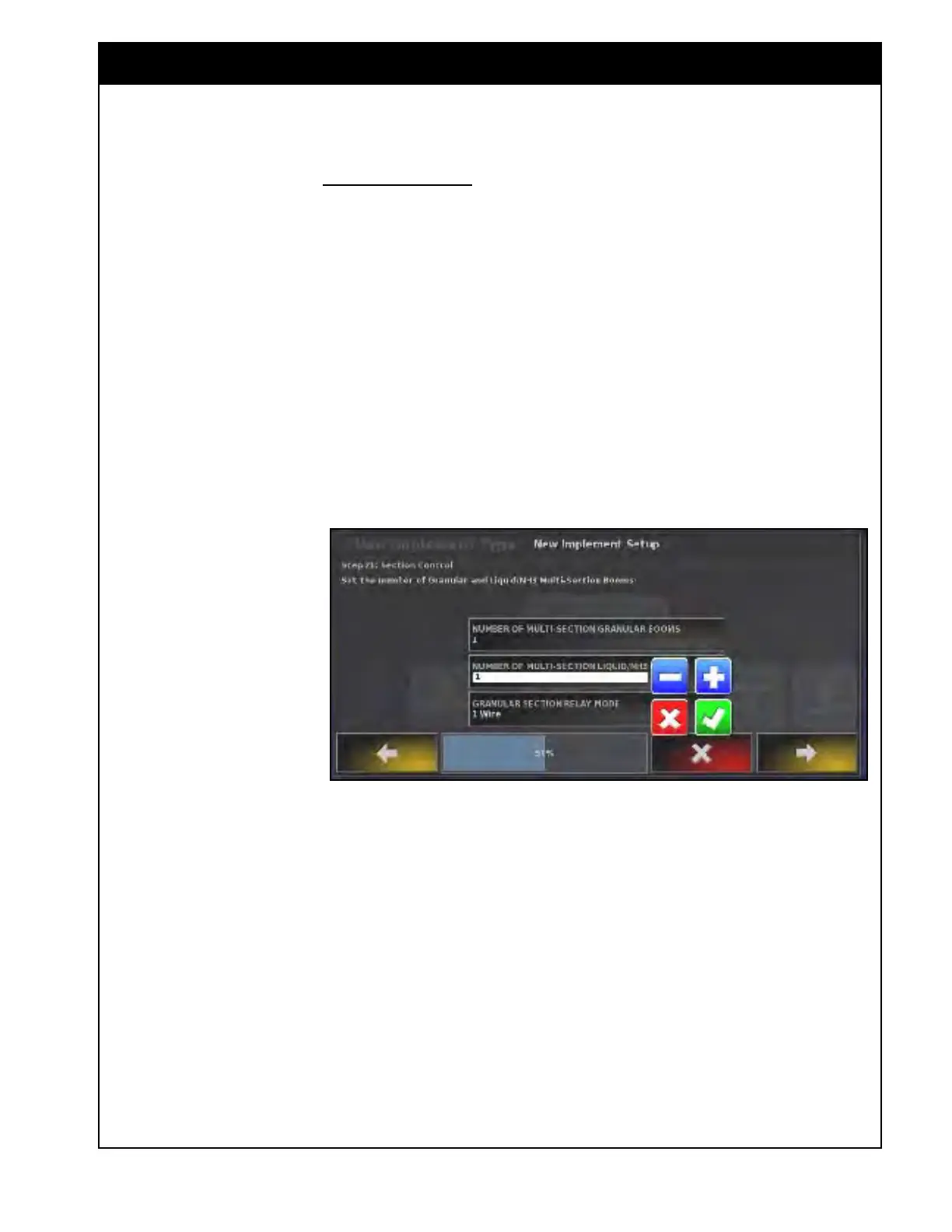
8. For Selecting number of Booms;
a. Select the number of multi-section booms
for granular
and liquid/NH3 applications
b. Select the Number of multi-section
granular booms:
i. Leave at 0, if no granular sectional
control;
ii.
Set
to 1, if there is a single granular
section boom being controlled.
iii. Set to 2, for a new unit that has
dual granular section booms being
controlled..
Figure 6.25 - Selecting Number of Booms
c. Set the Number of multi-section Liquid/
NH3 booms:
i. Leave at 0, if no NH3/liquid
sectional control;
ii. Set to 1 if you using liquid or NH3
sectional control.
d. Granular
Sectional Relay Mode appears
if there is granular section control.
i. Set to 1 wire, for the type of section
valves used.
Note
There will always be a
full width boom created
by default. The boom
is set up to control the
application of products
assigned to it.



 To Next Page