X35 Monitor Air Seeder Setup
6.27
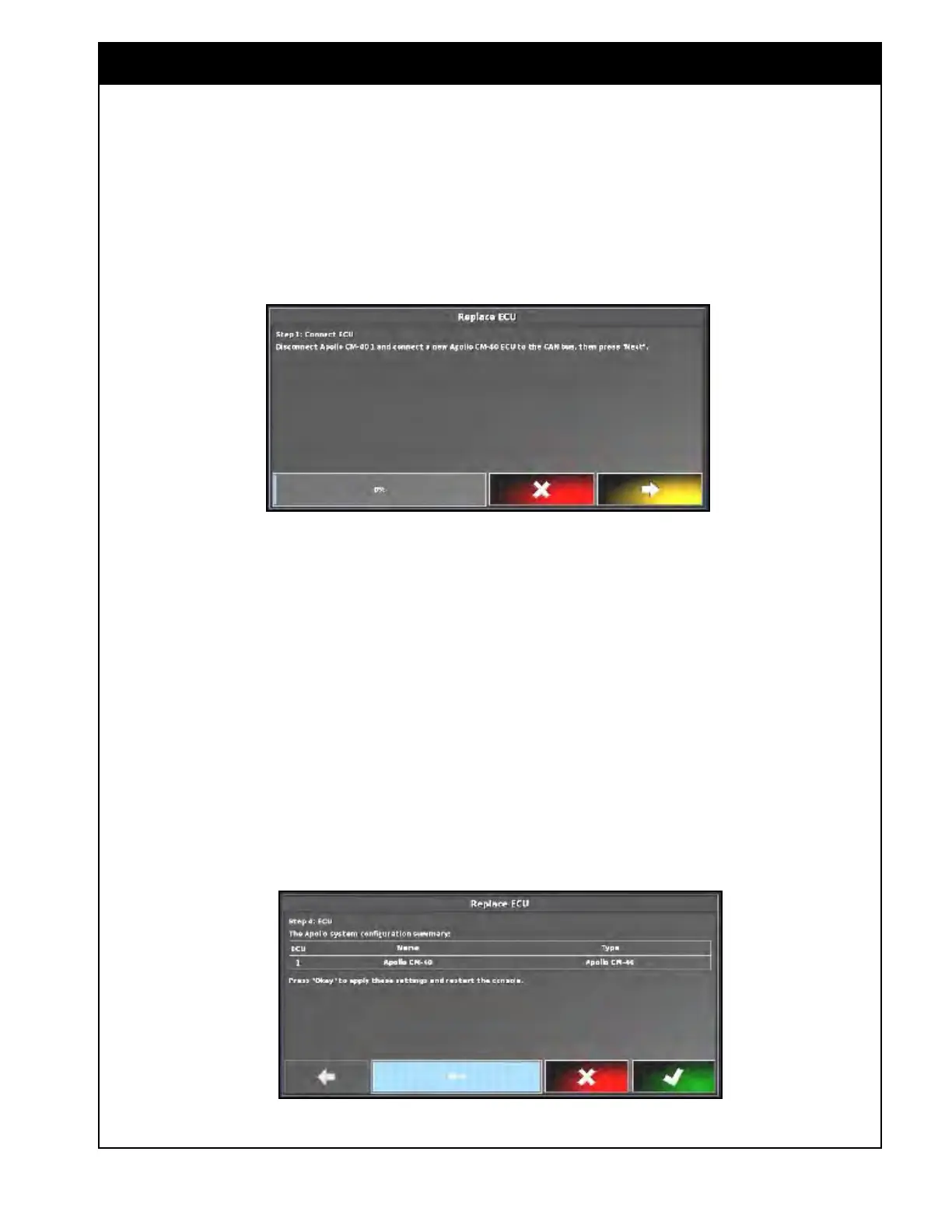
Figure 6.37 - Connect ECU
3. The X35 console will attempt to detect an
ECU.
4. Once an ECU is detected, a confirmation
message will be displayed. Select NEXT to
continue.
Figure 6.38 - Apollo System Configuration Summary
2. Select "Replace" to start the wizard.
a. Connect the ECU.
b. Follow the instructions on the screen.
Refer to Figure 6.37.
c.
Once
the ECU is connected, select NEXT.
Note
If detecting ECUs for the first time, it is not
necessary to disconnect the ECU and connect a
new one.
5. The Apollo system configuration summary will
be displayed. Select "yes" to apply settings.
Refer to Figure 6.38.
a. If the main ECU was connected, the
console will restart.
i. In the ECU summary table, the
identification number for the
connected ECU will be displayed in
the ECU ISO Name column.
ii. After the ECUs configured and
synchronized, the firmware version
will be displayed as well. Refer to
Figure
6.39.



 To Next Page