X35 Monitor Air Seeder Setup
6.36
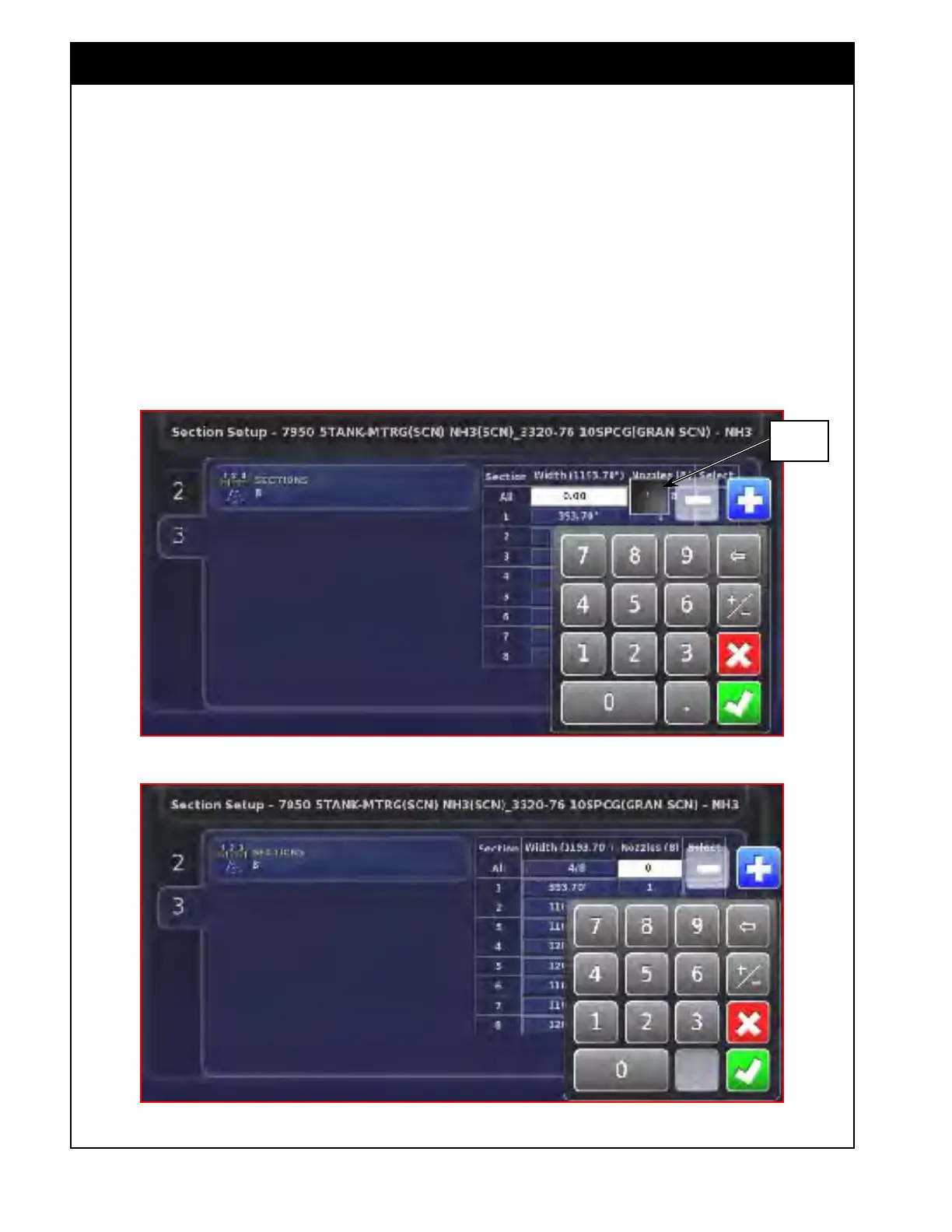
b. Select the "Width" button for "All".
i. A keypad will appear and will have
an additional button that shows the
currently used units.
ii. If selected, this will allow to changes
to the units used for the width.
iii. Enter the value and confirm by
selecting green check mark. Refer
Figure 6.48.
Figure 6.48 - Entering Width
Figure 6.49 - Entering Number of Nozzles
Indicates
Units
c. Select the "Nozzles" button for "All".
i. A keypad will appear.
ii. Enter the value and confirm by
selecting the green check mark.
Refer Figure 6.49.



 To Next Page