X35 ConsoleGeneral Operations
8.4
Important
The product density is used for the calculation of
the theoretical tank capacity. It is very important
to have the correct product density entered. For
instructions to determine correct product density
refer to Section 7.4 - Product Density.
f. The Range Limits table (Items H, Figure
8.3) will be displayed if a calibration factor
exists.
i. The Range Limits table is provided
to assist in selecting the appropriate
final drive range:
ii. Min
Rate (full) - is the minimum
achievable rate if seeding at the full
width.
iii. Min
Rate (1 section) - is displayed
only if there is granular ASC
installed. This is the minimum
achievable rate with only one section
open.
iv. Max Rate - is the maximum
achievable rate.
v. It is recommended to choose the
range, where the desired application
rate falls approximately in the
middle. This allows meters to run
approximately in the middle of the
allowable meter speed.
vi. Remember to confirm that range
at each meter on the unit before
seeding.
Note
Refer to your Air Seeder operator's manual on
how to make range adjustments.
g. Confirm changes by selecting the green
check mark button.
i. A window with the question “Do you
want to fill the tank with the new
product?” will appear.
ii. If you select "yes" when asked, it
will add the product weight based on
100% tank volume used and density.
iii. Alternately, you can select "no" and
then go back in to enter a known
set weight using the optional "weigh
system during fill".
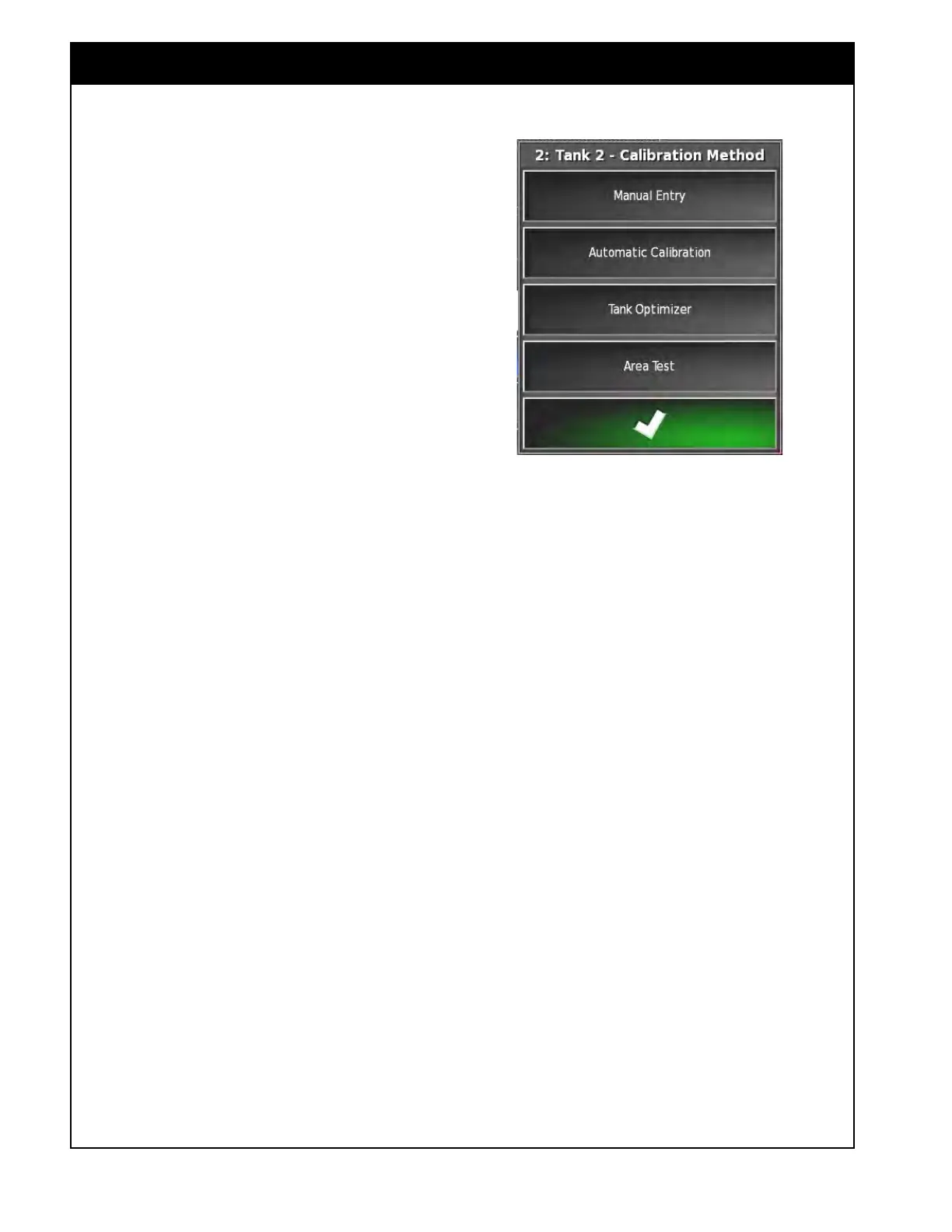
Figure 8.5 - Calibration Method Window



 To Next Page