X35 Console Monitoring & Managing Files
10.4
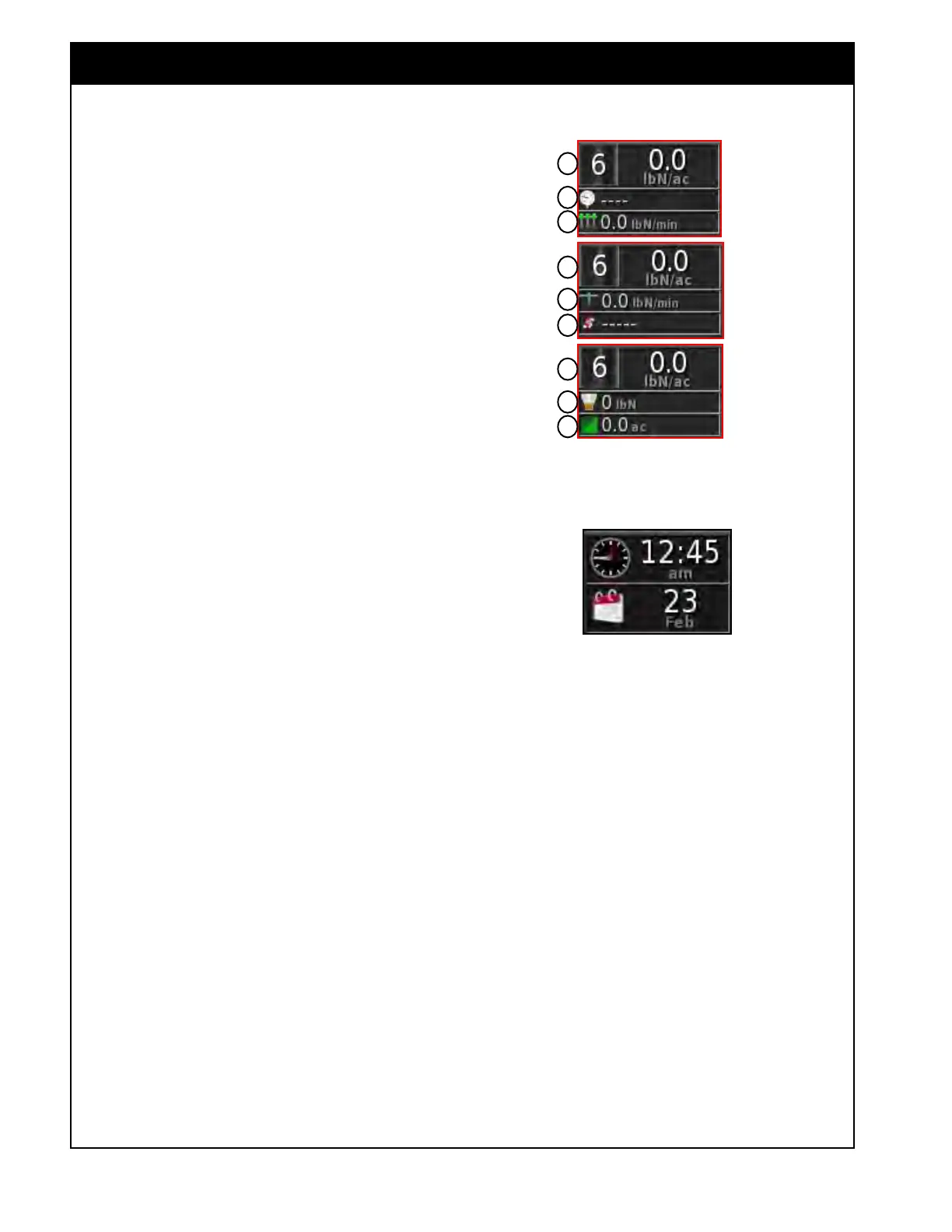
Figure 10.5 - Clock Panel
Figure 10.4 - Liquid/NH3 Tank Panel Configuration
1
2
3
4
5
1
1
6
7
4. Tank (Liquid/NH3) (D) - displays data related
to the Liquid/NH3 tank, the number of the
tank shown on the icon.
a. This panel can be customized to display up
to three parameters, refer to Figure 10.4.
Select
from:
i. Application Rate (1)
ii. Pressure (2)
iii. Boom Flow (3)
iv. Nozzle Flow (4)
v. Pump Speed (5)
vi. Tank Volume Remaining (6)
vii. Area Remaining (7)
Note
For detailed information about Granular/Liquid/
NH3 tank parameters refer to Section 2.6.3.1
- Tank Parameters.
The date and time can be displayed on the
Dashboard by selecting Clock from the Customize
Dashboard menu, refer to Figure 10.5.
5. Clock -
displays the time and date in the
format that was selected when setting up the
user preferences (refer to Section 3.2.1.2 -
Time/Date).
a. Can be customized to display either time,
date, or both.



 To Next Page