X35 ConsoleOptional Equipment
13.6
6. Select the Lift Master button to lift or
lower the drill manually. Leave engaged for
ASC to automatically raise/lower the drill.
The background color and the color of the
UP/DOWN arrows on the icon will indicate
the state of the Lift Master feature.
a.
Red arrows with a red background:
i. Means the Lift Master button is
disengaged so the drill is in the lifted
position.
b.
Green arrows with a yellow
background:
i. Means the Lift Master button is
enabled but the drill is in the lifted
position. This is due to ASC being
on Over Coverage or the Master is
off with Track Master enabled.
c.
Green arrows with an orange
background:
i. Means the Lift Master button is
enabled and the drill is moving to the
lowered position. The background
will stay orange for the lower time
set in the Drill Control settings then
it will change to green.
d.
Green arrows with a green
background:
i.
Means the Lift Master button is
enabled and the drill is in the
lowered position.
e.
Greyed out:
i. Means the Lift Master drive is not
configured or ECU communication is
not achieved.
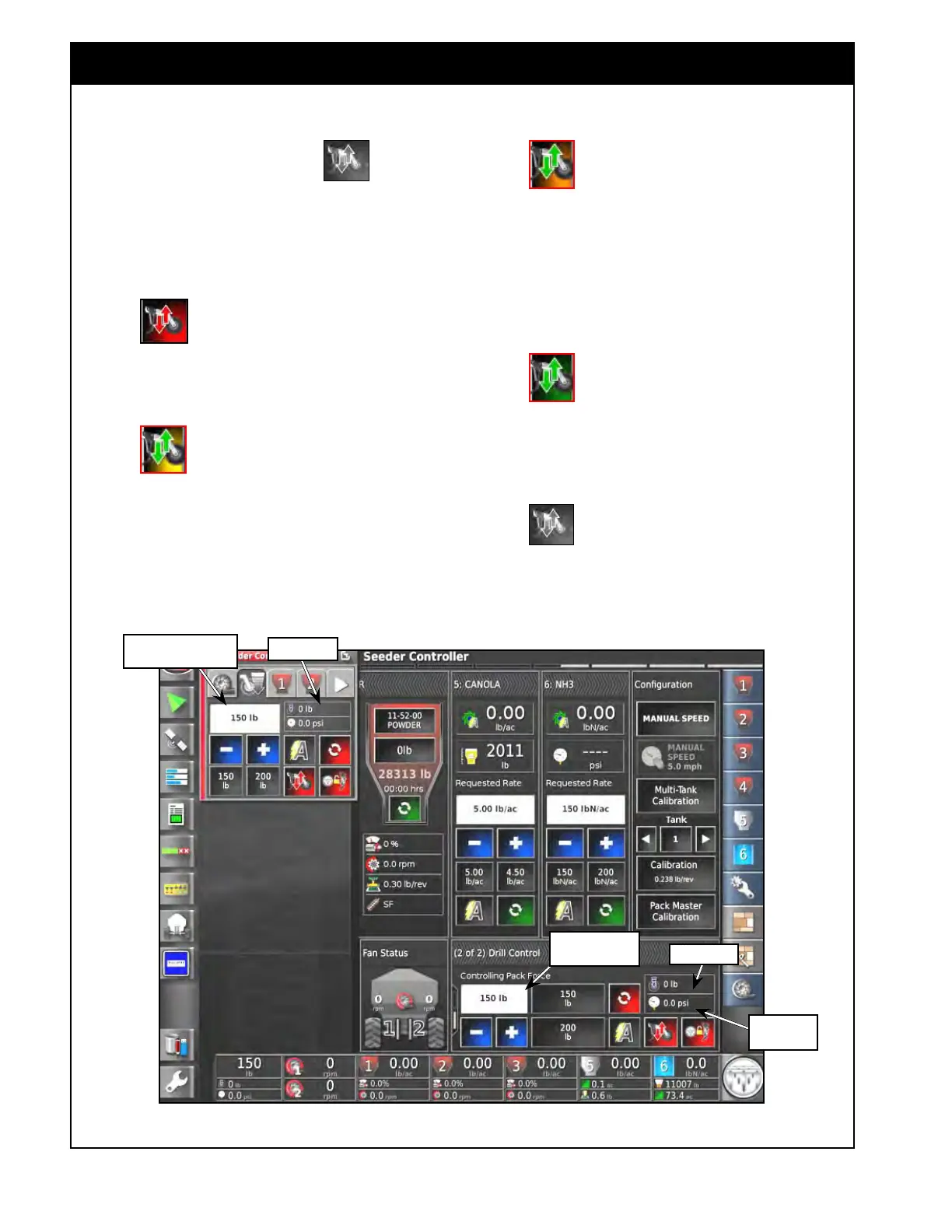
Figure 13.7 - Drill Control - Pack Master Feature
Requested Pack
Master Value
Pack Force
Requested Pack
Master Value
Pack Force
Hydraulic
Pressure



 To Next Page