X35 ConsoleOptional Equipment
13.8
ICD
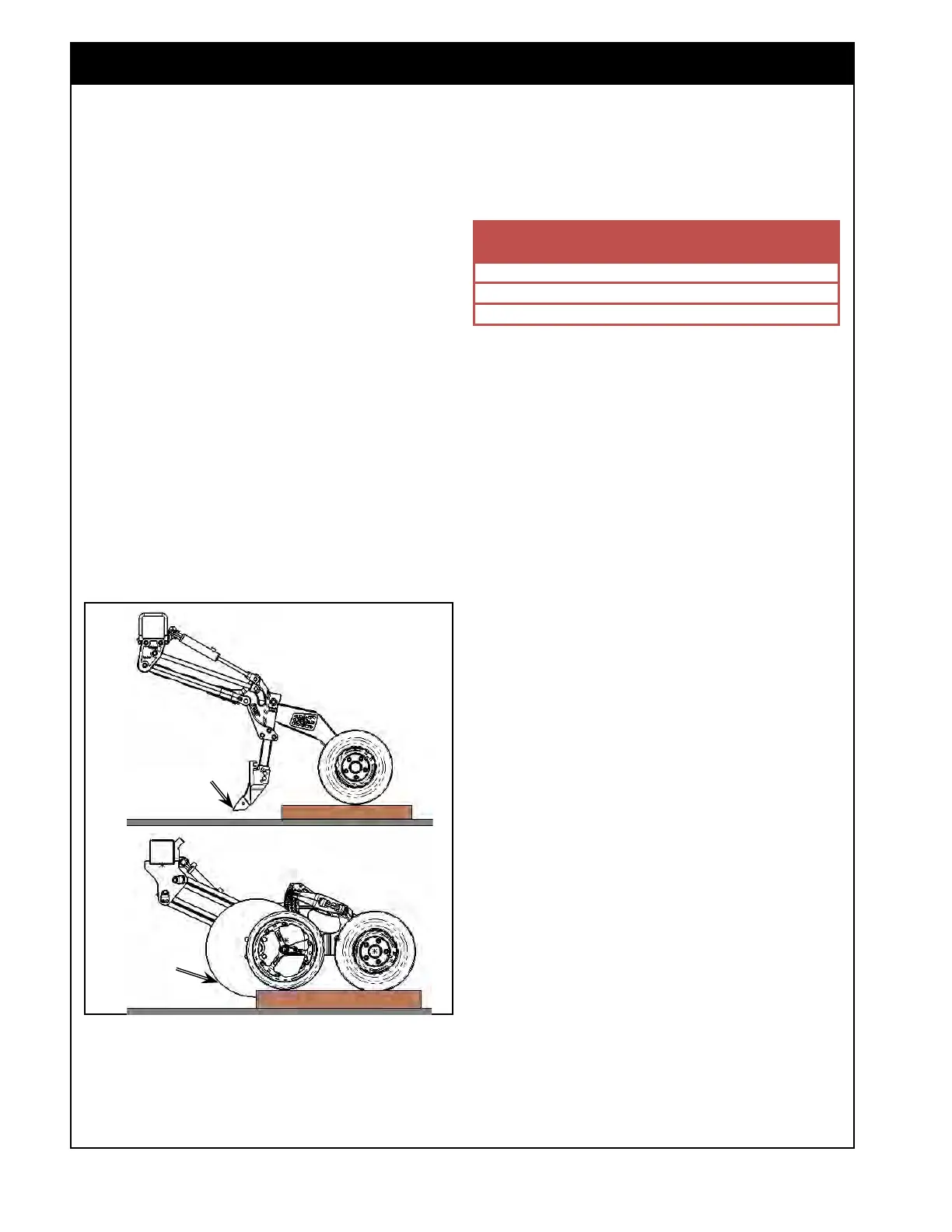
Block up packer
& gauge wheel to
keep opener disc
off ground
2. In addition, the opener’s depth setting should
match the number from the table shown in
Figure 13.9.
13.2.2.1
Pack Master Calibration
Before the Pack Master feature can accurately
measure the amount of packing force being applied
by the opener, the load sensing packer spindle
must be calibrated. It should also be re-calibrated
if it is ever replaced with a new one.
For accurate calibration, the opener tip/disc on the
load sensing opener must not contact the ground.
1. It is recommended to place a block under the
packer wheel (and gauge wheel for ICD), refer
to Figure 13.8. If a block is not available, dig
a
hole under the tip/disc.
Note
For best results, use a block about 2” tall or just
tall enough to get the tip (disc) off the ground. An
excessively tall block may skew the calibration.
Figure 13.8 - Blocking Packer Wheel
PHD & XTC
Block up packer
wheel to keep
opener tip off
ground
3. Once the packer wheel has been blocked, the
remainder of the calibration can be done from
the cab.
4. Engage the opener hydraulic circuit.
5. Enter the Pack Master Calibration wizard from
the Seeder Controller Configuration panel, refer
to Figure 13.10.
Step
1
1. The first step of the Pack Master Calibration
wizard indicates how to prepare for calibration
and warns that the openers will be lowered in
the next step.
Step 2
1. The openers are lowered.
2. Pressure will be applied, so the Drive Power,
Hydraulic Pressure and Calibration Value
should increase to a level on the low end of
the packing range.
a. This is based on the drill model and
opener type selected in the Pack Master
settings.
3.
If a different range is desired, you can change
to manual mode by pressing the Auto (A)
button and then increase or decrease the
pressure.
4.
The Right Arrow will be greyed out at first to
allow time for the pressure to stabilize before
proceeding.
a.
Press it once enabled to go to next step.
Figure 13.9 - Opener Depth Setting



 To Next Page