2.3 Setting Interface
2-11
2
For Windows Embedded Standard 7
1. Press the Windows key on the connected keyboard.
2. Click
Control Panel.
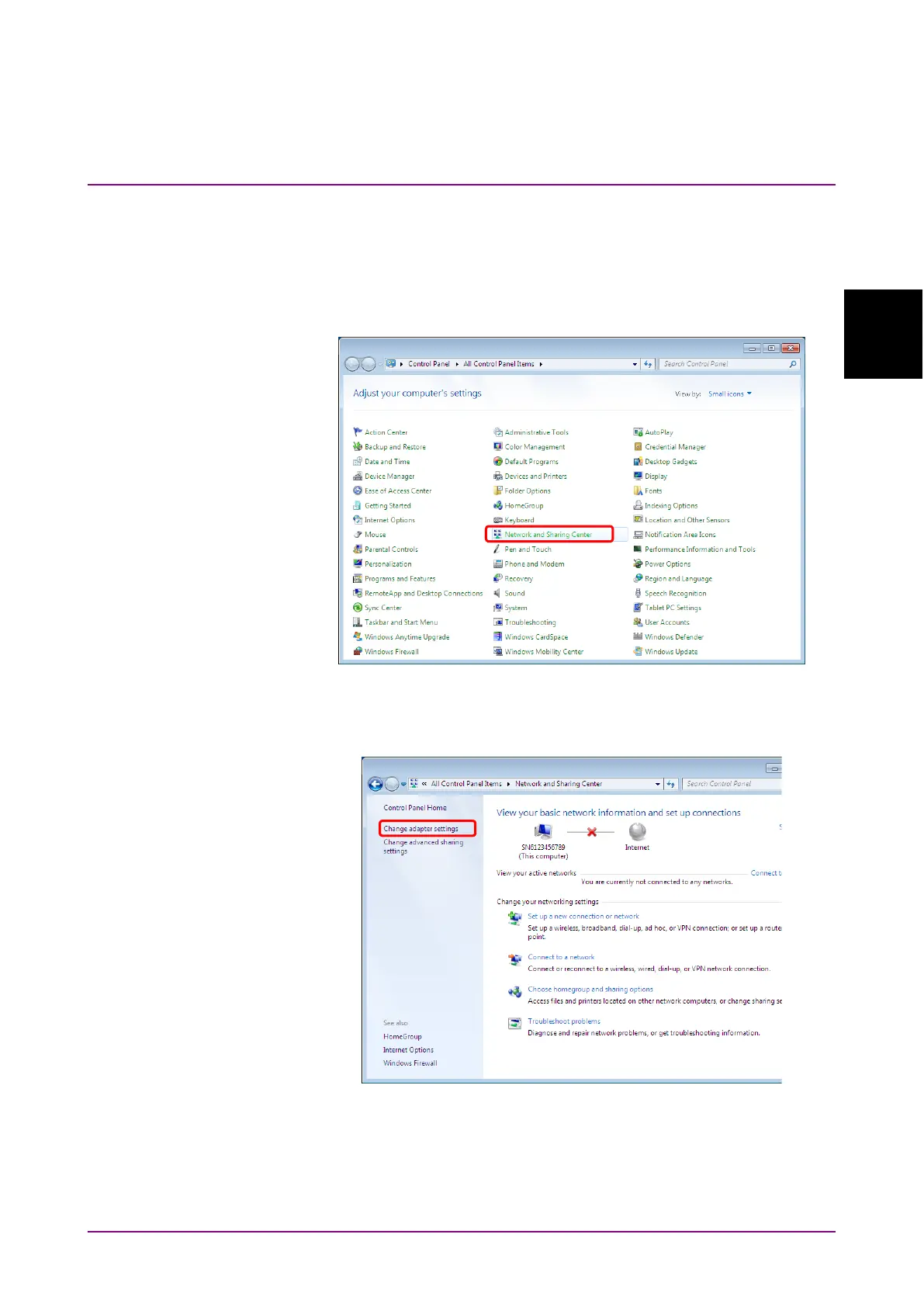
3. The Control Panel window is displayed, and then -click
Network and
Sharing Center.
Figure 2.3.1-5 Control Panel Window
4. Click
Change adapter settings on the Network and Sharing Center.
Figure 2.3.1-6 Network and Sharing Center Window














 To Next Page