Chapter 2 Before Use
2-12
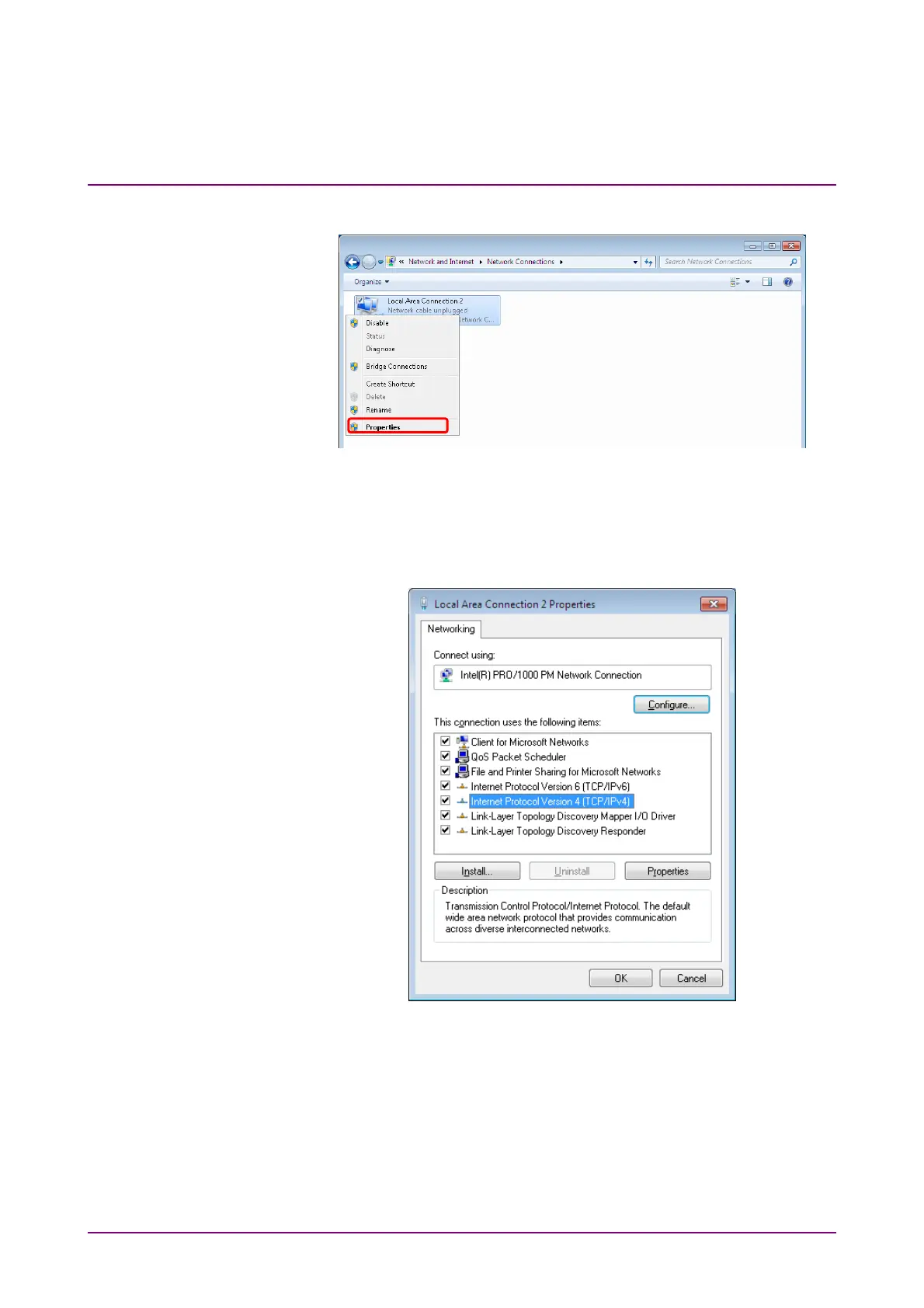
5. Right-click Local Area Connection 2, and then click Properties.
Figure 2.3.1-7 Network Connections Window
6. The Local Area Connection 2 Properties dialog box is displayed.
On the list box, click Internet Protocol Version 4 (TCP/IPv4) and
click Properties.
Figure 2.3.1-8 Local Area Connection 2 Properties Dialog Box














 To Next Page