Chapter 37: Service Class Names
STANDARD Revision 1.0 C4® CMTS Release 8.3 User Guide
© 2016 ARRIS Enterprises LLC. All Rights Reserved. 1004
CLI Commands Used for ISCA
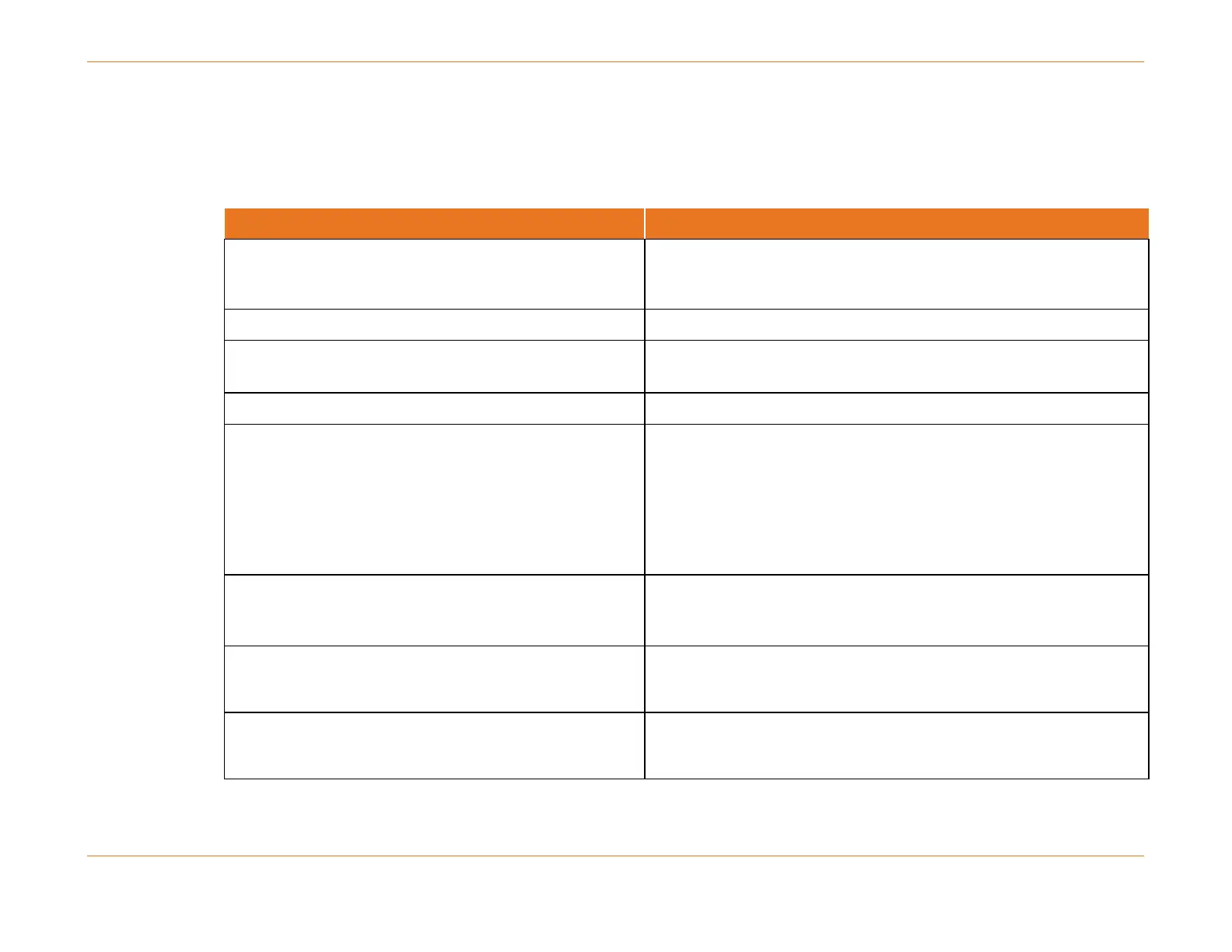
Table 119. CLI Commands Related to Integrated Service Class Agility
To configure an enforce rule:
configure qos-sc enforce-rule <scn> enforce-name <scn>
trigger <100-500,000 kilobits/sec> [sampling-interval
<5, 10, 15, 30 minutes>] [history <hh, hh:30>]
[penalty-duration <hh, hh:30>]
To delete a given Enforce Rule:
configure qos-sc enforce-rule <scn> no
To disable ISCA Enforce Rules for a given mac-domain:
(The default is enabled.)
configure interface cable-mac <mac> cable qos-sc
enforce-rules disable
To show the relevant QoS parameters in an SCN:
show qos-sc [name <scn name>] brief
To show subscriber (CM) usage for SFs having an enforce
rule. This command is the more accurate than the
following command.
show qos-sc subscriber-usage [name <reference-scn>]
[cable-mac <mac> | cm-mac <cm-mac>]
For basic QoS enforcement this command is faster than
the previous version.
show cable modem qos-sc enforcement
To see the number of times a rule has caused a CM to be
penalized use this command:
This command shows CMs that are in the penalty state
but are offline.



 To Next Page