Chapter 5: C4c CMTS Installation Requirements
STANDARD Revision 1.0 C4® CMTS Release 8.3 User Guide
© 2016 ARRIS Enterprises LLC. All Rights Reserved. 158
6. Remove the PM and insert the replacement PM.
7. Tighten the captive fasteners by hand. If you are using a tool, tighten according to How to Install the PMs, and insert
the power cable.
8. Power the MAIN breaker back ON.
9. Confirm the PM and power feeds are functioning properly by verifying both of its branch LEDs are green.
Front Panel Access
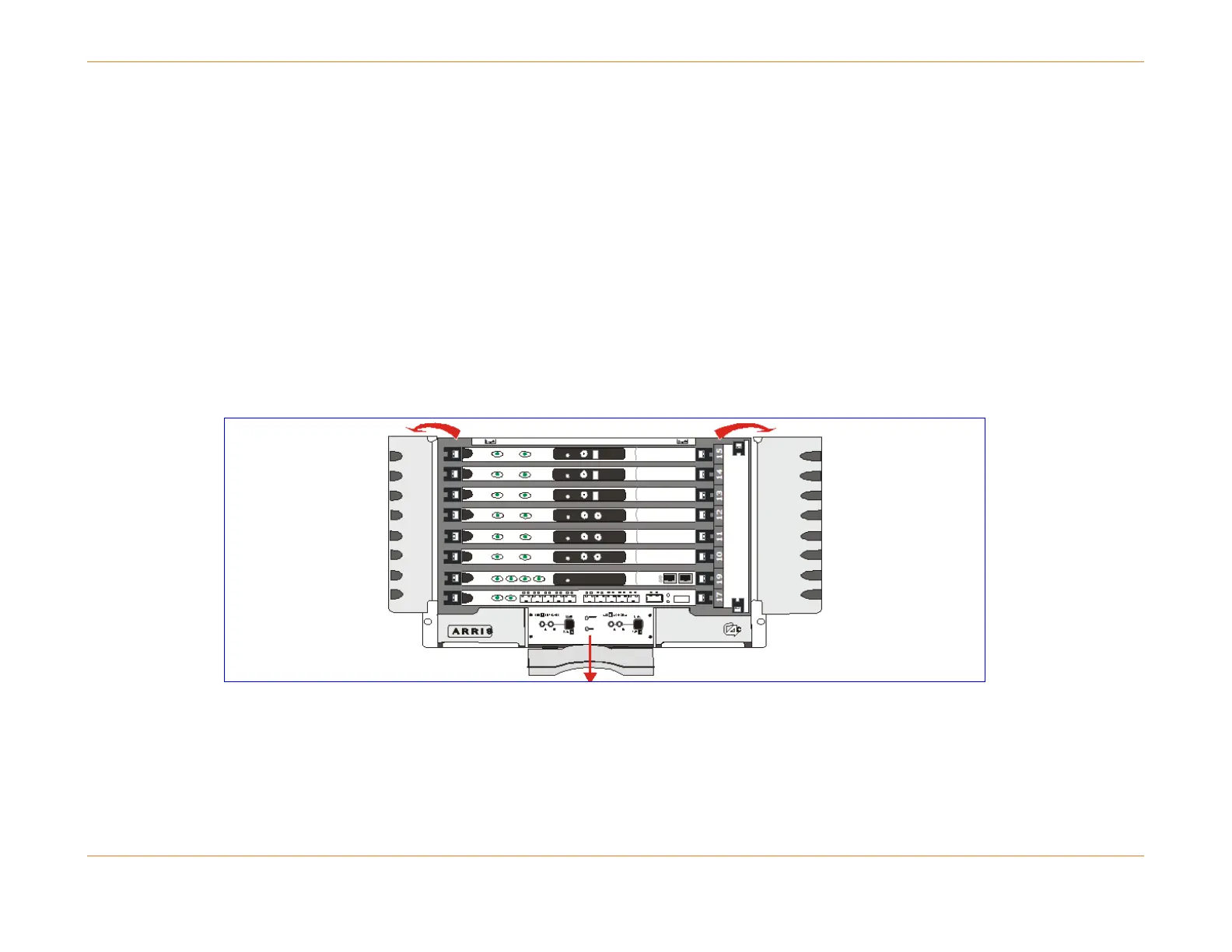
Protective panels mounted on the front of the chassis flip open, as illustrated in the figure below SFP and XFP Ethernet
Interfaces (page 214).
The bottom single panel flips down to reveal the power panel and power LEDs.
The side panels flip open to allow access to the ejector clips for the front modules.
Figure 38: C4c Front Access Panel



 To Next Page