Chapter 45: CLI Overview
STANDARD Revision 1.0 C4® CMTS Release 8.3 User Guide
© 2016 ARRIS Enterprises LLC. All Rights Reserved. 1105
Keyboard Shortcuts
In the CLI, you can use keyboard sequences to navigate and edit a command line. You can also use keyboard sequences to
scroll through a list of recently executed commands. The following table lists the line-editing keys that are available in the
CLI.
These shortcuts are available in a telnet session (LAN connection) only. They are NOT available from a serial connection.
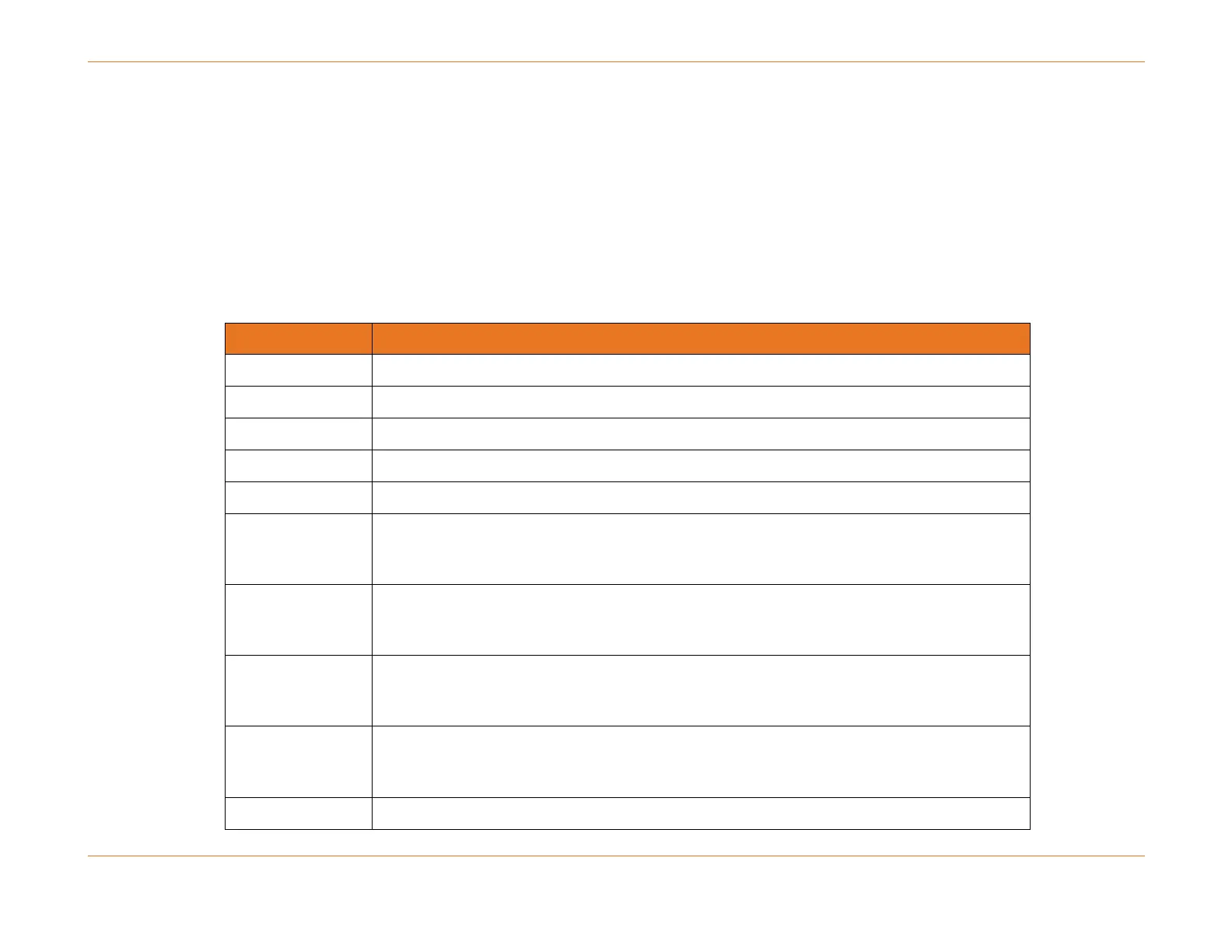
Table 141. CLI Editing Shortcuts
Deletes one character to left of cursor (back).
Deletes the current character.
Moves the cursor forward one character.
Moves the cursor back one character.
Scrolls backward through all commands in the history buffer starting with the most
recent. Repeat keystroke to recall successively older commands.
Scrolls forward through all commands in the history buffer after recalling commands
with the up arrow key. Repeat keystroke to recall successively more recent commands.
Moves the cursor back one word.



 To Next Page