Chapter 5: C4c CMTS Installation Requirements
STANDARD Revision 1.0 C4® CMTS Release 8.3 User Guide
© 2016 ARRIS Enterprises LLC. All Rights Reserved. 137
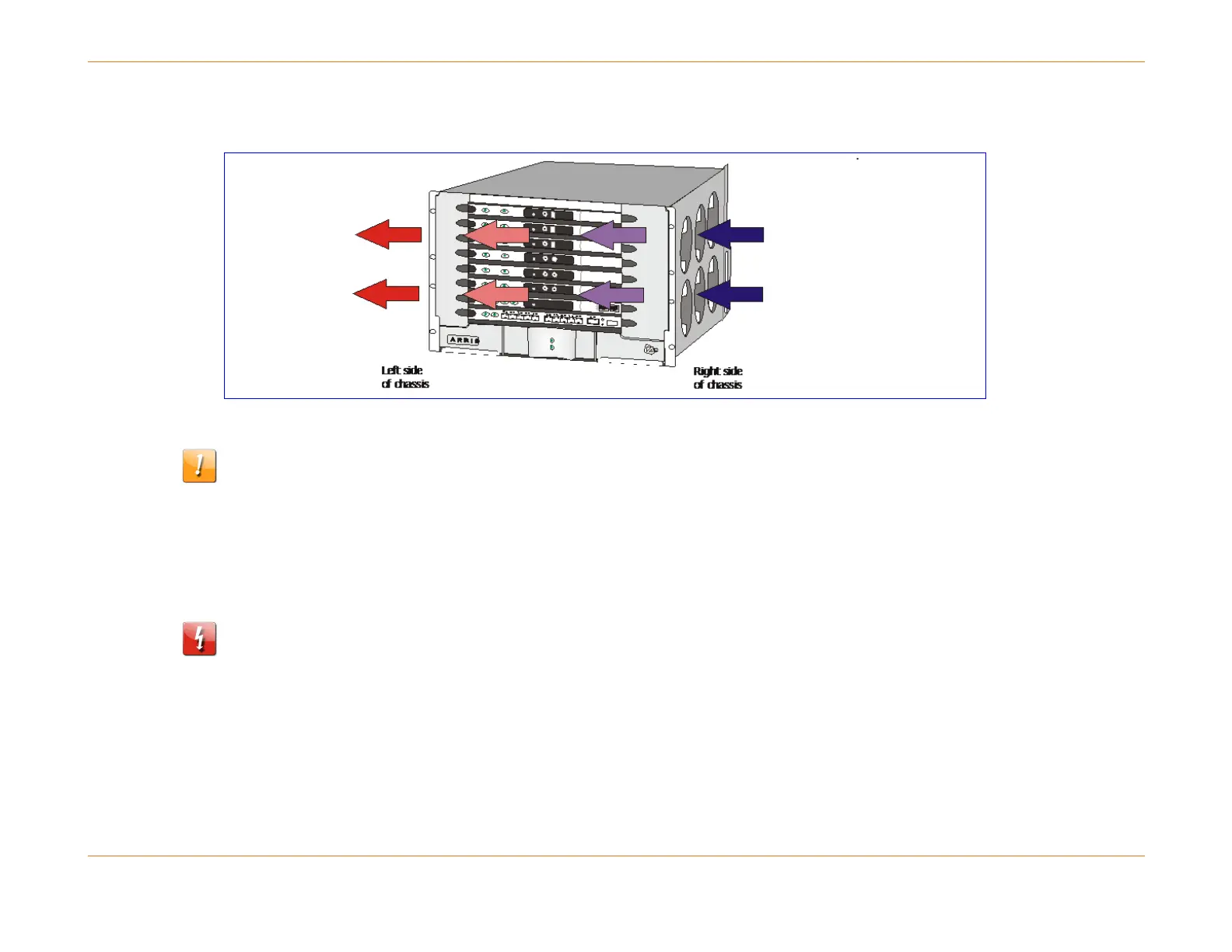
Figure 24: Internal Air Flow (side view)
CAUTION: Allow sufficient clearance for airflow around the chassis.
Rack Mounting the C4c CMTS
The following steps outline how to rack mount the C4c CMTS.
WARNING: Ensure that the rack is stable and properly bolted to the floor so that weight of the chassis does not make it
unstable.
How to Rack Mount the C4c CMTS
1. Attach the supplied green protective earth ground cable to either the front or rear termination point of the chassis, as
illustrated in the figure above, prior to placing the chassis in the rack. The other end of the protective earth ground
cable should extend to the back. See see "Grounding the Chassis (page 138).



 To Next Page