CAPINTEC, INC. CAPTUS
®
4000e
November 16 LAB TESTS 10-13
Figure 10-17
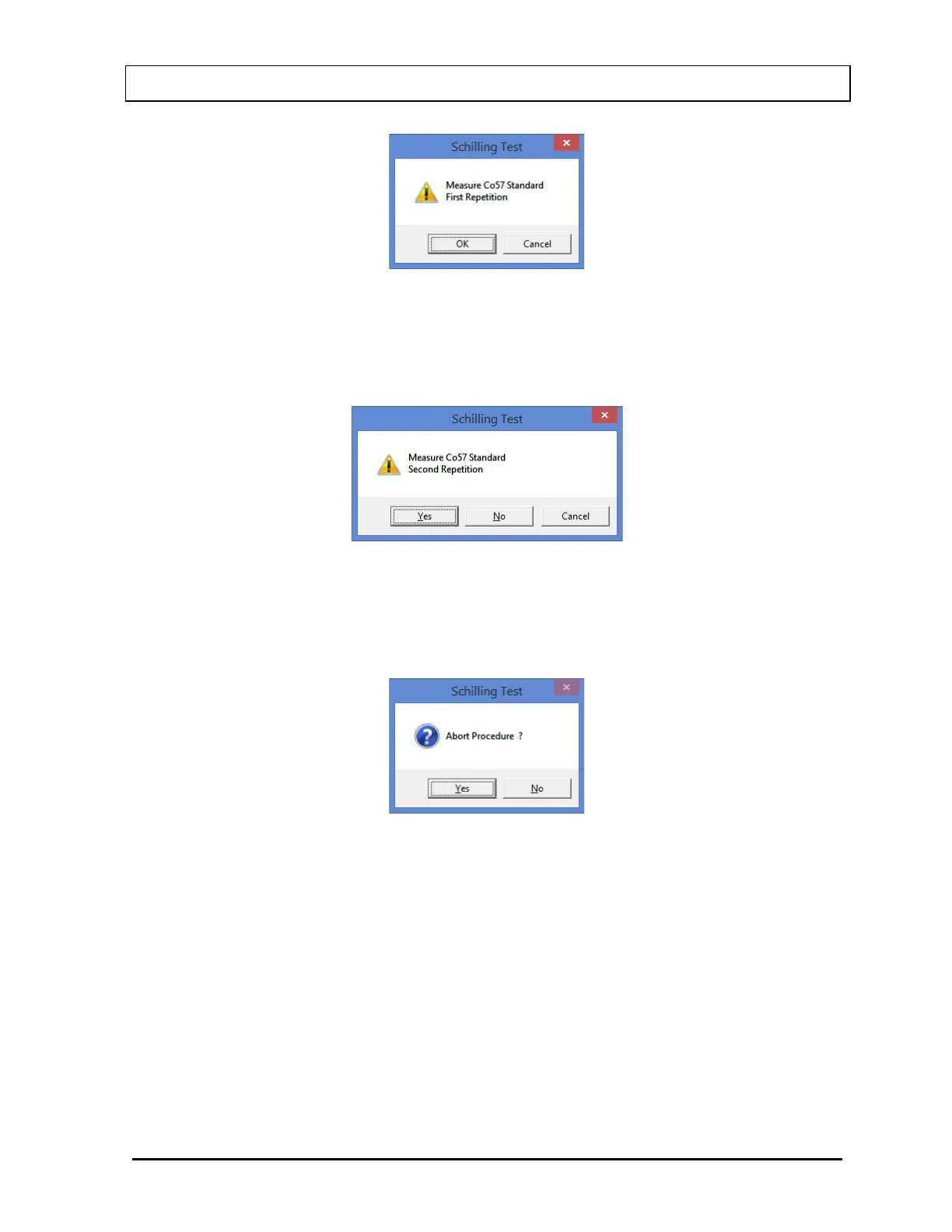
Note: If the number of Repetitions in the setup has been set to 2, each measurement,
except for the room background, will be repeated twice. You may skip the second
repetition, if desired, by selecting the No button as shown in Figure 10-18.
Figure 10-18
To begin counting, place the standard in the well and select the OK button. To quit
counting, select the Cancel button. This will give a prompt to abort the patient test, as
shown in Figure 10-19.
Figure 10-19
To abort the procedure, select the Yes button or press the Y key. Collected data will be
discarded and the screen will return to the Schilling Test Measurement Screen (Figure
10-12). To resume the test, select the No button or press the N key.
7. The screen appears as shown in Figure 10-20, prompting you to measure the patient
urine sample.



 To Next Page