CAPINTEC, INC. CAPTUS
®
4000e
11-4 BIOASSAY August 15
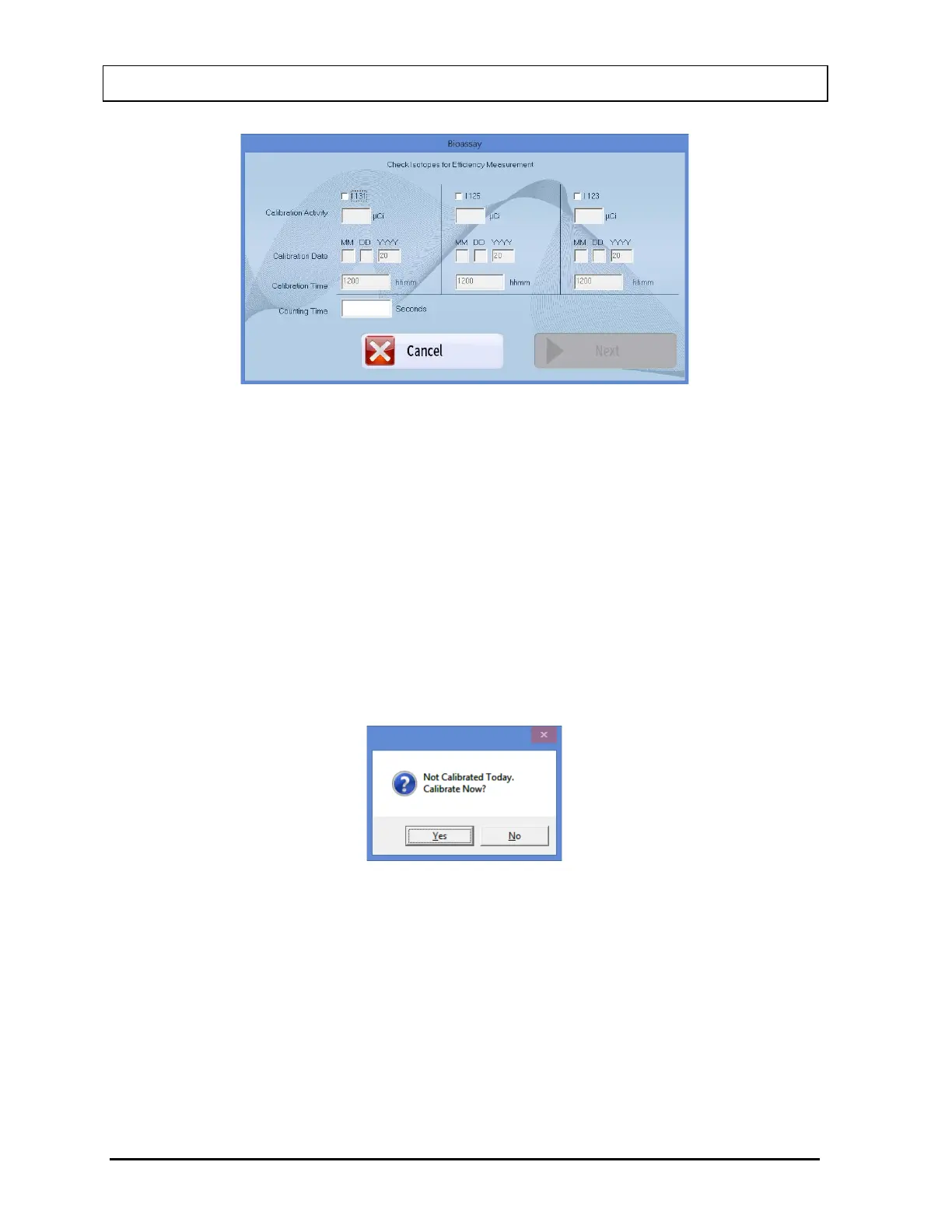
Figure 11-3
i. Click in the check box to select one or more isotopes for efficiency measurement
(a check should appear in the box). Depending on the isotopes selected, the
boxes below (Calibration Activity, Calibration Date, Calibration Time) the
selected isotope become enabled.
ii. For each isotope selected, enter the Calibration Activity, Date and Time from the
source label.
iii. Select the Next button or press Alt+N. The screen appears as shown in Figure
11-5.
Note: If calibration has not been performed, you will be prompted with the screen as
shown in Figure 11-4. If calibration is performed, after the calibration is complete,
the program will return to the Bioassay measurement screen shown in Figure
11-5.
Figure 11-4



 To Next Page