CAPINTEC, INC. CAPTUS
®
4000e
11-6 BIOASSAY August 15
Figure 11-7
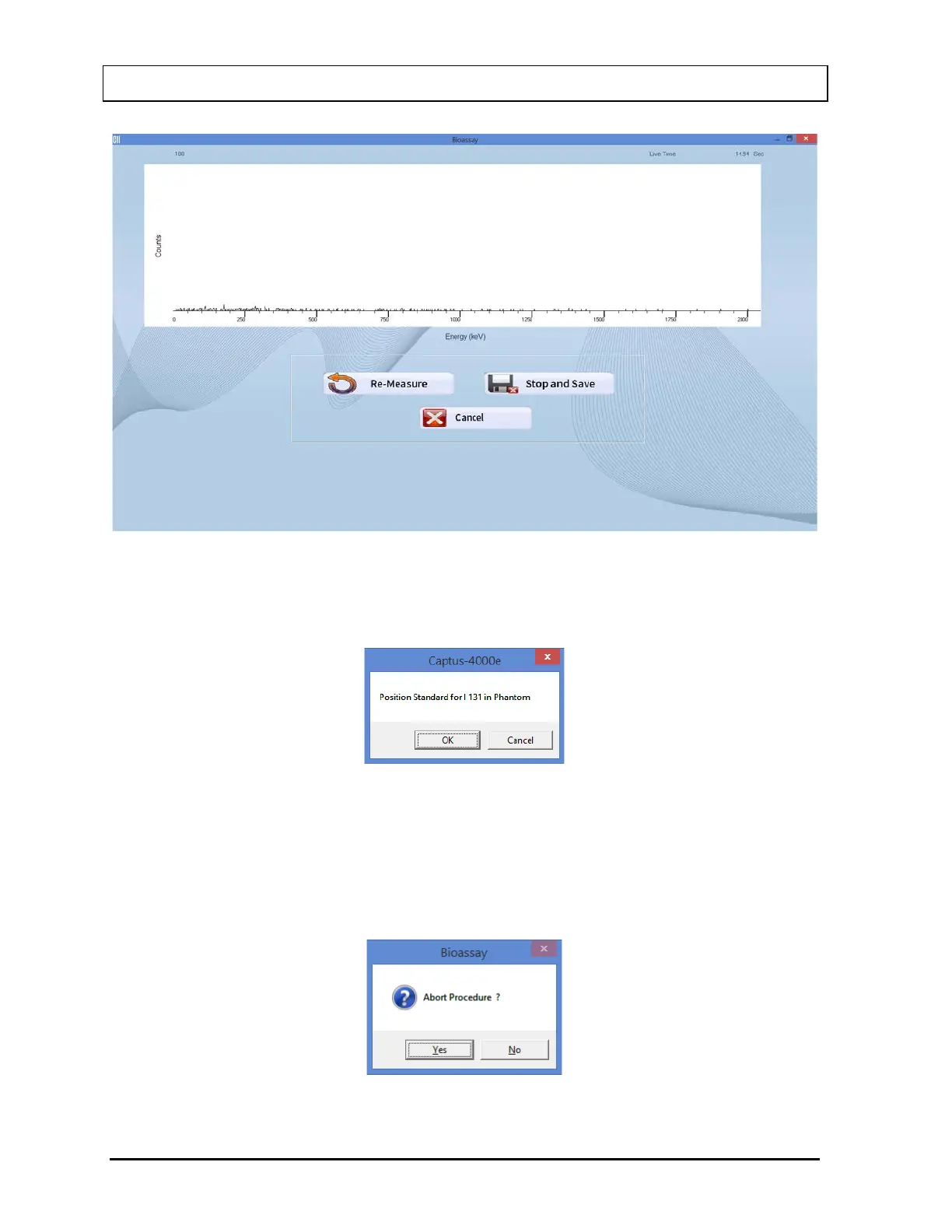
vi. The screen shown in Figure 11-8 appears next, prompting you to measure the
selected isotope for efficiency measurement.
Figure 11-8
To measure the isotope, place the isotope standard in the Neck Phantom exactly
simulating the geometry used in the Bioassay measurement and select the OK
button. Data collection begins as shown in Figure 11-7 above. To stop the
measurement, select the Cancel button. The screen then appears as shown in
Figure 11-9.
Figure 11-9



 To Next Page