CAPINTEC, INC. CAPTUS
®
4000e
December 15 CUSTOM PROTOCOLS 15-5
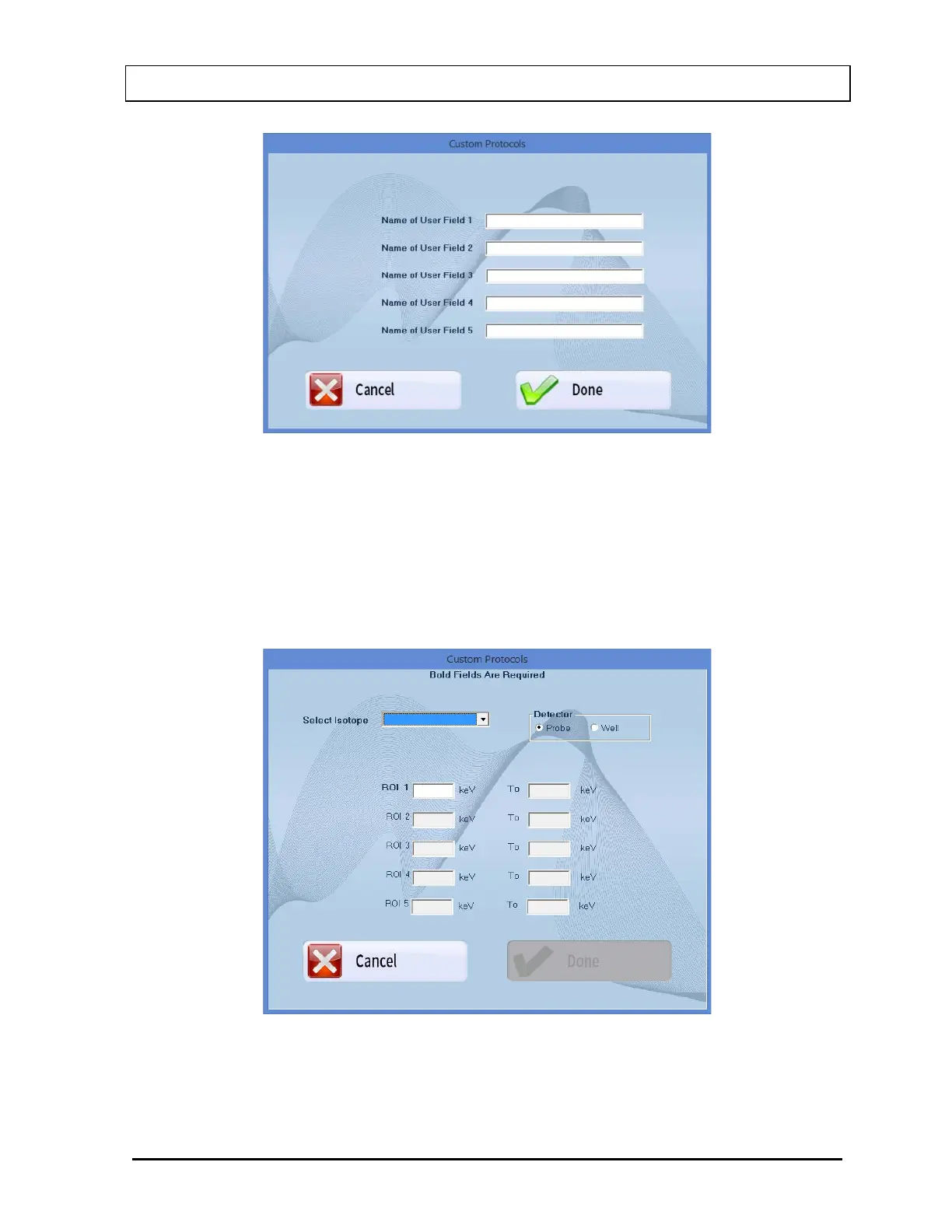
Figure 15-4
8. Up to 5 additional fields may be entered. These are all numeric fields. Input a name
(32 characters max) for each field that will be needed. Fields that are named will be
available when a patient is entered. If a name is not entered for a field, it will not be
displayed when a patient is entered.
9. Select the ROIs and Detector button. The screen will appear as shown in Figure
15-5.
Figure 15-5
10. Select the appropriate radio button in the Detector frame to select the detector
(Probe or Well) that will be used for the measurements.



 To Next Page