CAPINTEC, INC. CAPTUS
®
4000e
August 22 QUALITY ASSURANCE 5-7
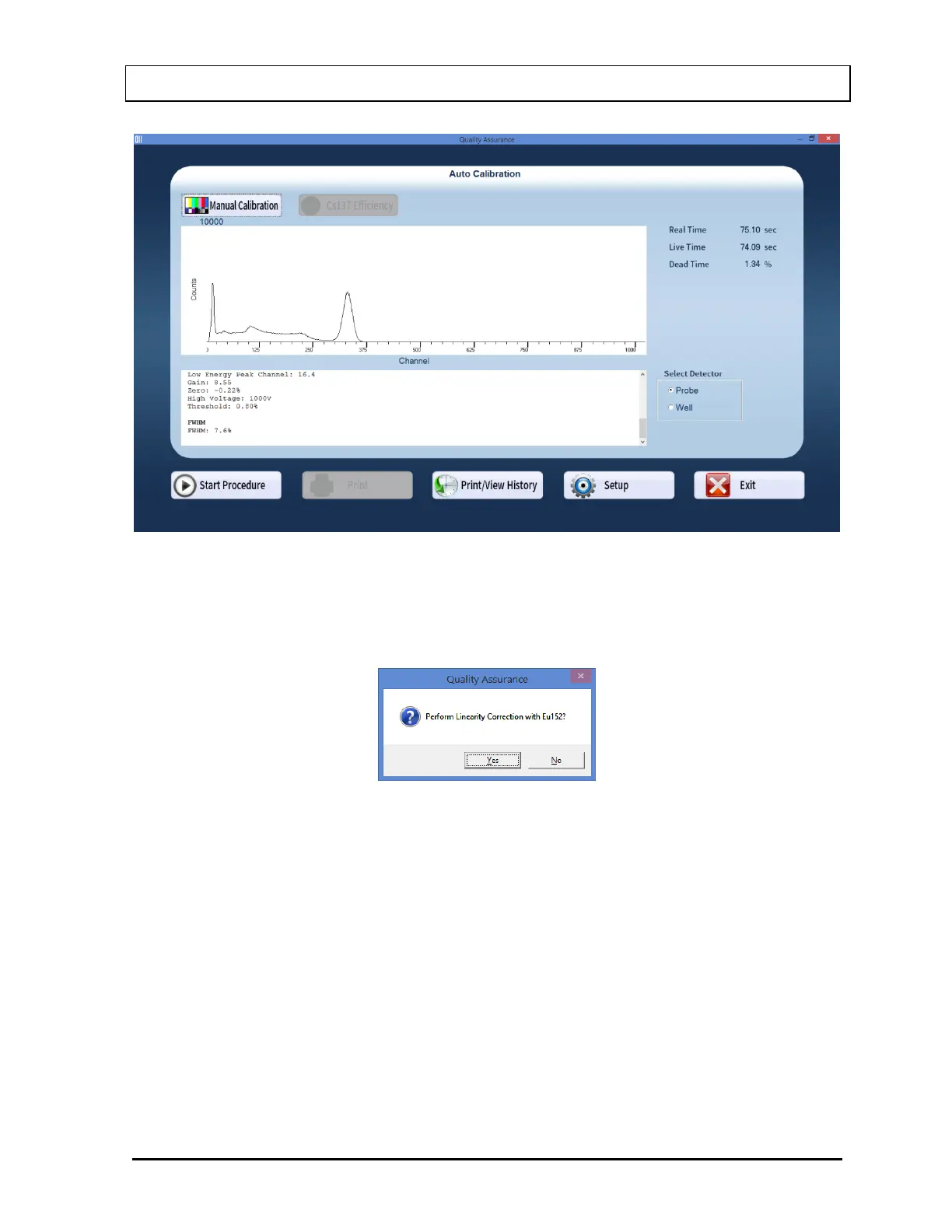
Figure 5-5
8. Next, the screen appears as shown in Figure 5-6, prompting you to perform Linearity
Correction using Eu152. This step, though optional, is highly recommended for fine-
tuning your system.
Figure 5-6
9. Select the Yes button or press the Y key to proceed with further calibration. Otherwise
select the No button or press the N key to stop here.
10. If you are continuing with Eu152, the screen appears as shown in Figure 5-7. Place the
Eu152 source in the selected detector in the same position as Cs137 and select the OK
button.



 To Next Page