CAPINTEC, INC. CAPTUS
®
4000e
5-8 QUALITY ASSURANCE August 17
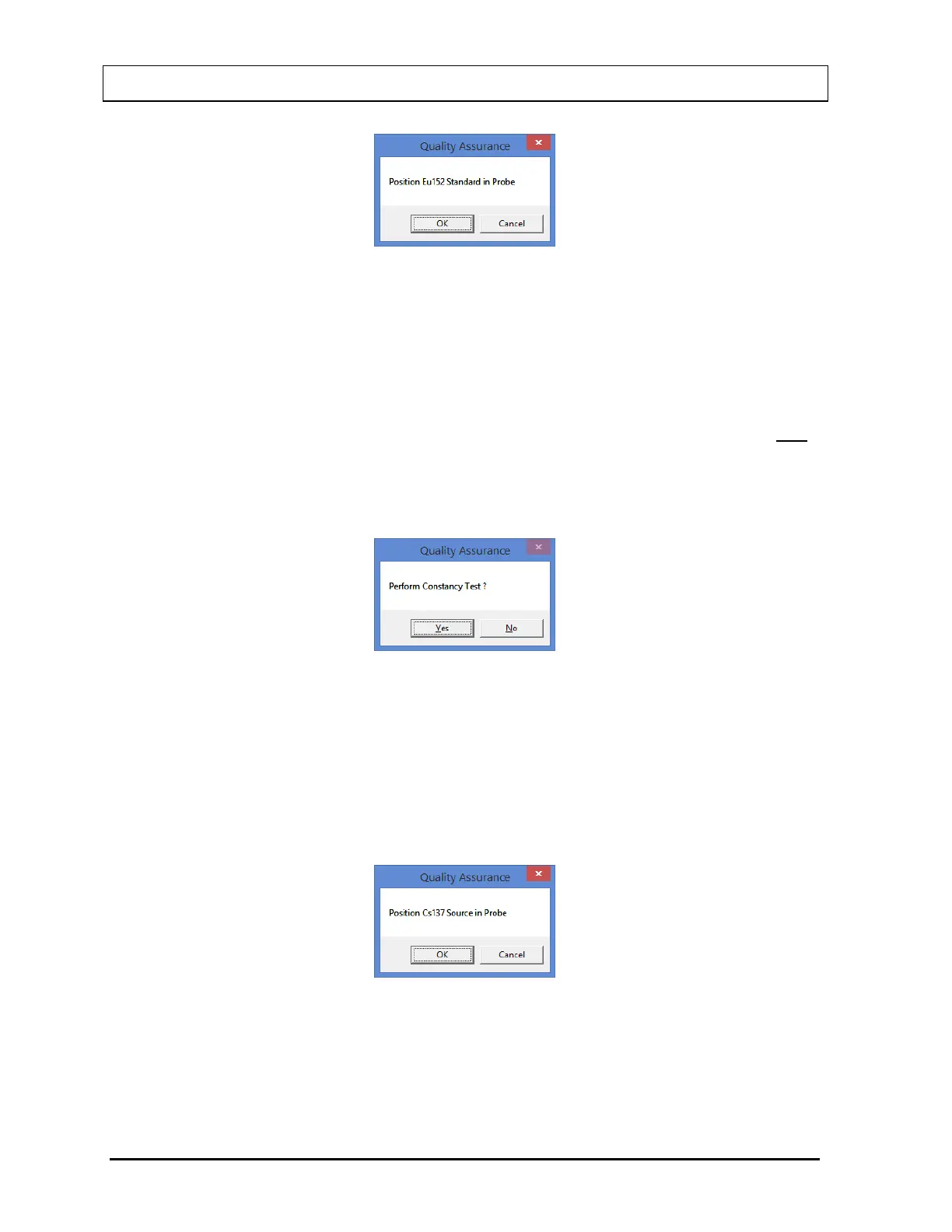
Figure 5-7
After the count collection is over, the system is fully calibrated. Complete results are
displayed in the lower half of the screen and all the data is automatically stored in the
system.
Note: If the calibration is not successful, select the Manual Calibration button or press
Alt+M on the Auto Calibration screen. The MCA module is started. Refer to
CHAPTER 13: MCA. If this does not correct the problem, contact Capintec’s only
Authorized Service Center for service.
11. If the calibration was successful, Eu152 Linearity Correction results appear on the screen
and the software prompts you to perform Constancy Test as shown in Figure 5-8.
Figure 5-8
Note: The Constancy Test requires a Cs137 efficiency value as measured on your
system. If the Cs137 efficiency has never been measured on your system for the
selected detector, do not perform Constancy Test at this time. Select the No
button or press the N key to finish the Auto Calibration procedure. Perform the
Constancy Test as described in the CONSTANCY TEST section on page 5-11.
12. Select the Yes button or press the Y key to proceed. Figure 5-9 will be displayed.
Figure 5-9
13. Place the Cs137 source rod in the selected detector. Since the Constancy Test is a
measure of reproducibility, it is important that the source be placed in exactly the same
position each time the Constancy Test is performed.



 To Next Page