EasyManua.ls Logo

Renault Duster 2007 - Page 1160

Renault Duster 2007
1162 pages
Print Icon
To Next Page IconTo Next Page
To Previous Page IconTo Previous Page
Loading...
88B-14
V1
MR-453-X79-88B000$050.mif
MULTIPLEXING
Fault finding – Fault Finding Chart
88B
ALP 1
CONTINUED 2
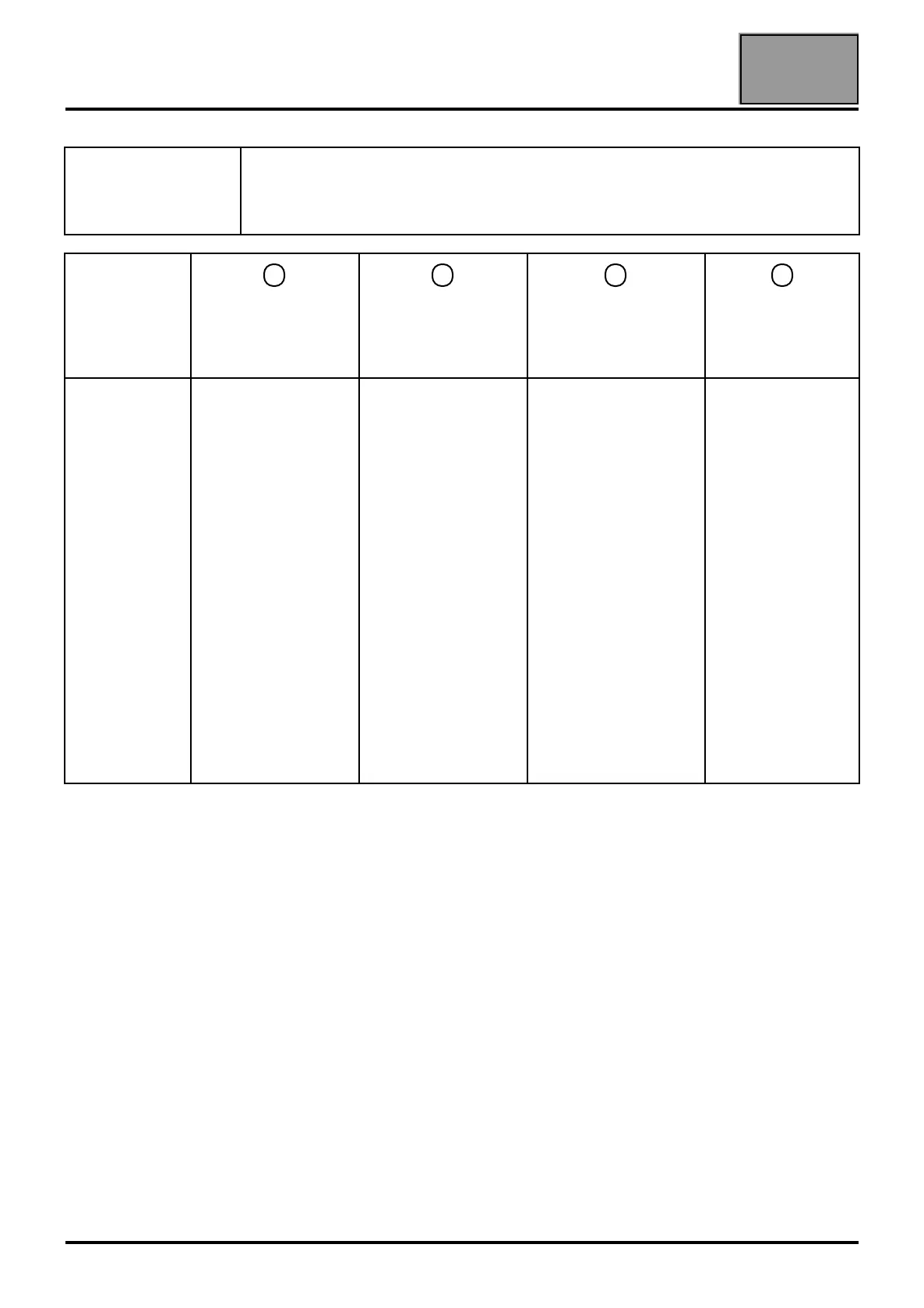
Description of
warning lights
displayed on
the sensor from
left to right
Warning light 1
shows the supply
status
Warning light 2
shows the type and
status of the
connection
Warning light 3
shows the level of
communication with
the vehicle
Reserved for the
Nissan tool
To be checked
If red or off:
–Initialisation or
connection fault.
Disconnect and
reconnect the
sensor several
times. If the result is
not conclusive, try
with another
sensor.
If off:
–Wireless
connection: Try
connecting with a
USB cable. If the
warning light
illuminates orange,
then check the
configuration of the
wireless
connection. If it is
not correct, call the
Techline.
–With a wired
connection: Try with
another USB cable,
another clip or
another sensor in
order to determine
the defective
component.
If warning light 3
is off or red and
warning light 2
is illuminated:
–in this case, during
the multiplex network
test check that the
green warning light
flashes and that the
test conditions have
been met (+ after
ignition feed, vehicle
selection, etc.)
otherwise apply the
electrical checks
below.
If the warning light
is on:
Contact the Techline.

Table of Contents

Related product manuals