1
2
3
4
5
6
7
8
9
0
ENT
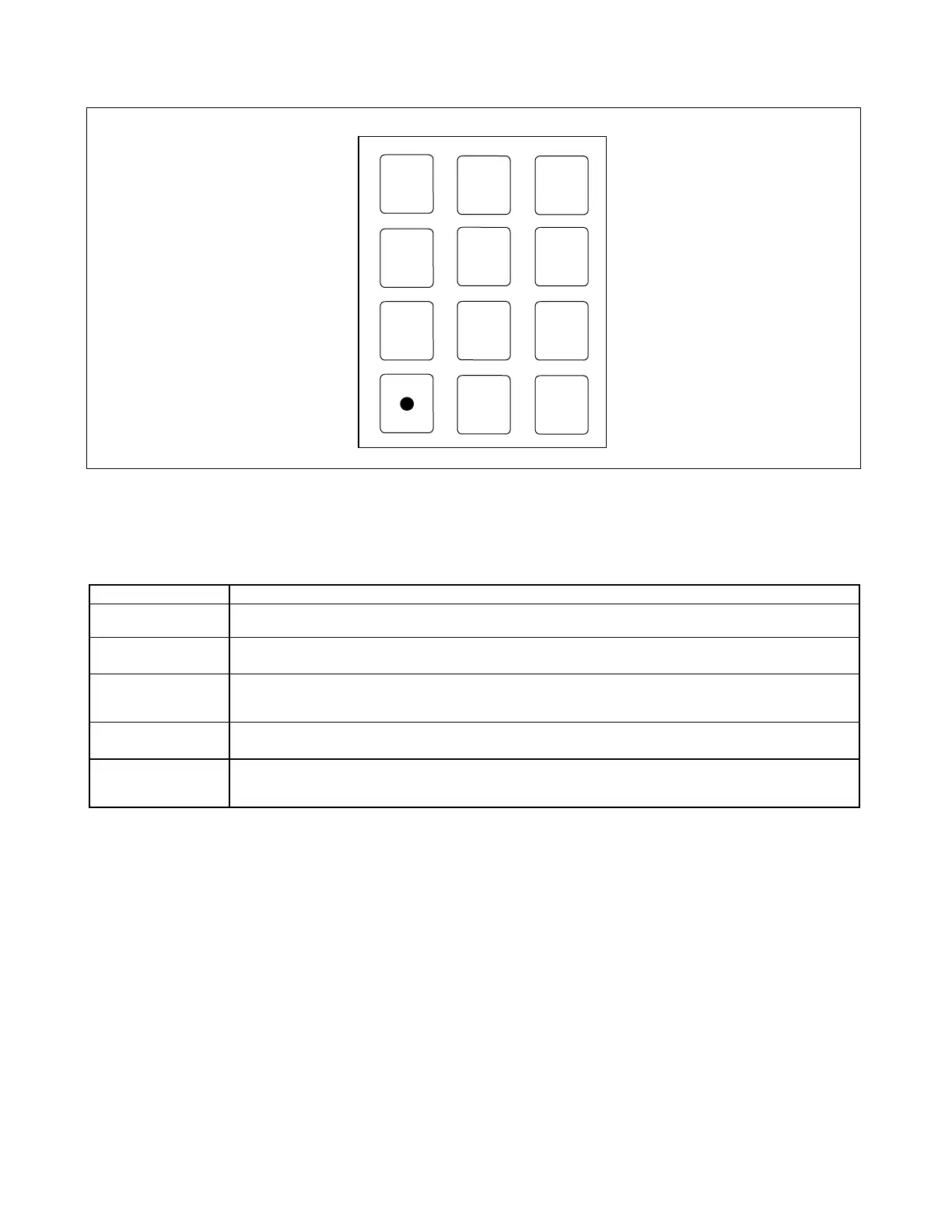
Figure 6-2. The RFL 9300 keypad
Table 6-2. Keypad functions, RFL 9300 Charge Comparison System
Key Marking Function
[1] through [9], [0]
Used to enter the security codes required to enter or exit some RFL 9300 display modes. Also used to enter
parameter numbers listed in Tables 6-5 or 6-6 (as applicable).
[8] and [0]
When not activated for numeric entry, these keys are used to scroll between option selections for each mode
parameter displayed on the bottom line of the display.
[9]
When not activated for numeric entry, used to move backwards through the display parameters; works opposite
from the [ENT] key, which moves forward through the parameters. (Changes made to settings are only ac-
cepted when the [ENT] key is used.)
[.]
Activates the numeric functions of the [0] through [9] keys.
[ENT]
Used to scroll between display modes. Once you have entered a display mode, the [ENT] key can be used to
move from one display parameter to the next. The [ENT] key is also used to enter changes in these parame-
ters.
RFL 9300 RFL Electronics Inc.
January 30, 2002 6-4 (973) 334-3100



 To Next Page