RFL 9300 END
RFL 9300 RFL Electronics Inc.
January 30, 2002 6-33 (973) 334-3100
RESERVED 1
RECEIVE DATA (RxD) 2 3
TRANSMIT DATA (TxD) 3 2
NOT USED 4
SIGNAL COMMON 5 5
NOT USED 6
REQUEST-TO-SEND (RTS) 7
CLEAR-TO-SEND (CTS) 8
NOT USED 9
9-PIN D-SUBMINIATURE CONNECTOR
(DB-9) FEMALE
9-PIN
3
2
7
PC OR TERMINAL END
RFL PART NO. 302866-X
D-SUBMINIATURE
CONNECTOR
25-PIN
D-SUBMINIATURE
CONNECTOR
(DB-9) FEMALE
DB-25
FEMALE
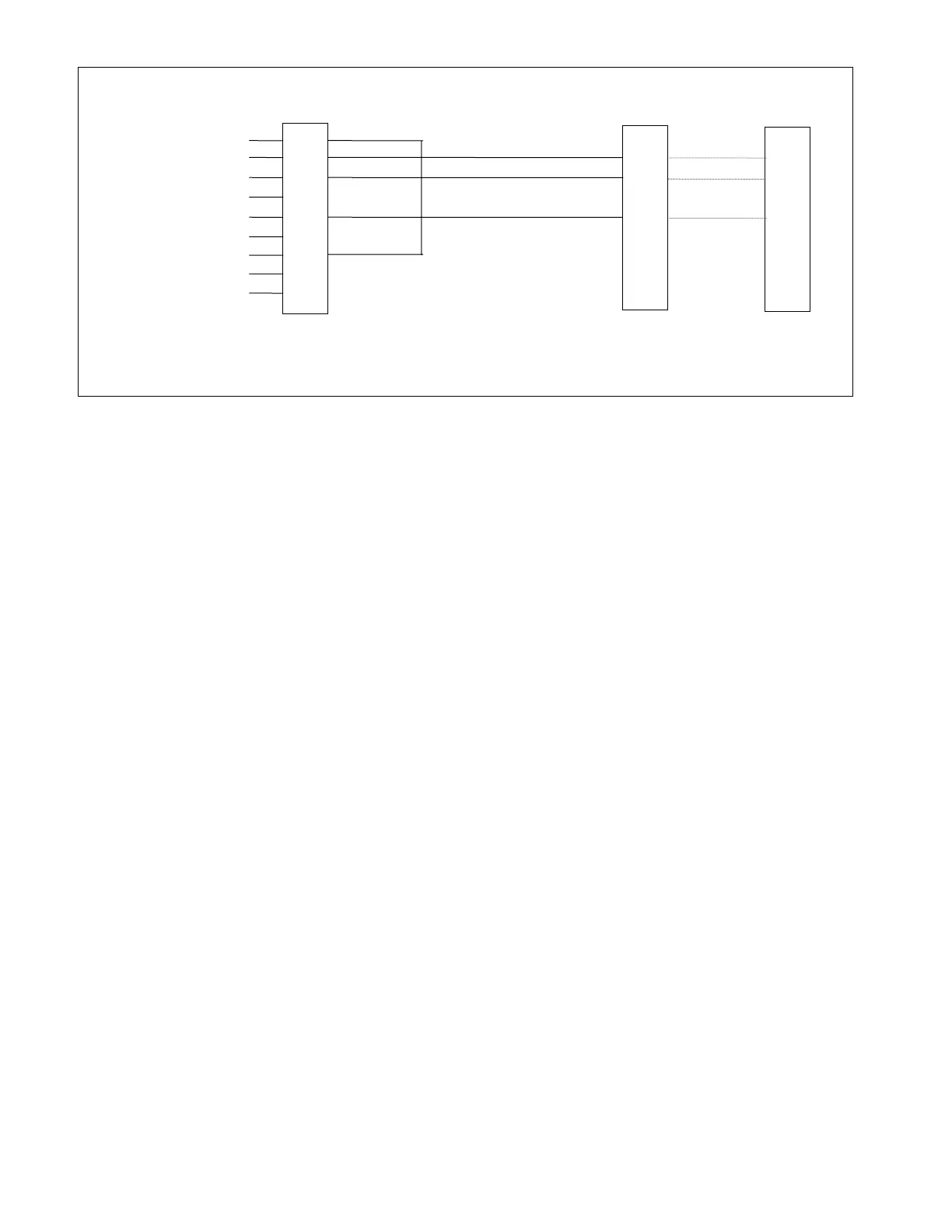
Figure 6-5. Cable connections between RFL 9300 and PC or terminal using XON/XOFF handshaking
In order to select the RFL 9300's baud rate and handshaking protocol, you must enter the programming mode
using the keypad on the RFL 9300's display controller and change two of its parameter settings. To do this, use
the following procedure:
1. Press the [ENT] key three times.
The word "PROGRAM" will appear on the top line of the display, and the word
"DISABLE" will appear on the bottom line.
2. Press the [8] key once.
The word "ENABLE" will appear on the bottom line of the display.
3. Press the [ENT] key once.
The message "SEC CODE" will appear on the display. This means that you must enter a
security code before the RFL 9300 will enter the PROGRAM mode. Press the [.], [2], [4],
[8], and [ENT] keys to enter the required security code.



 To Next Page