6.5 ACCESSING THE RFL 9300 FROM A PC OR TERMINAL
You can use the RS-232 connector on the rear of the RFL 9300 to access it from a dumb terminal or a personal
computer equipped with a terminal emulator. Once connected, you can use APRIL (Asynchronous Program-
ming and Remote Interrogation Language) to do any of the following:
1. View a list of parameter settings.
2. Change parameter settings as required.
3. Monitor RFL 9300 operation.
4. Review lists of alarms.
5. Review the sequence of events log.
6. Observe oscillographs of trip currents (only on a personal computer).
Because APRIL is menu-based, you do not have to memorize the commands. Help screens can always be dis-
played by pressing the [H] key.
To use APRIL, you will have to connect your terminal or PC to the front or rear panel RS-232 connectors. The
rear panel connector is J1 on the relay I/O module, directly behind the power supply module. You can use a
dumb terminal, or a PC or laptop computer with an RS-232 port running a terminal emulation program. You
could also connect J1 to one of the ports on an RFL 9660 Digital Switch or a stand-alone modem, and access
the RFL 9300 with APRIL from a remote site.
The rear panel RS-232 port is normally active. When the front panel RS-232 port is activated, the rear port will
be automatically disconnected. The front port is activated by enabling the DTR line on pin 4 of the standard
DB9 female connector. This will normally happen with any communication software running on a laptop or PC>
6.5.1 COMMUNICATION INFORMATION
The serial port on your terminal or computer must be configured the same as the RFL 9300's serial port. The
settings are as follows:
Data Bits 8
Stop Bits 1
Parity None
Baud Rate 1200, 2400, or 9600 baud
Handshaking: XON/XOFF
"Baud rate" determines how fast data is sent through the RS-232 port. Three different settings are possible with
the RFL 9300: 1200 baud, 2400 baud, and 9600 baud. 9600 baud will work in most cases, and is recom-
mended.
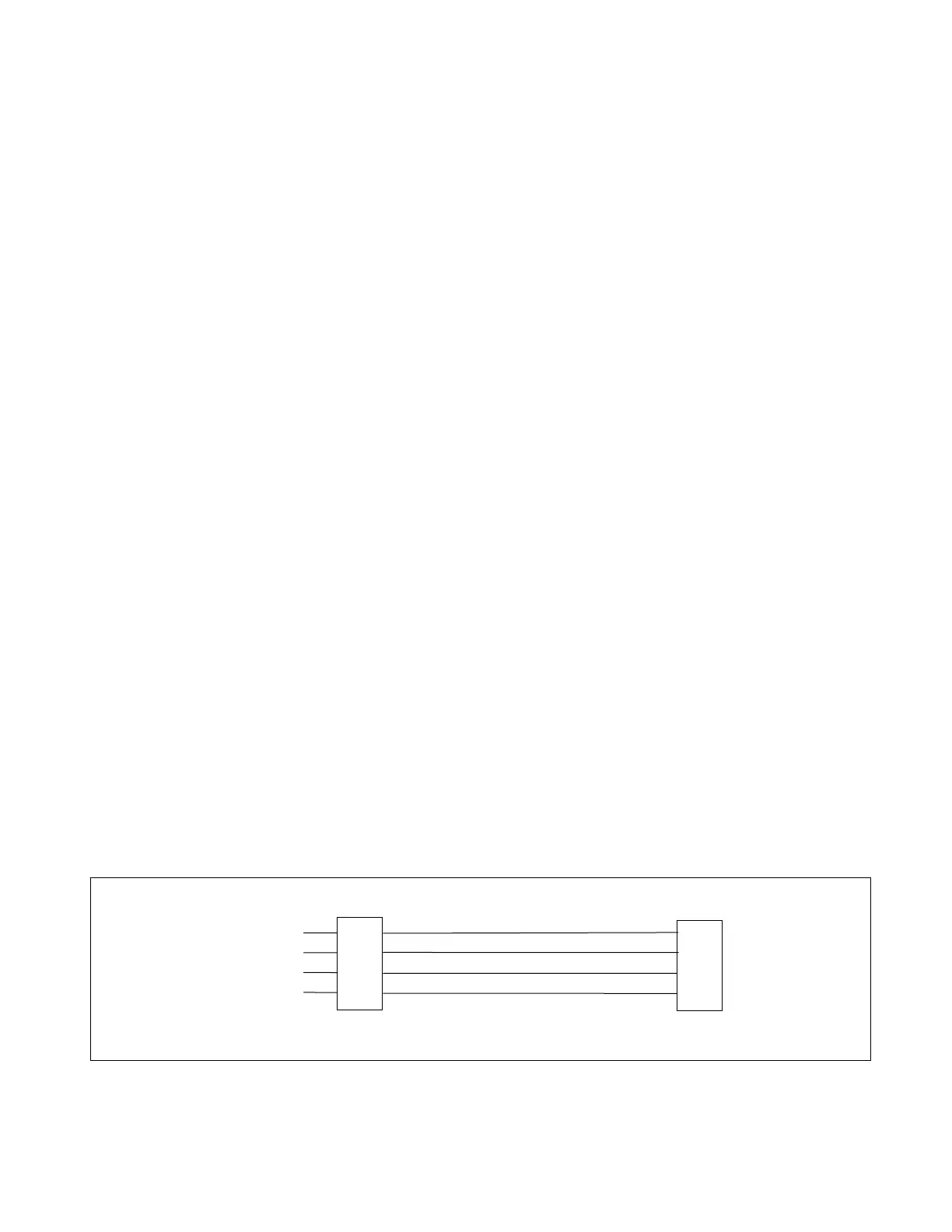
When connecting your PC or laptop to the front panel RS-232 connector, use the straight through cable con-
nections shown in Figure 6-4. When connecting your PC or laptop to the rear panel RS-232 connector, use the
cable connections shown in Figure 6-5.
RTS/CTS handshaking is no longer supported by the RFL 9300.
9-PIN D-SUBMINIATURE
CONNECTOR (DB-9) FEMALE
RFL 9300 END PC OR TERMINAL END
2
3
4
5
2
3
4
5
RECEIVE DATA (RxD)
TRANSMIT DATA (TxD)
DATA TERMINAL READY(DTR)
SIGNAL COMMON
9-PIN D-SUBMINIATURE
CONNECTOR (DB-9) MALE
Figure 6-4. Front Panel RS-232 cable connections.
RFL 9300 RFL Electronics Inc.
January 30, 2002 6-32 (973) 334-3100



 To Next Page